- Home
- Outfit Swap
Outfit Swap
Swap outfits between two photos or restyle one image with AI. Keep faces intact and get realistic outfit transfers fast.
Swap Outfits Between Two Photos
Upload Target + Reference
Add the photo you want to edit and a reference photo showing the outfit to copy.
Match Pose and Lighting
Similar angles and lighting help the AI transfer the outfit naturally.
Generate and Compare
Review the swap, adjust if needed, and export your final result.
Photo Matching for Two-Photo Swaps
Similar poses and lighting = seamless outfit transfers.
Do This
- Both photos show full body
- Similar pose and camera angle
- Matching lighting direction
- Clear outfit edges in reference
- Simple backgrounds in both
- Same aspect ratio if possible
Avoid This
- Mismatched body poses
- Different lighting conditions
- Reference outfit partially hidden
- One photo cropped at waist
- Heavy filters on either photo
- Different camera distances
Pro Tip
For best results, use photos shot at similar distance and angle. The AI preserves your pose while transferring the outfit.
Outfit Swap Transformations
See how outfits transfer between different photos while preserving pose and identity.


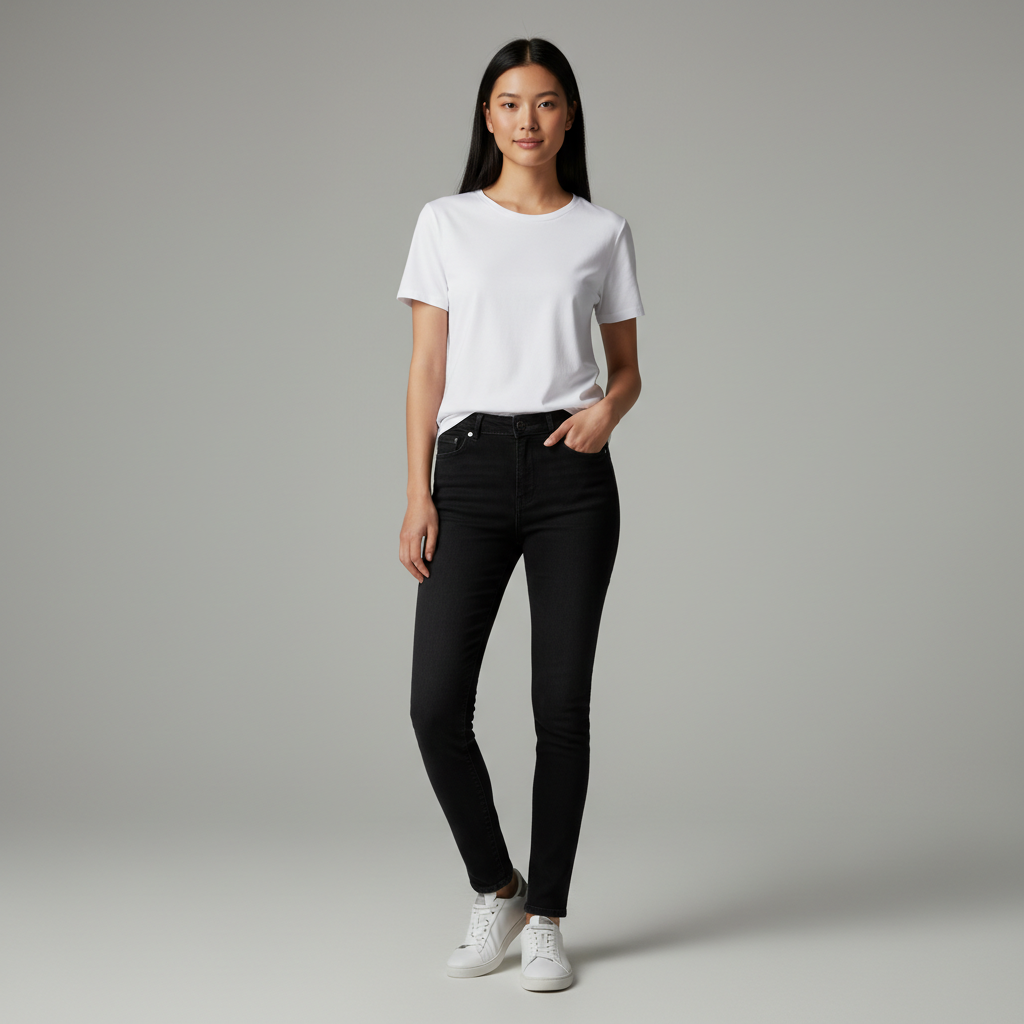
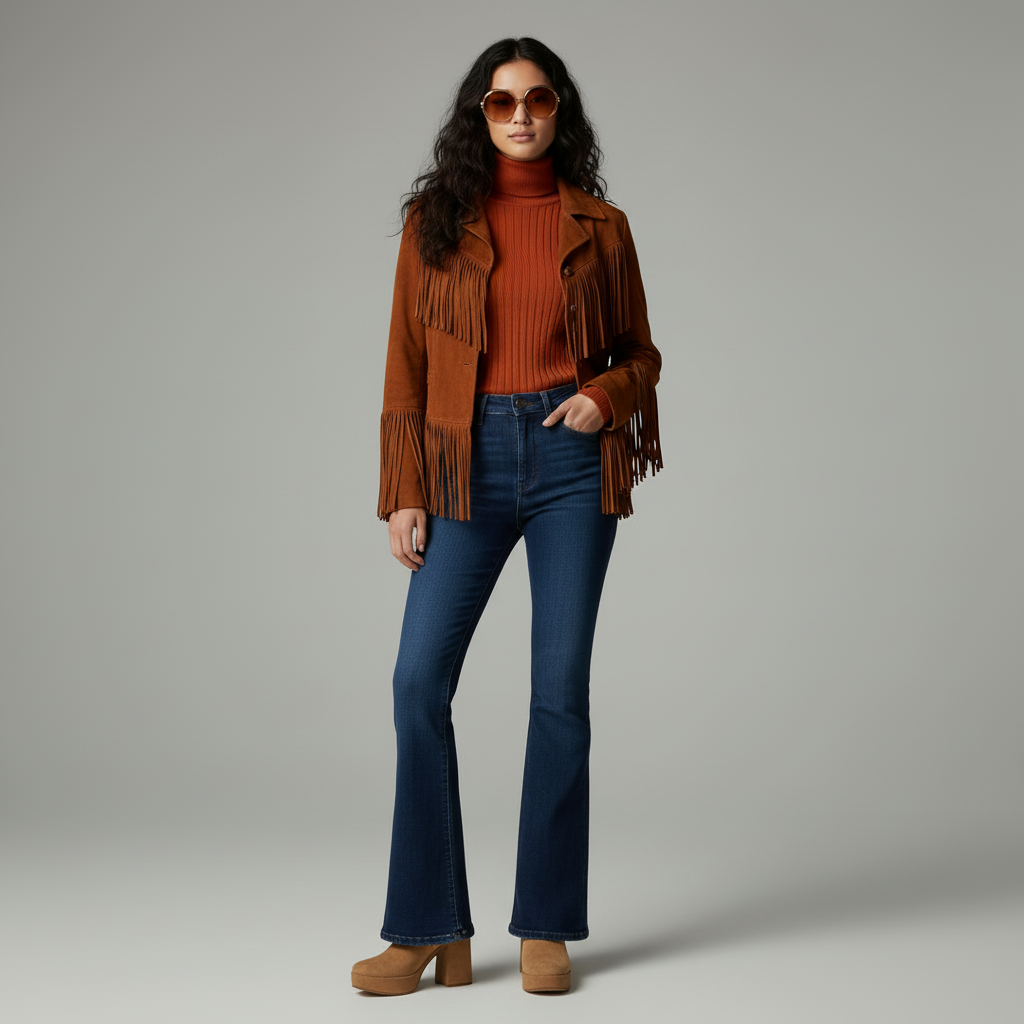
Casual to clean elegant look


Simple dress to elegant gown


Basic top to floral pattern
What outfit swap means
Outfit swap lets you replace one outfit with another. You can swap between two photos or restyle a single photo by describing a reference outfit.
Two swap modes
Two photo swap
- Best when you want to move an outfit from Photo B onto Photo A
- Requires similar pose, camera angle, and lighting
Single photo restyle
- Use one photo and describe the target outfit
- Faster when you do not have a second reference photo
Two photo alignment checklist
- Similar pose and body angle
- Similar camera distance and focal length
- Similar lighting direction
- Full body visible in both photos
- Simple background for clean edges
Prompt structure for swaps
- Start with the outfit you want to apply
- Mention key garment parts (jacket, top, pants, shoes)
- Add "keep face, hair, and background unchanged"
Example: "Swap to a black tuxedo with satin lapel, white shirt, bow tie. Keep face and background unchanged."
Partial swaps
You can swap only a top or bottom. Be explicit: "Replace the jacket with a navy blazer. Keep jeans and shoes unchanged."
Group photo warning
Group photos are harder because the model must separate multiple people. If possible, crop to a single subject and generate one person at a time.
Common problems and fixes
- Warped outfit: use similar pose and camera distance
- Lighting mismatch: pick photos shot in similar light
- Background changed: add a keep line and simplify the prompt
- Outfit edge artifacts: use higher resolution and simpler outfits first
Example workflows
- Two person swap: casual to formal with matching pose
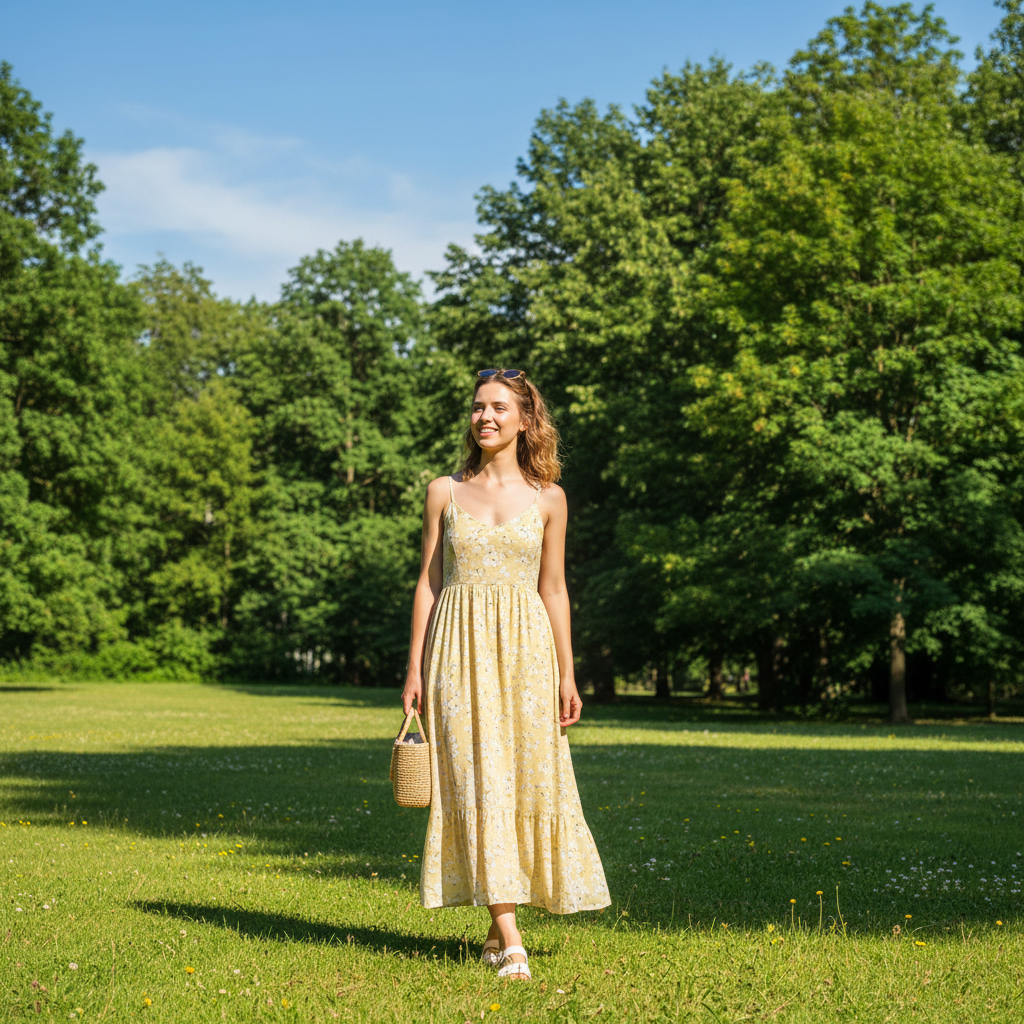
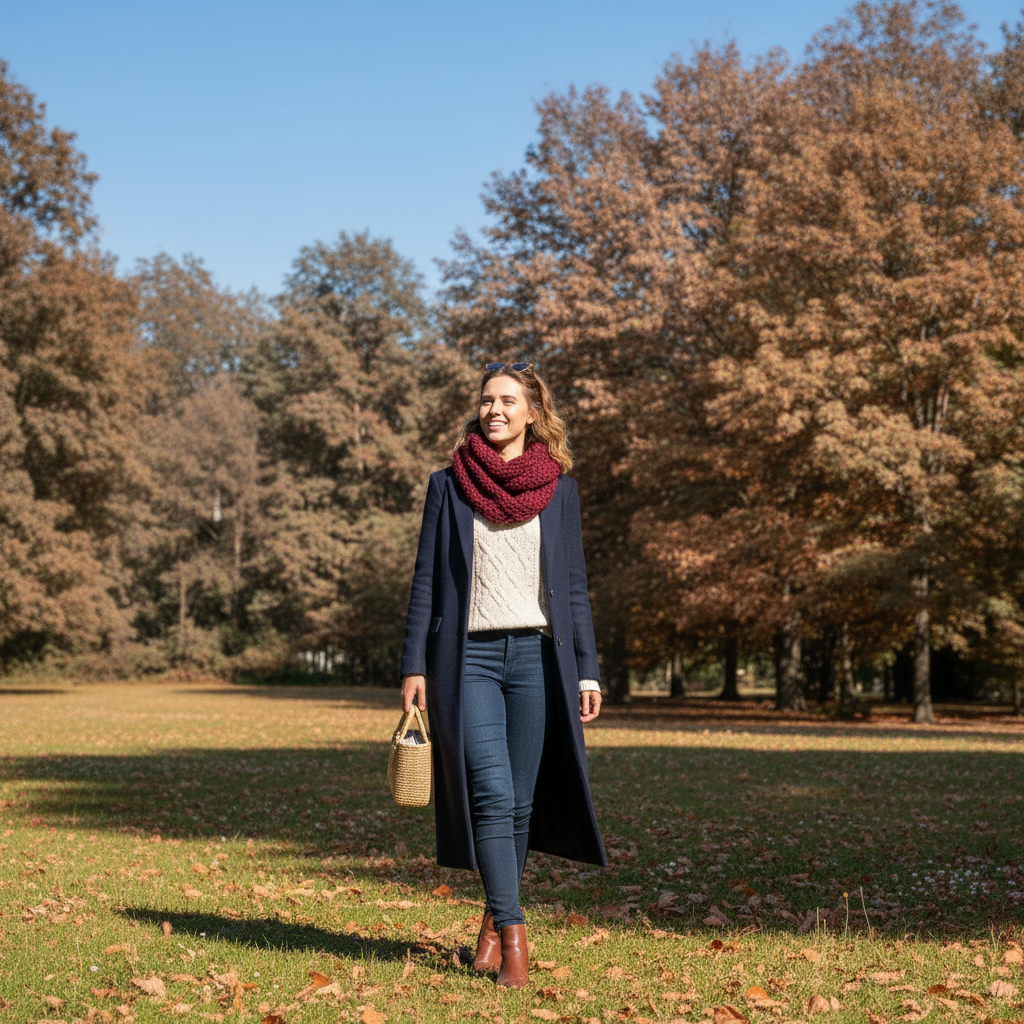
- Same person swap: summer vs winter outfit
- Two photo swap: office suit to event tuxedo
When to use outfit swap vs clothes changer
- Use outfit swap when you have a specific reference outfit
- Use the clothes changer when you want free form restyling
Image ideas to generate
- Two person swap: casual to formal
- Same person: summer vs winter outfit
- Two photo swap with matching poses
- Jacket only swap
- Two colorways of the same outfit
Quality checklist
- Outfit placement follows the original pose
- Edges are clean around sleeves and hems
- Lighting and shadow match the original photo
Case scripts
Apply a tuxedo from a reference photo to the target photo.
Target: full body casual outfit. Reference: tuxedo, similar pose and lighting.
- 1Pose alignment, lapel edges, lighting match.
Gallery title library
Ready to Swap Outfits?
Transfer any outfit from one photo to another. Start free and see the quality.
Related Resources
Ai Clothes Changer
Virtual Try On
How To Change Clothes In A Photo
Ai Clothes Changer Prompts
Free Ai Clothes Changer
Explore more tools and guides in our complete guide