Virtual Try On Clothes — See Any Outfit on Your Photo
Virtual try on clothes online free. Upload a photo, describe the outfit, and see how it looks on you in under 20 seconds. No app needed.
A virtual try-on clothes tool is a web-based fitting preview that places outfit ideas on your own photo, so you can compare styles before you buy or visit a fitting room.
Tested by OutfitSwap Studio testing team · Updated 2026-06-15
We test scenario prompts on clear full-body and three-quarter photos, then keep the guidance that preserves identity, pose, lighting, and clothing boundaries most reliably.
Use these example prompts to describe your desired outfit. Copy and customize them for best results.
Business Casual
Navy blue blazer, white button-up shirt, khaki chinos, brown leather dress shoes
officeprofessional
Casual Weekend
Light blue denim jeans, white t-shirt, gray hoodie, white sneakers
casualcomfortable
Formal Event
Black tuxedo with bow tie, white dress shirt, black dress shoes
formalwedding
Summer Outfit
Floral sundress, straw hat, white sandals, sunglasses
summerbeach
Athletic Wear
Black running shorts, red athletic tank top, white running shoes, fitness tracker
sportsgym
Winter Style
Long wool coat in charcoal gray, burgundy scarf, black boots, leather gloves
wintercold weather
Tips for Writing Great Prompts
Be specific about colors, materials, and style details.
Include accessories only when they matter to the final look.
Mention the occasion or setting for context.
Use a short keep line to protect identity and background.
Real results from one workflow
Virtual Try On Before and After Examples
These virtual try on examples show shopping previews, dress comparisons, and suit try-ons before you buy or book a fitting.
Virtual Try-OnShopping-ready
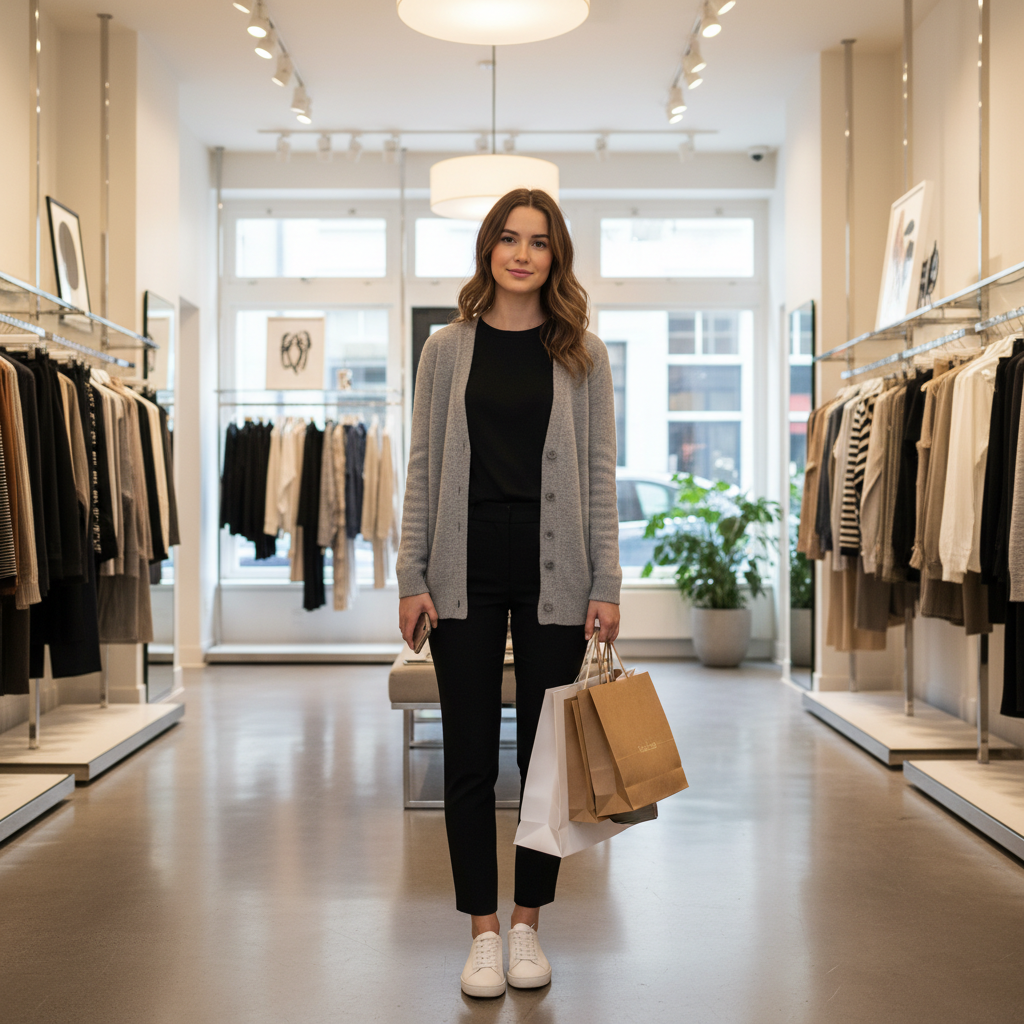
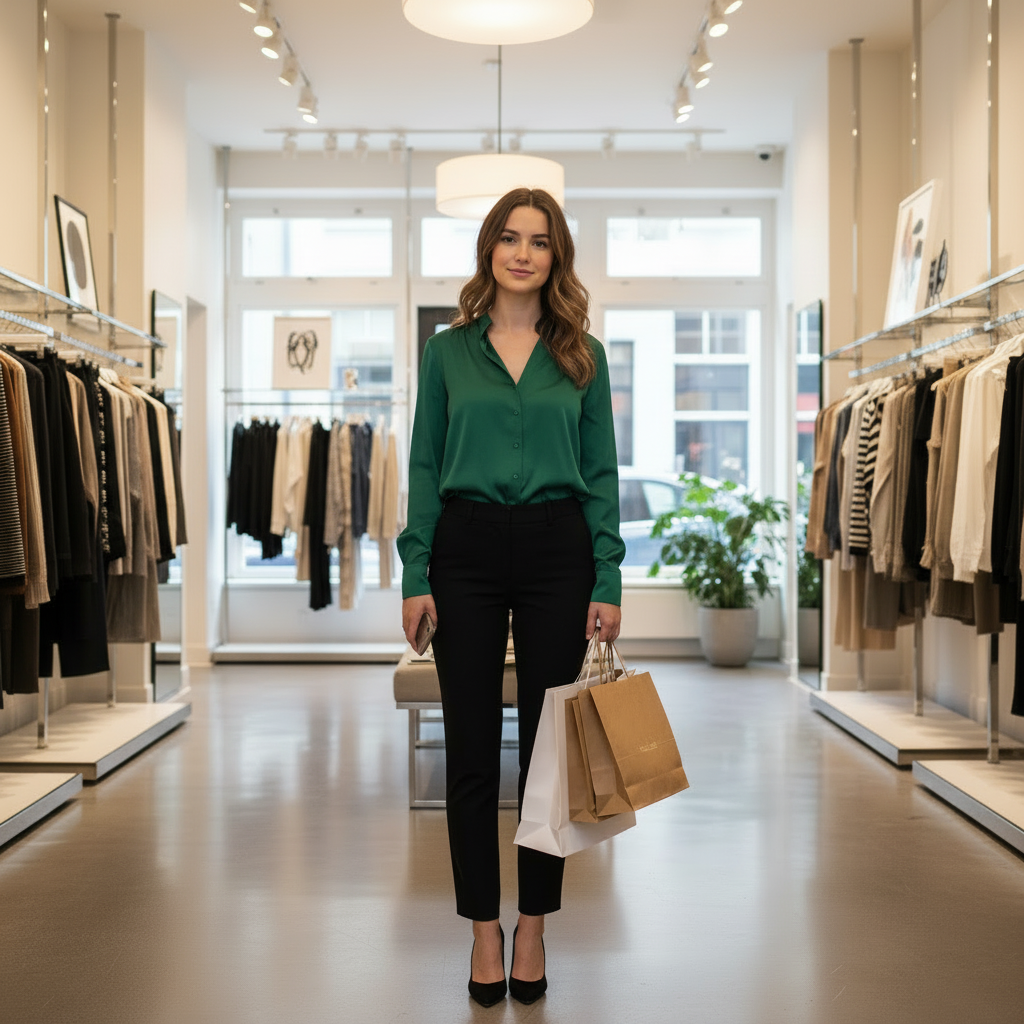
Try On Clothes Online Before You Buy
This virtual try-on example shows the clearest shopping use case: preview a store outfit on your own photo before ordering instead of guessing from a model image.
Best for online shopping, try-before-you-buy decisions, and quick fit previews on the same person.
Before
After
Virtual Try-OnShopping-ready
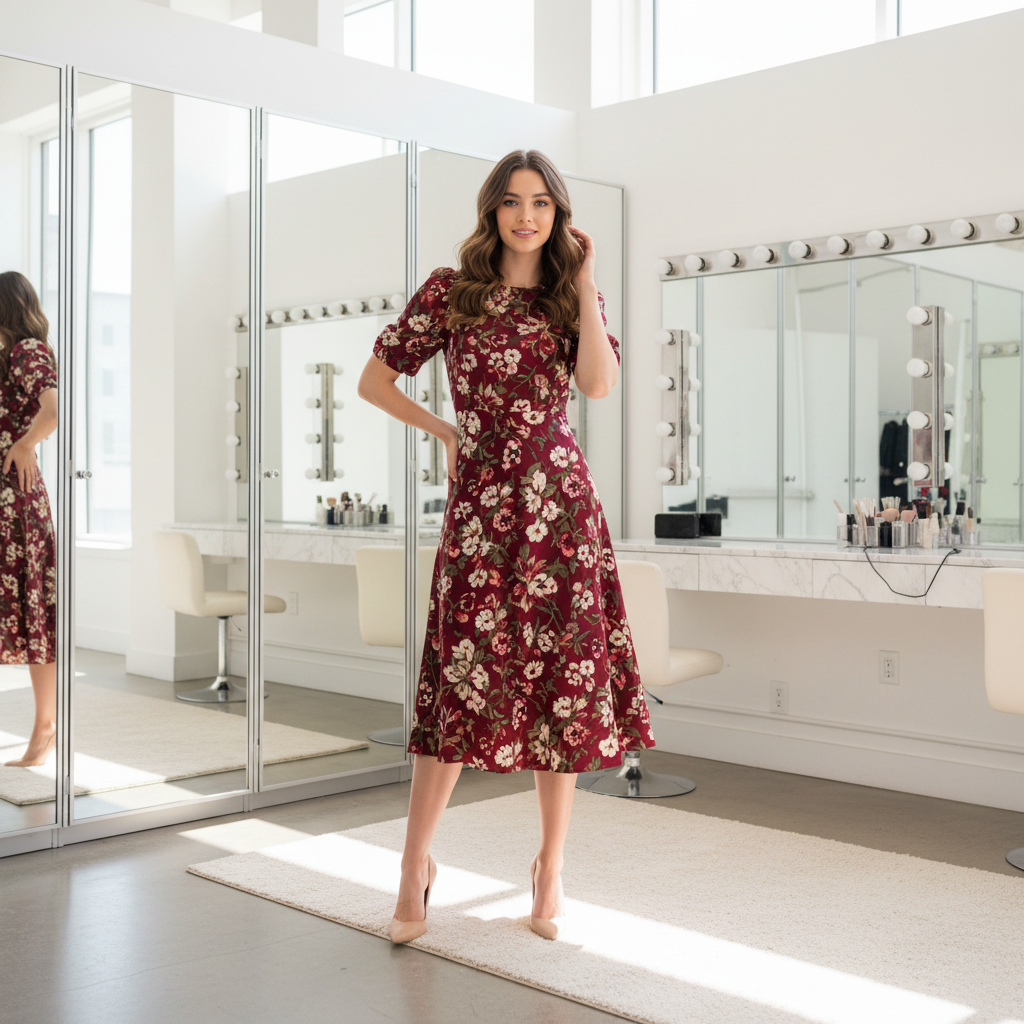
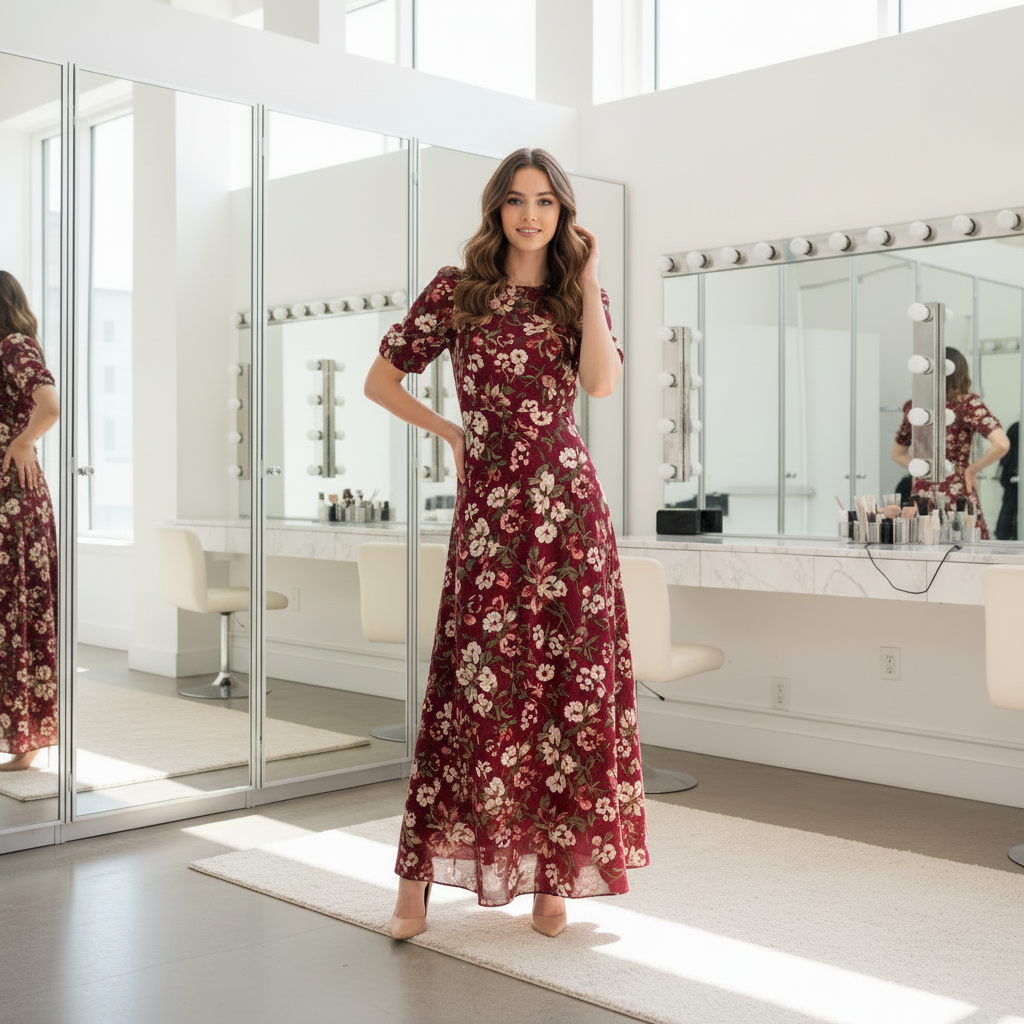
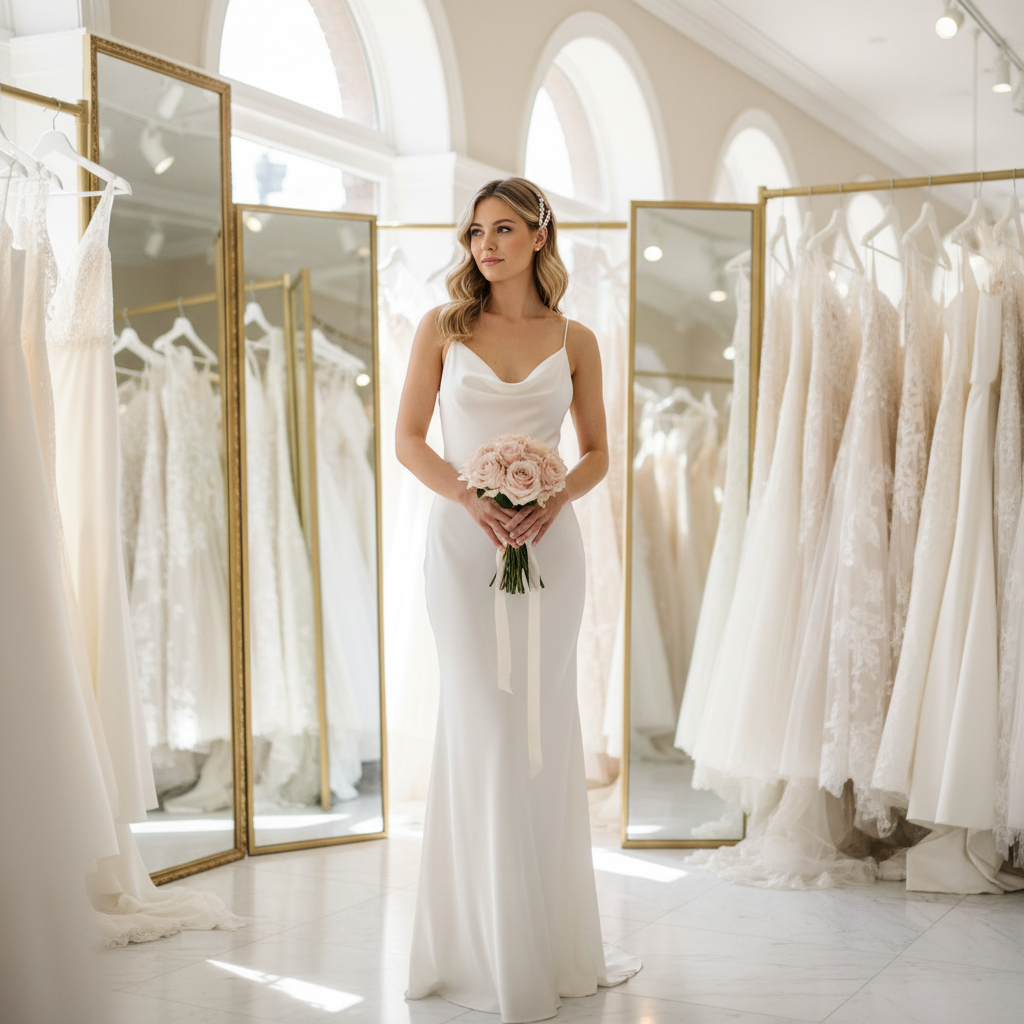
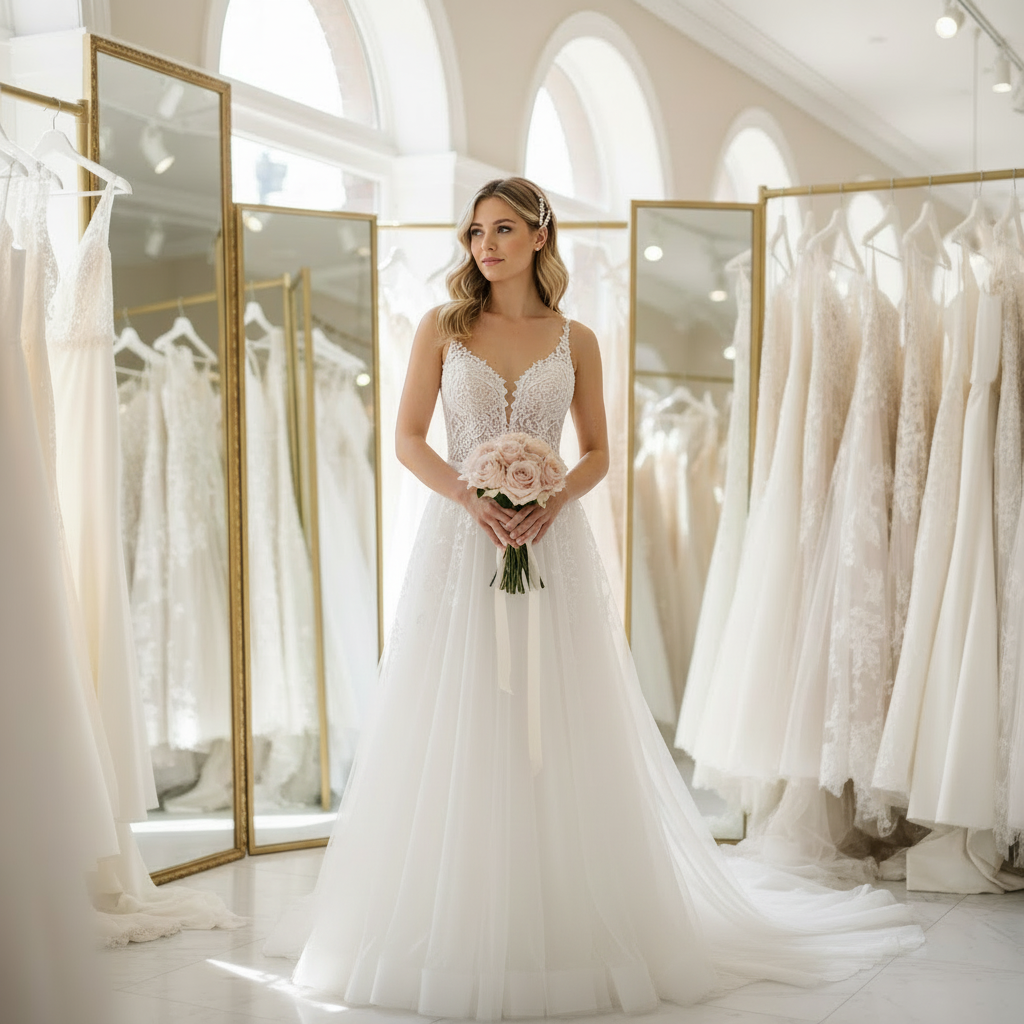
Compare Dress Lengths and Shapes with Virtual Try-On
Virtual try-on is useful when you want to compare silhouettes, hem lengths, or dress shapes on the same person before you book a fitting or buy online.
Helps explain that virtual try-on is not only about changing style, but also about comparing fit direction and dress shape.
Before
After
Virtual Try-OnShopping-ready
Preview Formal Dresses on Your Own Photo
Use virtual try-on to see whether a gown or event dress feels right on you before the fitting room. This is one of the strongest virtual try-on use cases for weddings, prom, and special events.
Useful for event styling when users want to preview a formal dress on their own body before they buy or book a fitting.
Before
After
Virtual Try-OnShopping-ready
Use Virtual Try-On for Suits and Smart Workwear
Virtual try-on is not only for dresses. It also works for suits, blazers, and professional outfits when you want to preview how a sharper look reads on your own photo.
This broadens the page beyond dresses and reinforces virtual try-on for shopping, workwear, and formalwear.
Before
After
Frequently Asked Questions
How does virtual try on work?
You upload a clear photo of yourself and describe the outfit you want to try on. The AI analyzes your body shape, pose, and lighting, then generates a realistic image of you wearing the new clothes. The virtual try on process takes about 20 seconds. No app download is needed — the tool runs entirely in your browser on phone or desktop.
What types of clothing can I try on virtually?
You can try on virtually any type of clothing: dresses, suits, jackets, t-shirts, coats, streetwear, formal wear, and more. Describe the style, color, fabric, and fit in your prompt. The AI handles full outfits as well as single-item changes like swapping just a top or jacket.
Is virtual try on accurate for sizing?
Virtual try on shows how a style looks on your body and approximates drape and length, but it is not a precise sizing tool. Use it to compare silhouettes, colors, and proportions before buying, then check brand size charts for exact fit. For a closer preview, upload a full-body photo in a neutral pose wearing fitted clothing.
Can I try on a specific item from a store photo?
You can get close by describing the item in detail: neckline, sleeve length, fabric, pattern, color, and fit. The AI recreates the look rather than copying the exact product, so patterns and logos may vary. Treat the result as a realistic preview to help you decide before purchasing.
Will it change my body shape?
The tool keeps your body proportions and pose unchanged. Different garments naturally change how a silhouette looks — a structured blazer may appear slimmer, a flowing dress may appear longer. If you want to minimize changes, add "keep body shape unchanged" in your prompt and use a clear full-body photo.
Do I need a full-body photo?
Full-body photos produce the most realistic results for dresses, coats, and outfits that include pants or skirts. For tops-only changes, a torso or three-quarter shot works well. The key is visibility of the area you want to change, with good lighting and a simple background.
Is there a virtual try on clothes app I need to download?
No app download is needed. The virtual try on tool works directly in your browser — iPhone, Android, Mac, Windows, or any device with a modern browser. Just open the page, upload your photo, and start trying on clothes online.
Is virtual try on free?
Yes, you can use virtual try on free when you sign up. No credit card is required. The free tier lets you test the quality and see how clothes look on your photo before deciding if you need more generations.
How do you handle privacy and uploaded photos?
Your uploads are used only to generate your try-on result. Photos are stored securely and auto-deleted after 7 days on the free plan. We do not sell your images or use them to train AI models. You can also delete your results manually at any time.