AI Travel Outfit Generator
Build travel-ready outfits for flights, city walks, or beach days. Preview packing options on your photo and travel lighter.
A travel outfit generator is a tool that previews destination-ready outfits on your own photo, so you can plan what to pack before a trip.
Tested by OutfitSwap Studio testing team · Updated 2026-06-15
We test scenario prompts on clear full-body and three-quarter photos, then keep the guidance that preserves identity, pose, lighting, and clothing boundaries most reliably.
Powered by our Outfit Swap upload your photo and any outfit reference to see yourself in any look instantly.
Travel Outfit Ideas
Airport, beach, city tour - versatile looks that pack light.
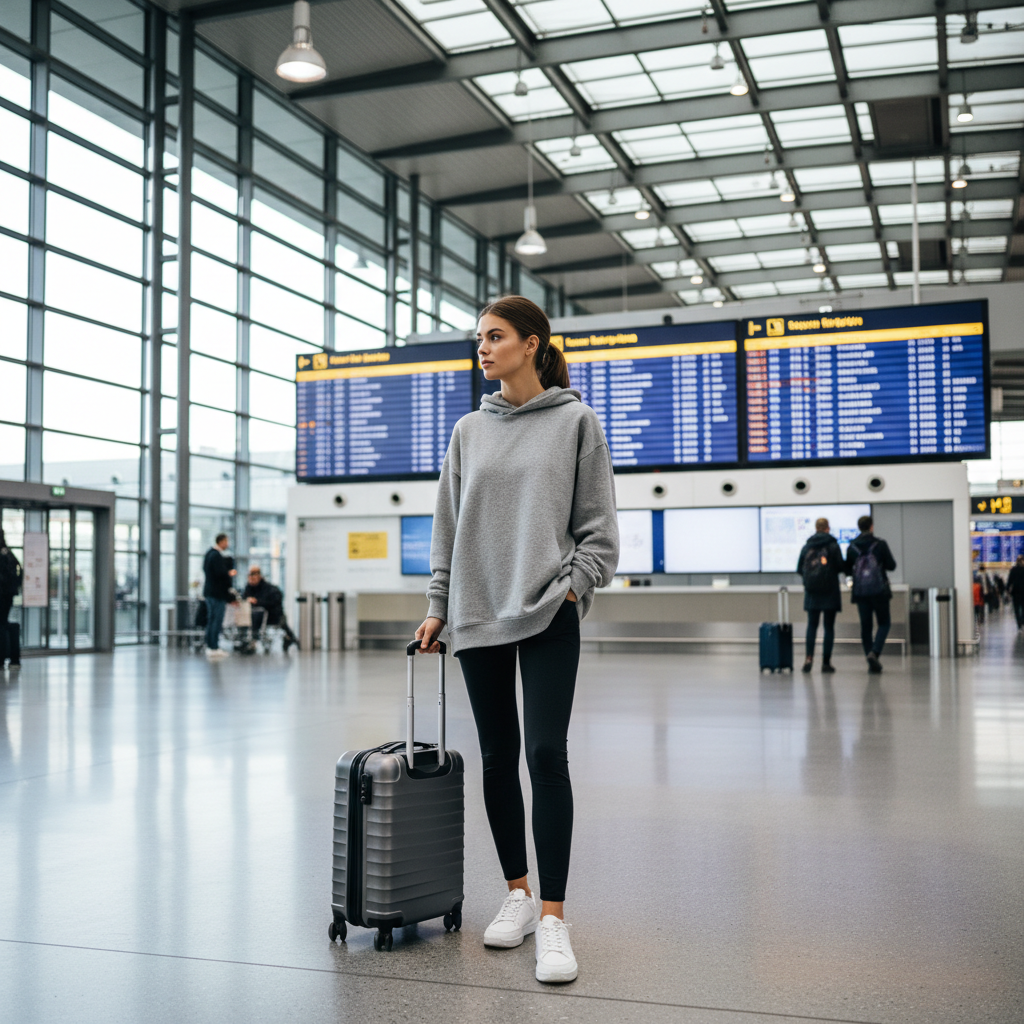
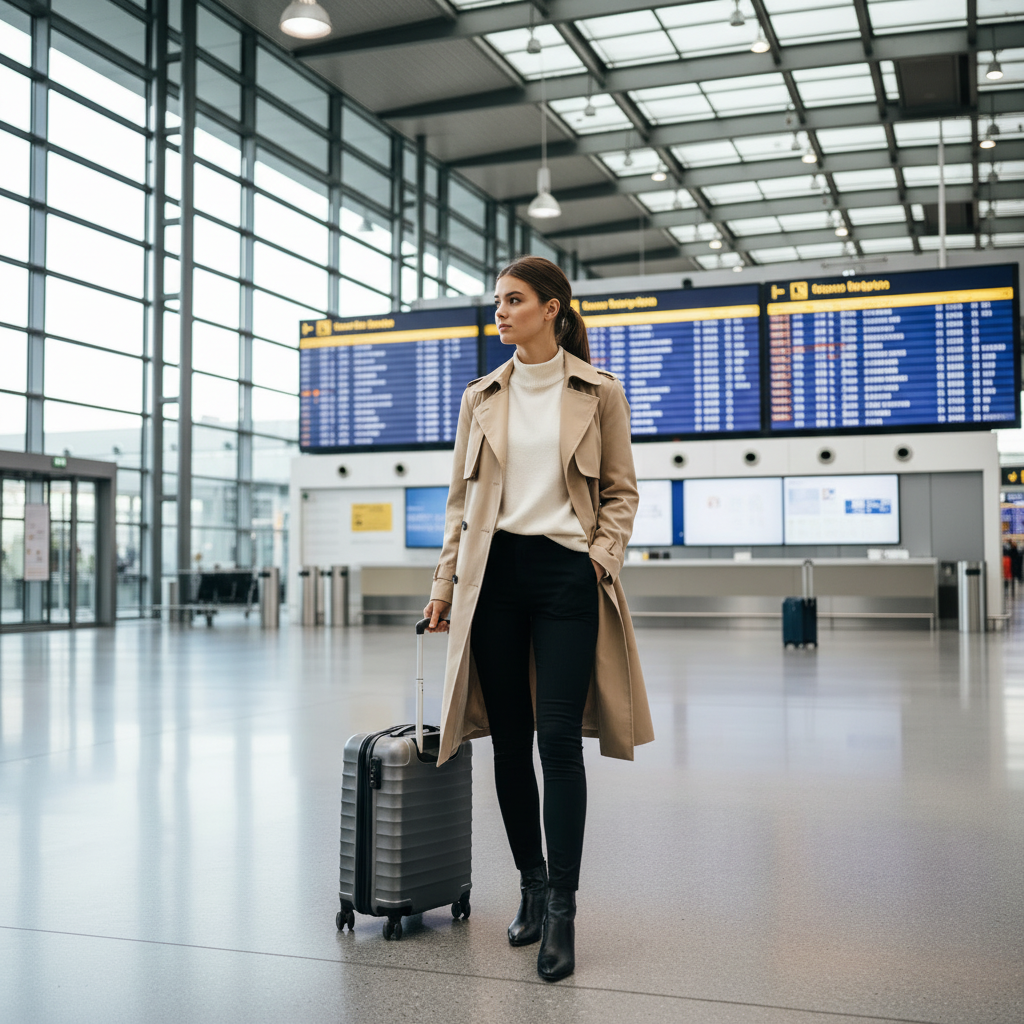
Plan a polished airport outfit before travel day
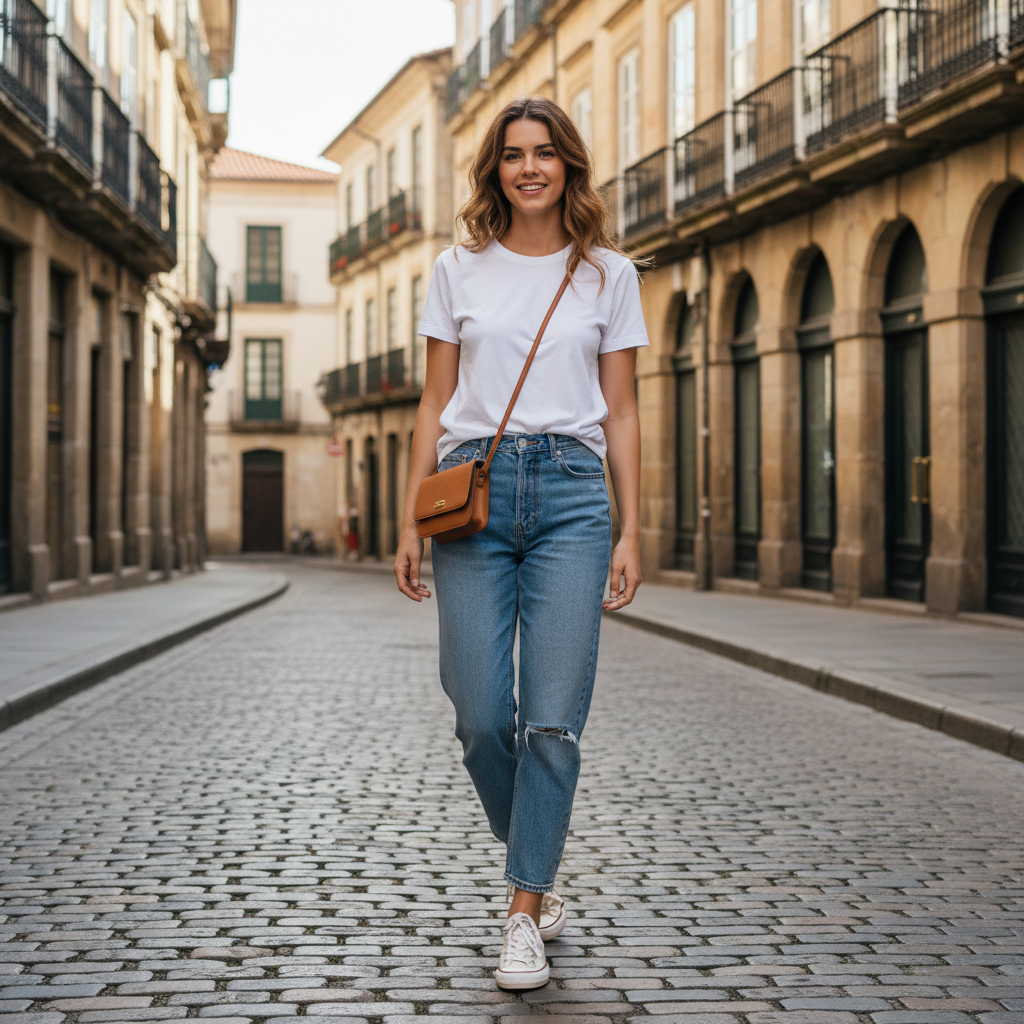
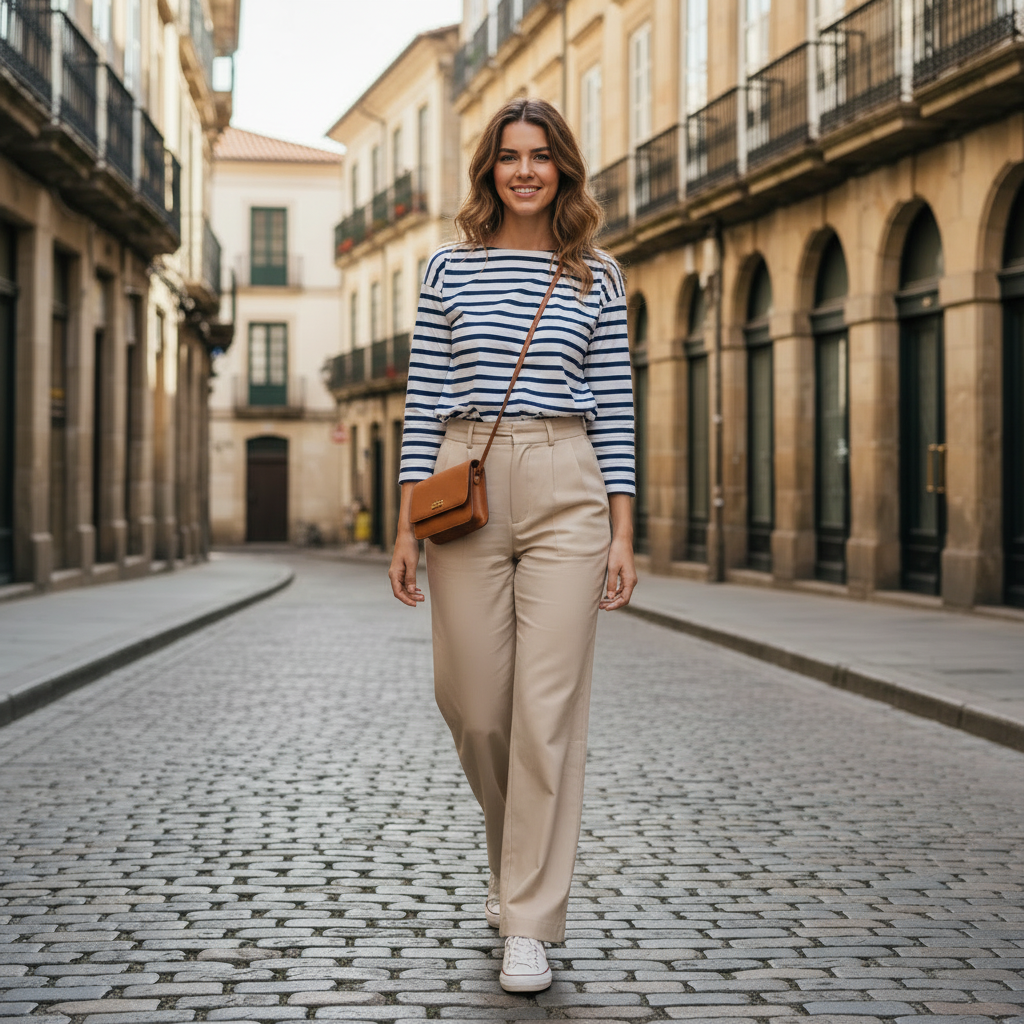
Build a better city-travel look from one base photo
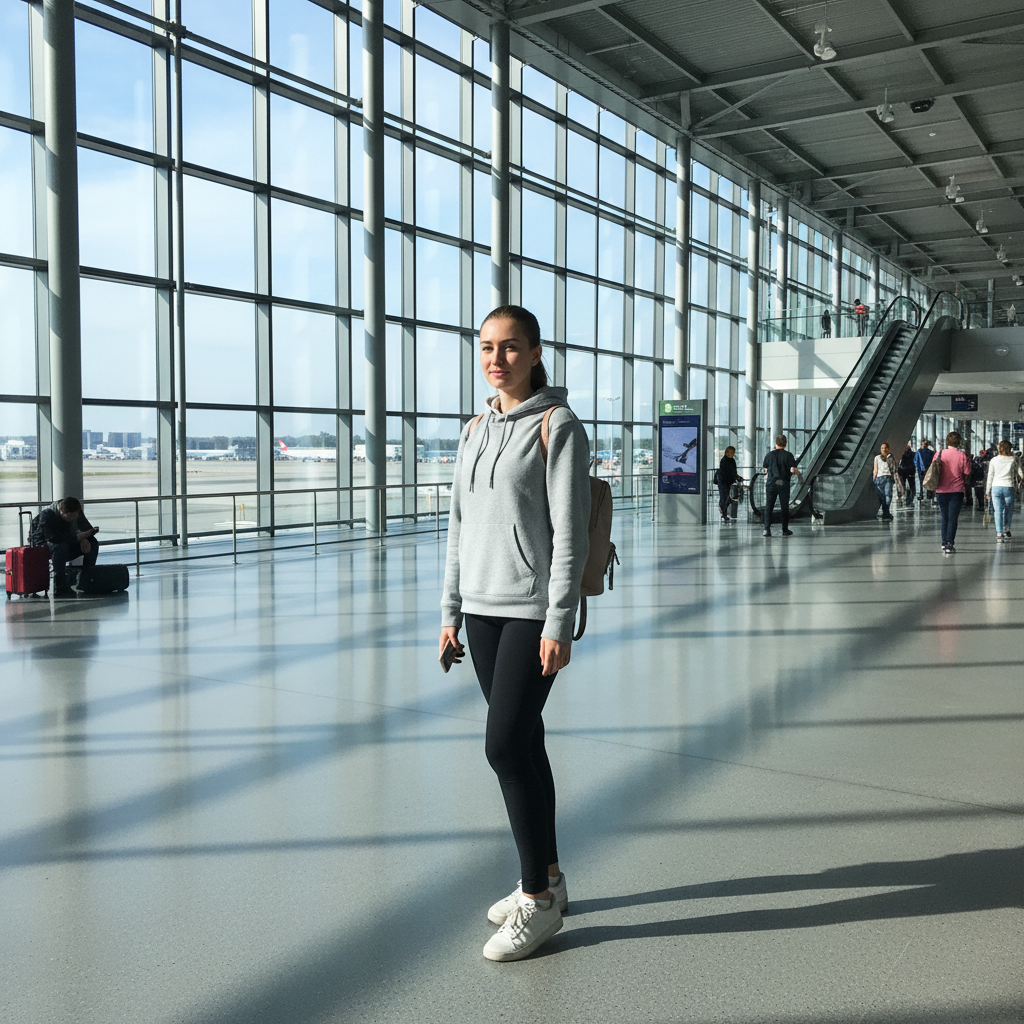
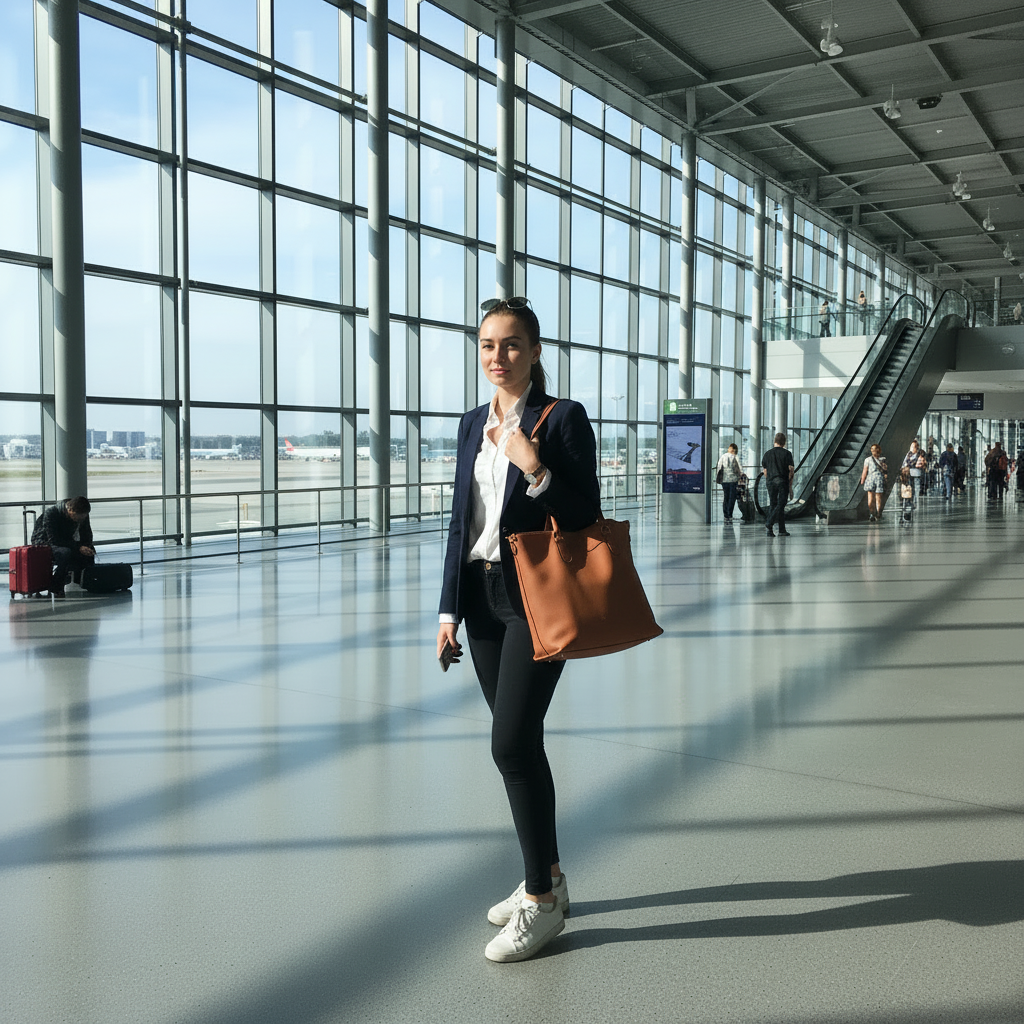
Test destination-ready outfits before you pack
How Travel Outfit Pages Help Users Decide Faster
Plan packing decisions, versatile capsule looks, and airport-to-destination outfits before the trip starts.
Build a travel capsule before packing
See which outfits work across flights, city walks, and destination photos.
- Compare several looks on one photo before you pack
- Check whether a capsule wardrobe really covers the trip
- Pack lighter because you know what works together
Plan airport and transit looks
Find outfits that feel comfortable but still look put together in transit.
- Test sneakers, layers, and outerwear combinations
- See what reads polished enough for travel-day content
- Choose practical looks without losing style
Preview destination-specific outfits
Try coastal, resort, city, or cold-weather looks before the trip starts.
- Match your outfit planning to the climate and setting
- Generate different destination vibes from one base photo
- Avoid buying extra items you do not actually need
Create content-ready travel looks
Generate several options before a trip so you know which outfits are worth bringing or shooting.
- Useful for creators, bloggers, and frequent travellers
- Keep your pose constant while testing multiple looks
- Make packing and content planning faster
Plan Travel-Ready Outfits
Upload a Casual Photo
A relaxed pose works well. Full-body shots help preview complete travel looks.
Specify Climate and Activity
Describe destination: "tropical beach," "European city walk," or "comfortable flight outfit."
Build a Capsule Wardrobe
Generate versatile pieces that mix and match. Pack smarter with visual planning.
Frequently Asked Questions
What are the best outfits for flights?
How do I dress for different destinations?
Can I create a capsule travel wardrobe?
Will the AI keep my body shape and pose?
Can I include accessories like backpacks or hats?
Is it free?
Still have questions?
Contact our support team →What this page is for
Create travel outfits that are comfortable, practical, and photogenic.
Prompt structure
Include destination climate and activity.
Examples:
- "Comfortable travel outfit, joggers, light hoodie, sneakers"
- "City travel look, trench coat, slim jeans, boots"
- "Beach vacation outfit, linen shirt, shorts, sandals"
Travel capsule tip
Build 3 outfits around the same base pieces to reduce packing. Generate variants by changing only outer layer or shoes.
Common issues and fixes
- Outfit too heavy for warm weather: add "lightweight" or "linen"
- Accessories overpower the look: remove bags or hats in first pass
Pack Smarter, Look Better
Plan travel outfits that work for flights, city walks, and destinations. Build a capsule wardrobe.
Related Resources
Ai Clothes Changer
Outfit Swap
How To Change Clothes In A Photo
Ai Clothes Changer Prompts
Free Ai Clothes Changer
Explore more tools and guides in our complete guide