AI Holiday Party Outfit Generator
Plan office holiday, family gathering, or New Year party outfits with AI. Preview festive looks and choose the right level of sparkle.
A holiday party outfit generator is a tool that previews festive clothing ideas on your own photo, so you can compare polished party looks before buying or wearing them.
Tested by OutfitSwap Studio testing team · Updated 2026-06-15
We test scenario prompts on clear full-body and three-quarter photos, then keep the guidance that preserves identity, pose, lighting, and clothing boundaries most reliably.
Powered by our Outfit Swap upload your photo and any outfit reference to see yourself in any look instantly.
Holiday Party Outfit Ideas
Office party to New Year Eve - festive looks for every celebration.
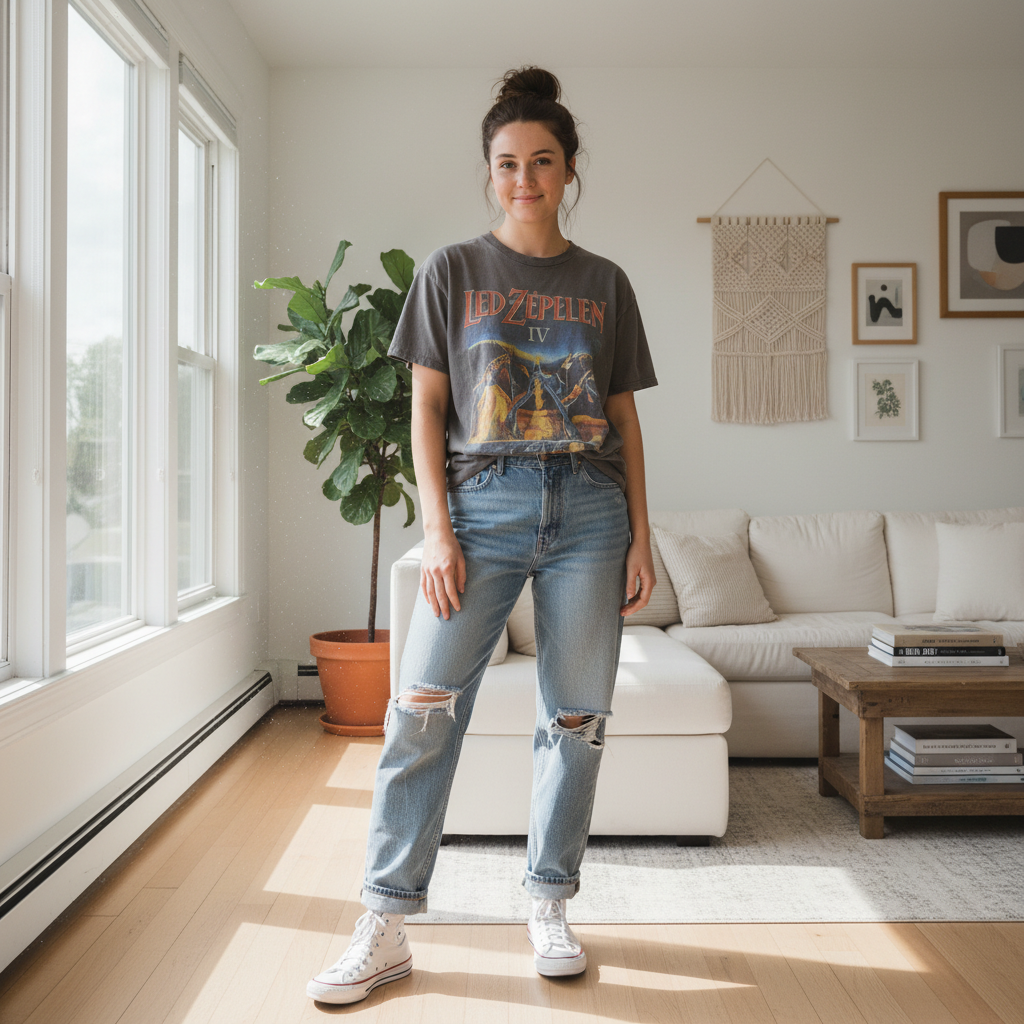
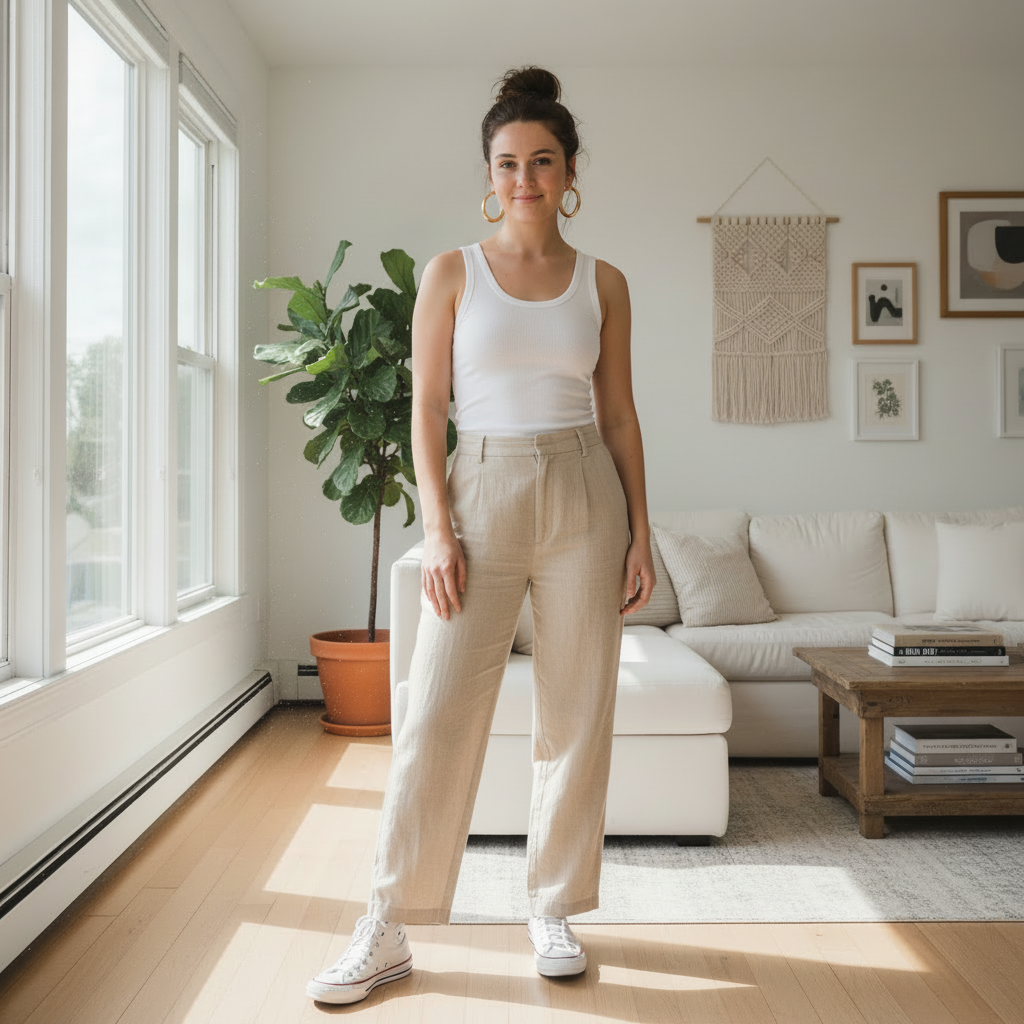
Find a holiday-party look that feels polished but not overdone
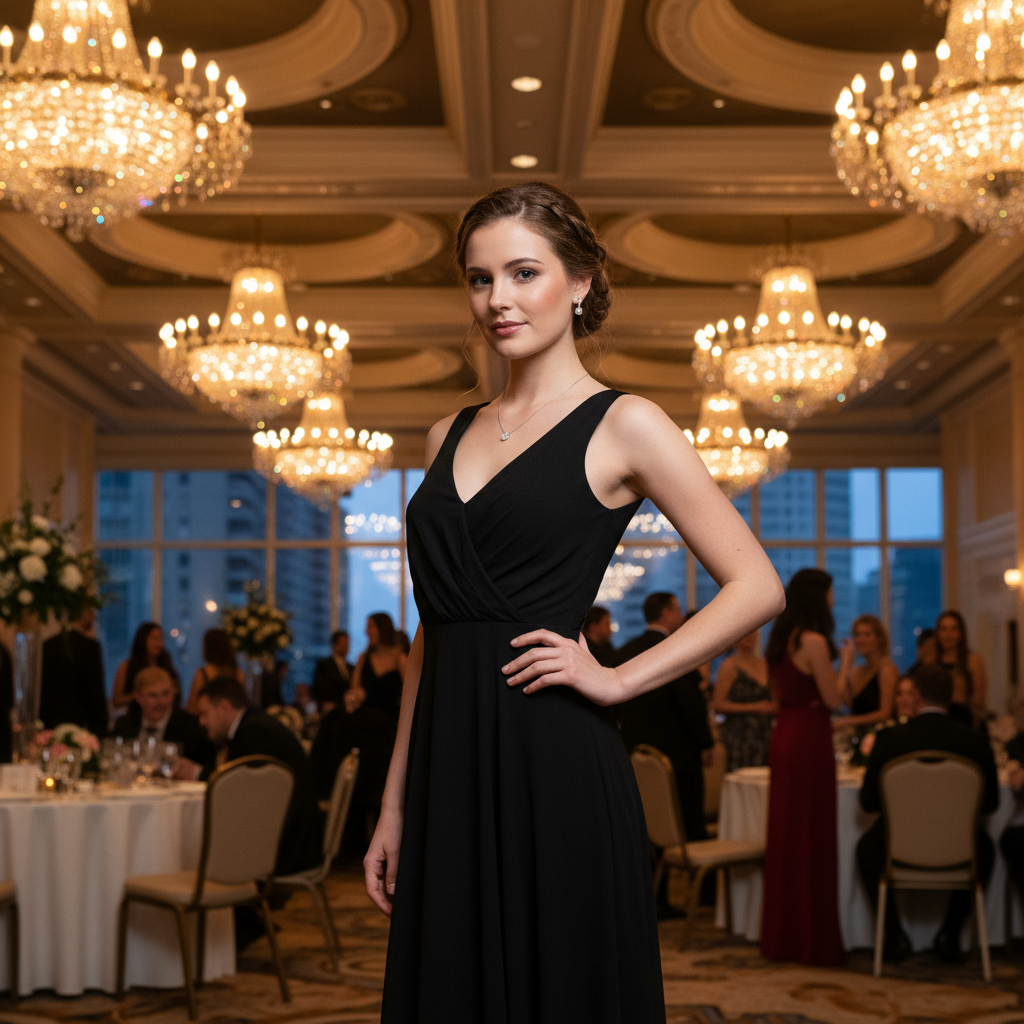
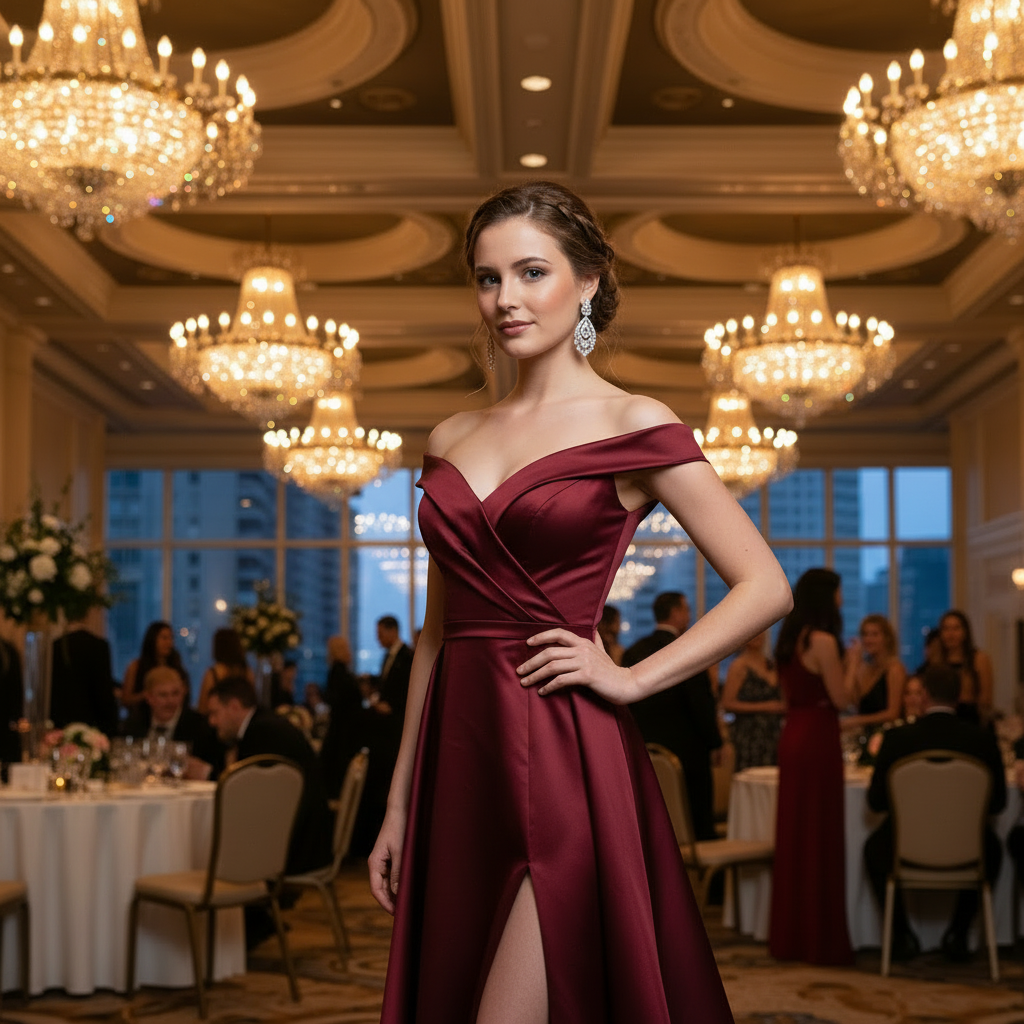
Preview a more festive outfit before the event starts
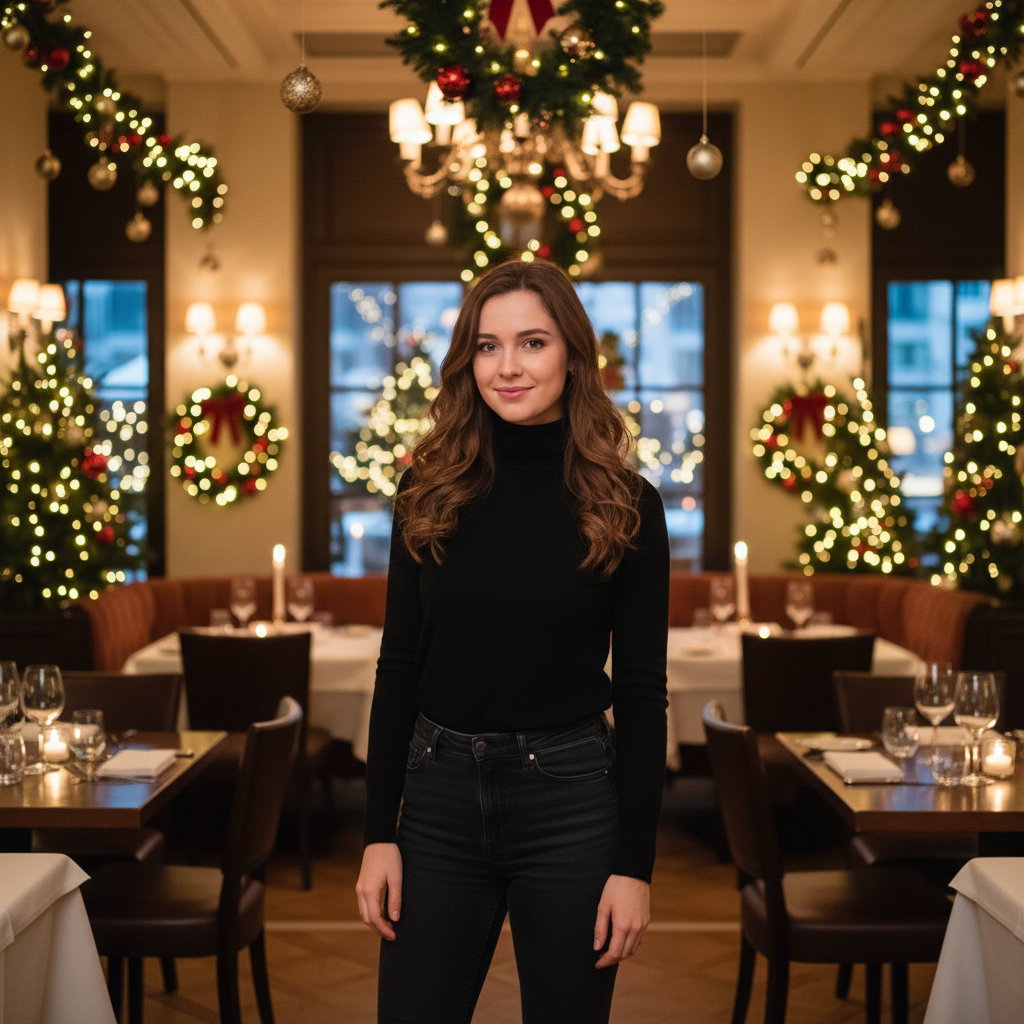
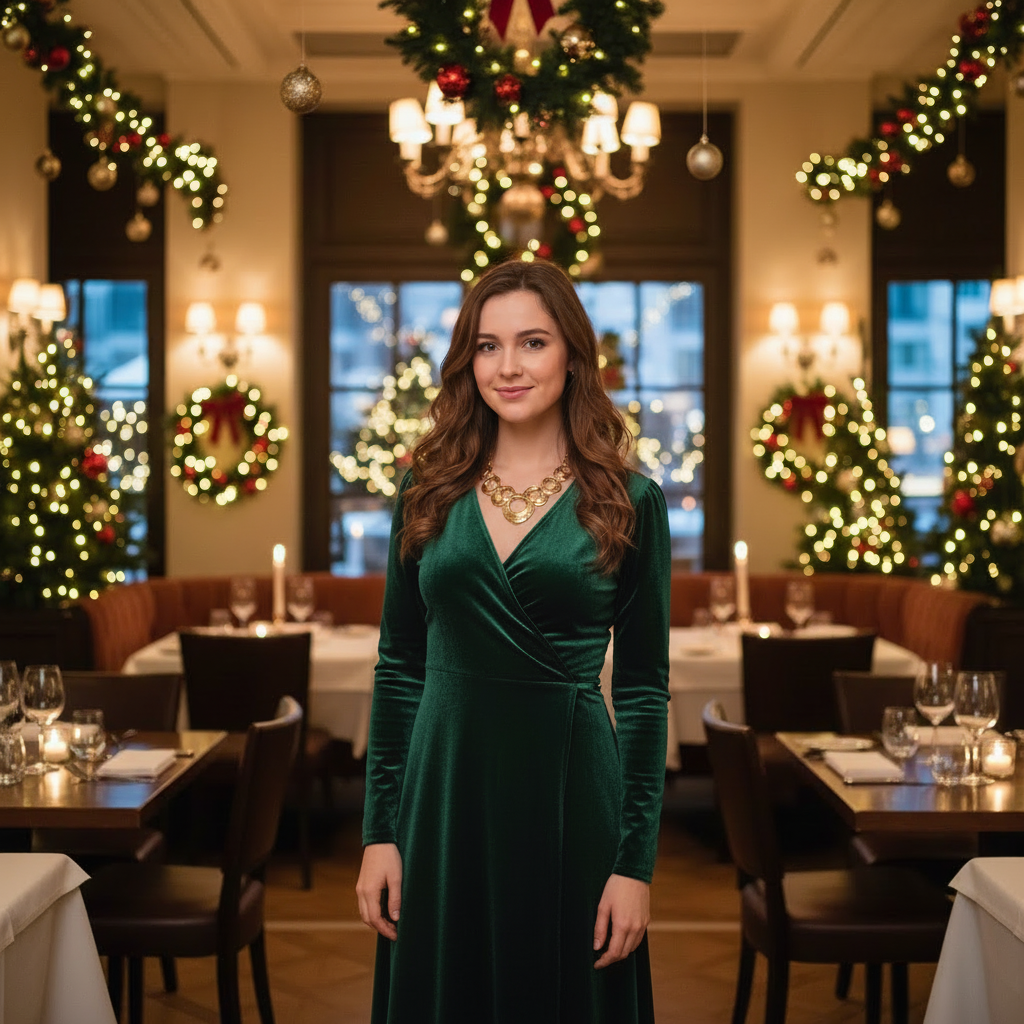
Compare simple and standout party looks on the same photo
Why People Use Holiday Party Outfit Pages
Balance festive style with the right level of polish for office parties, family dinners, and New Year plans.
Pick the right level of festive
Compare subtle, polished, and glam looks before the event.
- See what works for office parties vs family gatherings
- Test sparkle, velvet, or richer colors on your own photo
- Avoid outfits that feel too plain or too much
Reuse one base outfit smartly
Generate dressier versions of an existing look without starting from scratch.
- See how one outfit changes with different fabrics and layers
- Build multiple options from a single base photo
- Decide faster when you have several events close together
Plan around the event type
Check whether your outfit fits a work party, dinner, or New Year celebration.
- Choose looks that fit both dress code and personality
- Preview more formal options before renting or buying
- Share options with friends for quick feedback
Create polished social content
Use the same page to generate clean holiday looks for seasonal posts or cards.
- Create party-ready visuals without another shoot
- Keep your face and background while changing the styling
- Useful for creators and small brand seasonal content
Find Your Holiday Party Look
Upload a Full-Body Photo
Good lighting helps the AI render sparkle and metallic fabrics accurately.
Set the Festive Tone
Specify the event: "office holiday party," "New Year Eve glam," or "family gathering."
Add Holiday Details
Try festive colors, sequins, or velvet. Compare formal vs. fun options.
Frequently Asked Questions
What should I wear to a holiday party?
How do I choose between Christmas and New Year styles?
Can I keep the outfit festive but not too flashy?
How do I handle cold weather or layered looks?
Can I preview different color palettes?
Is it free?
Still have questions?
Contact our support team →What this page is for
Generate festive looks for office parties, family gatherings, and New Year events.
Prompt structure
Mention the event type, color palette, and fabric.
Examples:
- "Office holiday party, dark green dress, subtle sparkle"
- "New Year look, black outfit with metallic accents"
- "Casual family gathering, cozy knit sweater"
Seasonal layering tips
If the event is outdoors, add outerwear in the prompt and use a full body photo so hems align.
Common issues and fixes
- Too shiny: add "subtle" or "minimal" sparkle
- Outfit blends with background: change background or color
Shine at Your Holiday Party
Find the right festive look for office parties, family gatherings, or New Year celebrations.
Related Resources
Explore more tools and guides in our complete guide