Virtual Wedding Dress Try On
See yourself in A-line, mermaid, and ball gown wedding dresses before visiting a boutique. Upload a photo for a realistic bridal preview.
A virtual wedding dress try-on tool previews bridal silhouettes on your own photo, so you can shortlist gown styles before visiting a boutique or scheduling fittings.
Tested by OutfitSwap Studio testing team · Updated 2026-06-15
We test scenario prompts on clear full-body and three-quarter photos, then keep the guidance that preserves identity, pose, lighting, and clothing boundaries most reliably.
Powered by our Virtual Try-On upload your photo and preview any outfit before you buy.
Bridal Style Gallery
A-line, mermaid, ball gown, sheath - find your dream silhouette.
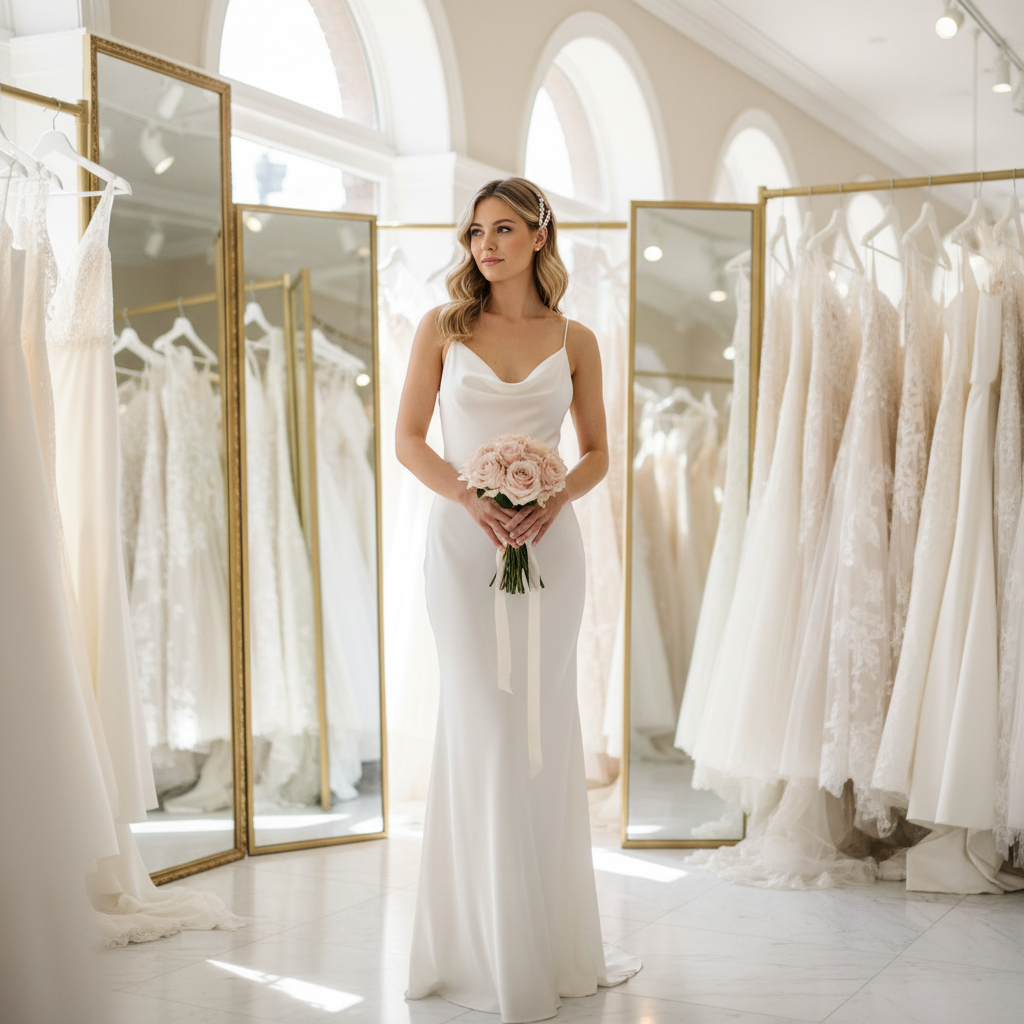
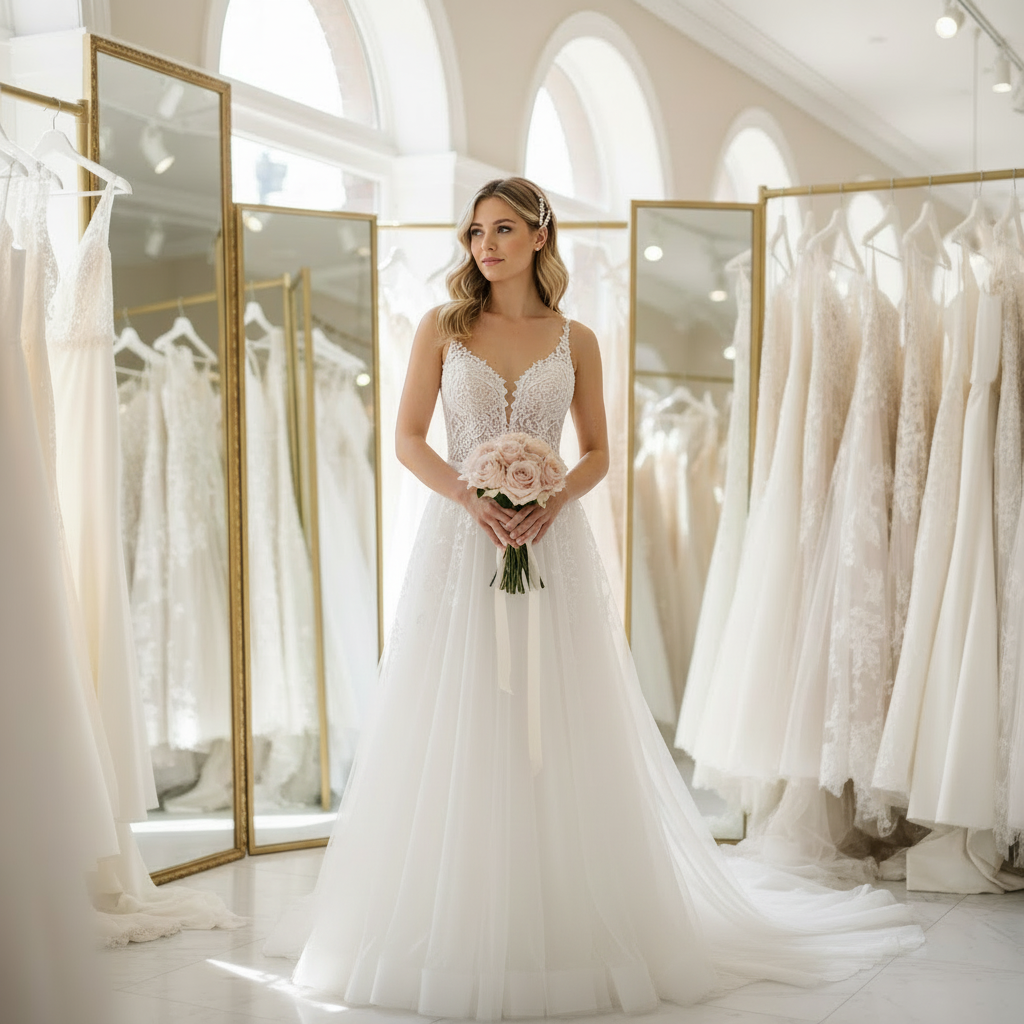
See a bridal-style silhouette on your own photo before fittings
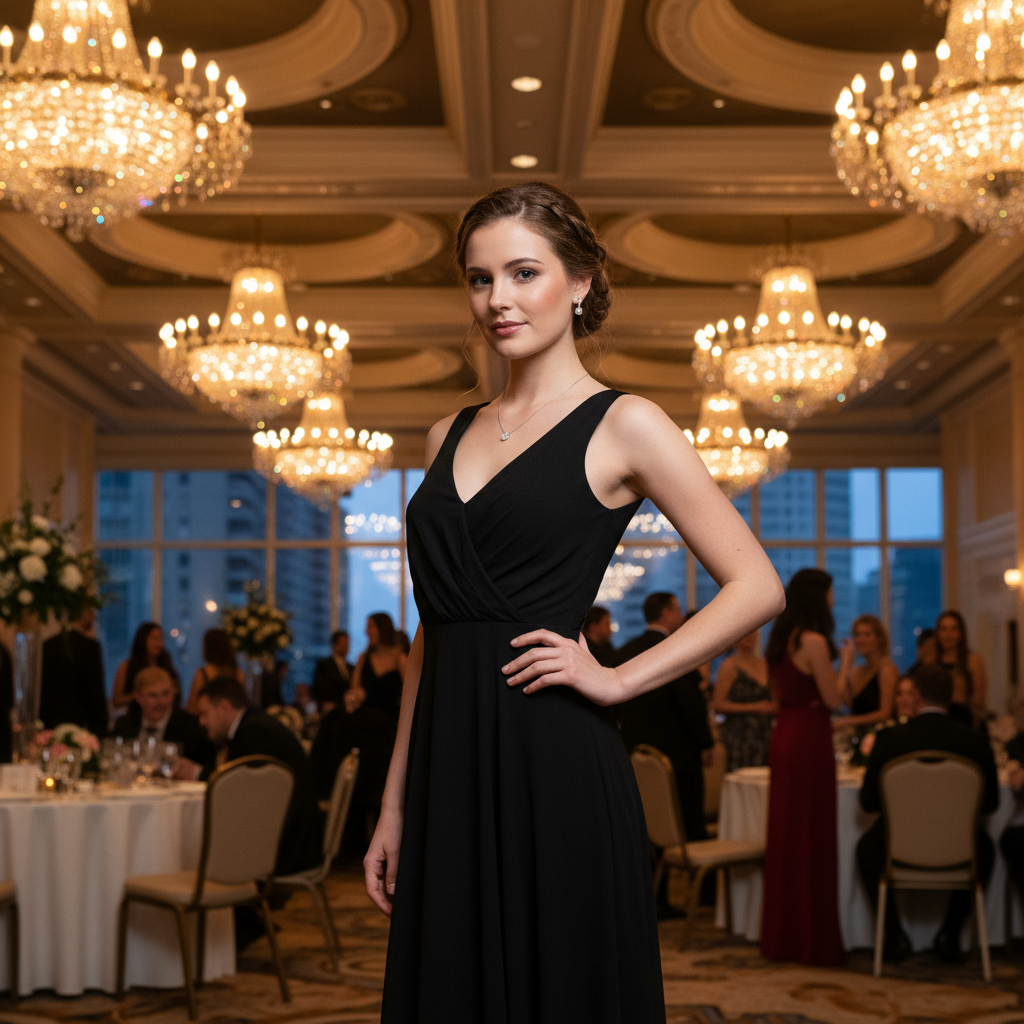
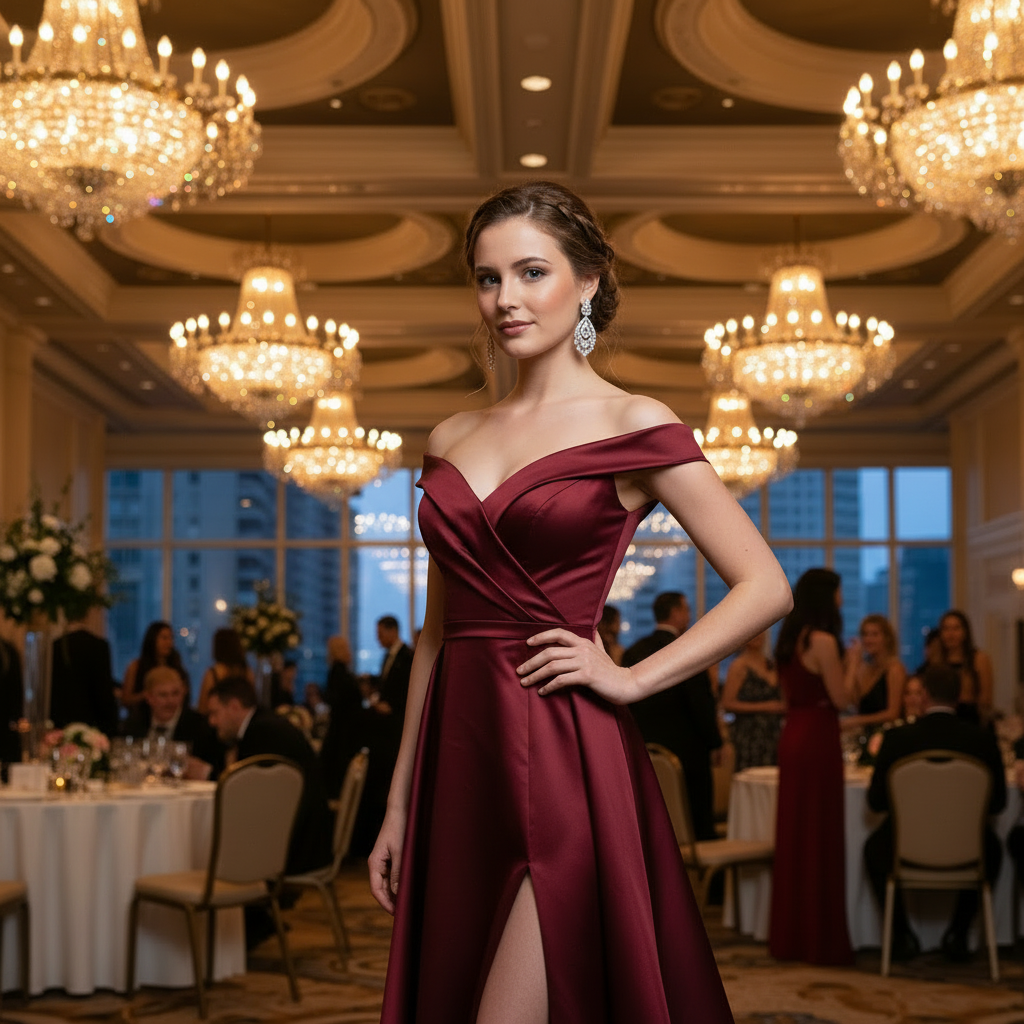
Preview a more dramatic gown before visiting the boutique
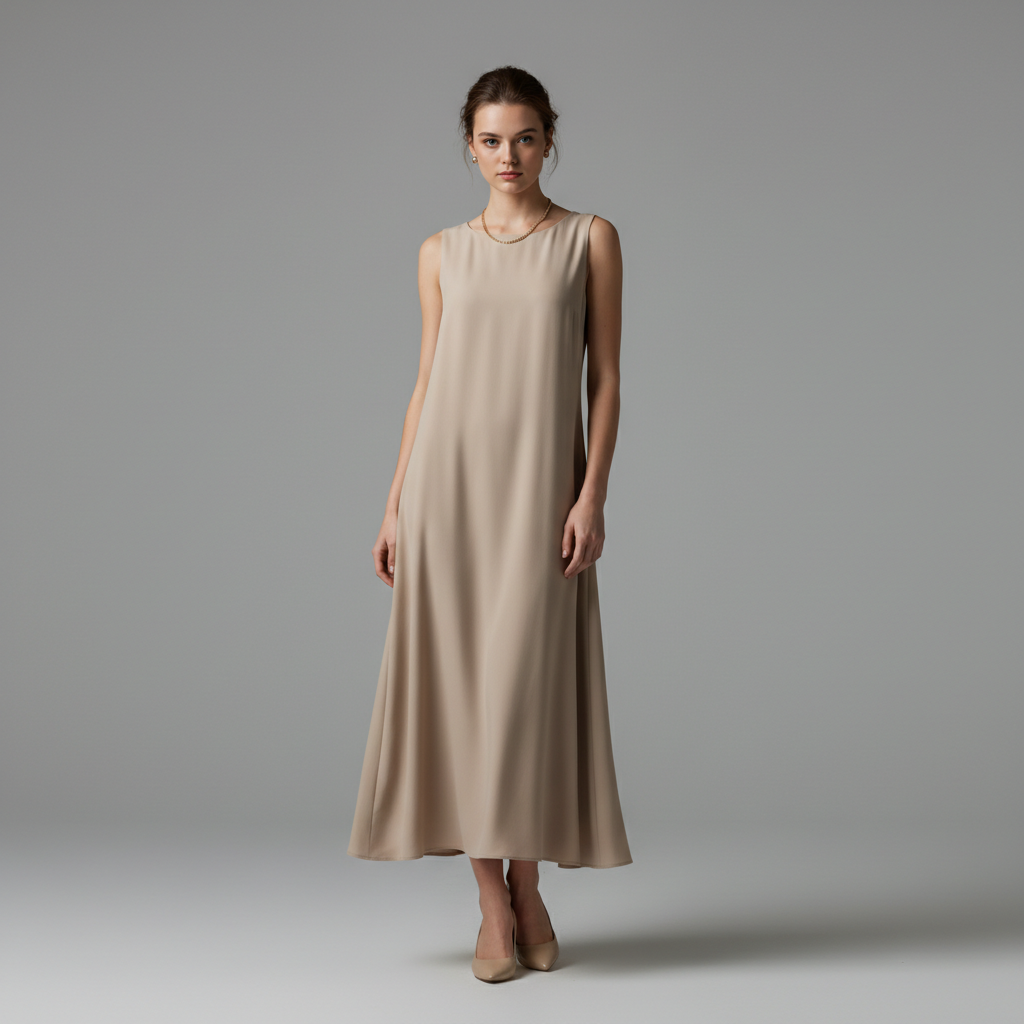
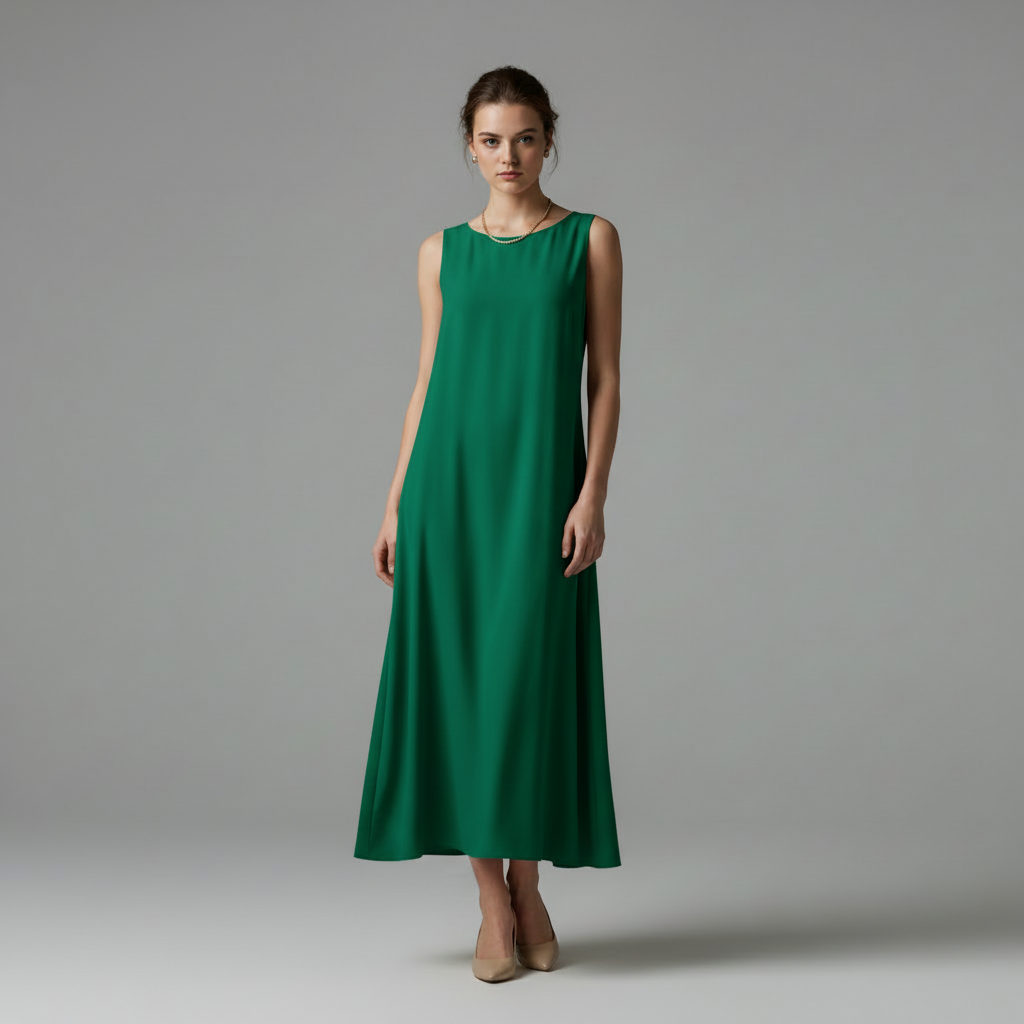
Compare cleaner vs more statement bridal styling before you decide
Why Brides Use Wedding Dress Try-On
Preview bridal silhouettes, necklines, fabrics, and train lengths on your own photo before you visit boutiques or commit to a gown.
Shortlist bridal silhouettes before appointments
See how A-line, mermaid, sheath, and ball gown shapes read on your own proportions.
- Compare fitted, flowing, and structured gowns on the same base photo
- Check whether a silhouette feels flattering before booking fittings
- Arrive with a clearer list of styles to try in person
Compare necklines and sleeves
Preview sweetheart, off-shoulder, halter, strapless, long-sleeve, and cap-sleeve options.
- See how neckline shape changes the whole bridal look
- Test sleeve coverage before choosing a season or venue style
- Share previews with family or a stylist before the appointment
Test fabric mood and details
Use prompts to compare lace, satin, tulle, crepe, beading, and veil styling.
- See soft vs structured fabrics on the same pose
- Compare simple gowns against more detailed bridal looks
- Use one photo to make a faster yes-or-no decision
Plan the full bridal direction
Create realistic wedding dress references for fittings, moodboards, or feedback conversations.
- Generate several gown directions without another photoshoot
- Use previews for boutique planning and style approvals
- Keep your face and pose consistent across options
Preview Wedding Dresses Before You Shop
Upload a Full-Length Photo
Use a photo showing your full silhouette in form-fitting clothes for accurate draping.
Describe Your Dream Dress
Specify silhouette (A-line, mermaid, ball gown), neckline, fabric, and details like lace or beading.
Build Your Shortlist
Generate multiple styles to narrow down before visiting bridal shops. Save favorites to share.
Frequently Asked Questions
Can I see myself in a real wedding dress style?
How accurate is the fit?
Can I try on my friend's wedding dress photo?
What types of wedding dress styles can I try?
Is this free to use?
Can I save and share results?
Still have questions?
Contact our support team →Why use virtual wedding dress try on
See bridal silhouettes on your body before you visit stores. This helps you shortlist styles and avoid trying dozens of dresses in person.
Bridal styles you can test
- A line, mermaid, ball gown, sheath
- Necklines: sweetheart, off shoulder, halter
- Fabrics: lace, satin, tulle, crepe
- Details: sleeves, train length, beading
Best photo setup
- Full body photo with clear lighting
- Simple background with contrast
- Minimal accessories in the base photo
Prompt examples
- "A line lace gown, sweetheart neckline, cap sleeves, ivory, medium train"
- "Mermaid satin gown, strapless, fitted waist, white"
- "Ball gown, tulle skirt, long sleeves, ivory"
Style decision flow
- Pick a silhouette (A line vs mermaid vs ball gown)
- Pick neckline and sleeve style
- Pick fabric texture
- Test train length
What to look for in results
- Hemline aligns with your height
- Texture looks like lace or satin
- Lighting matches the scene
How to use the results
Use the preview to shortlist 3 to 5 styles, then confirm fit in store with real measurements.
Find Your Dream Wedding Dress
Preview bridal styles before visiting shops. Try A-line, mermaid, ball gown, and more on your photo.
Related Resources
Explore more tools and guides in our complete guide