AI Winter Outfit Generator
Create winter outfits with coats, knits, and boots. Preview layered cold-weather looks on your photo before shopping.
A winter outfit generator is a tool that previews coats, knitwear, boots, and layered cold-weather outfits on your own photo, so you can compare warm looks before buying.
Tested by OutfitSwap Studio testing team · Updated 2026-06-15
We test scenario prompts on clear full-body and three-quarter photos, then keep the guidance that preserves identity, pose, lighting, and clothing boundaries most reliably.
Powered by our Outfit Swap upload your photo and any outfit reference to see yourself in any look instantly.
Winter Outfit Inspiration
Puffer coats, wool layers, and stylish cold-weather combos.
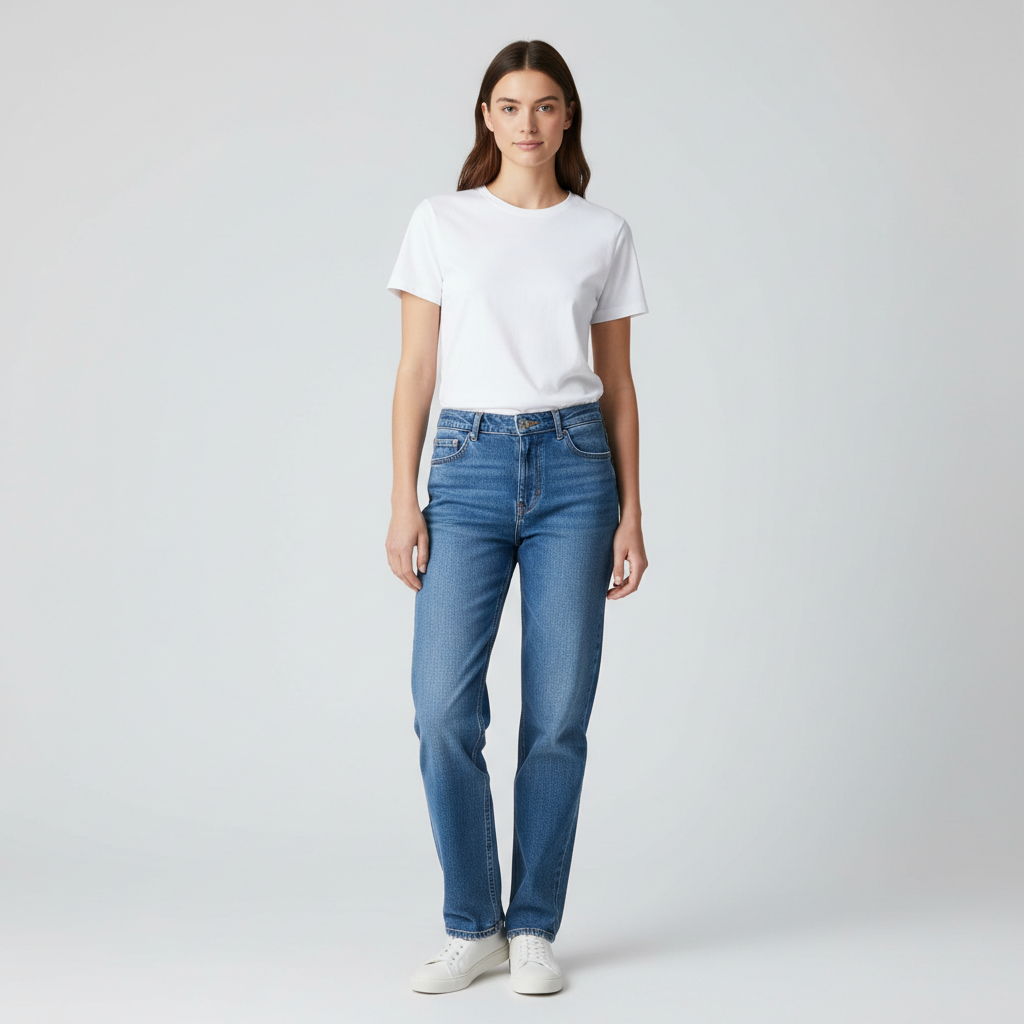

Preview a more elevated winter outfit before you buy layers
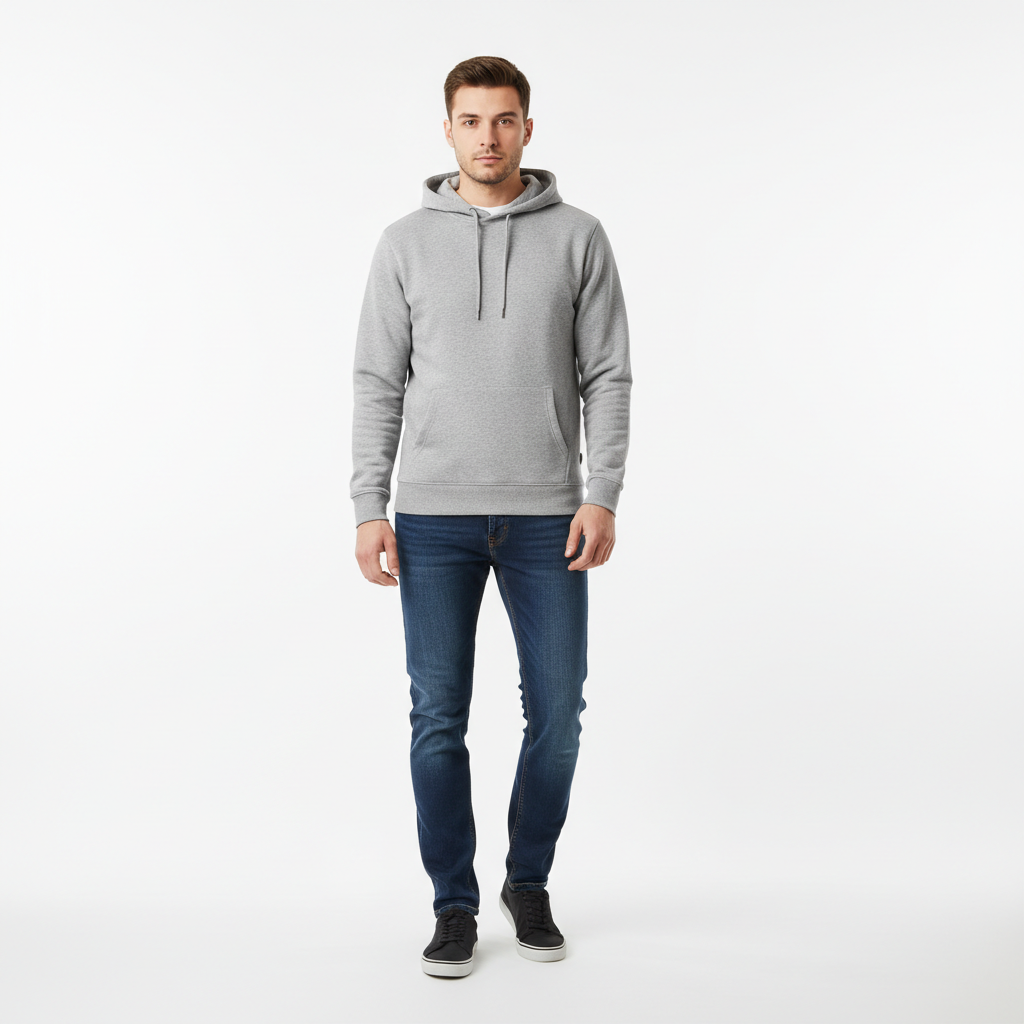
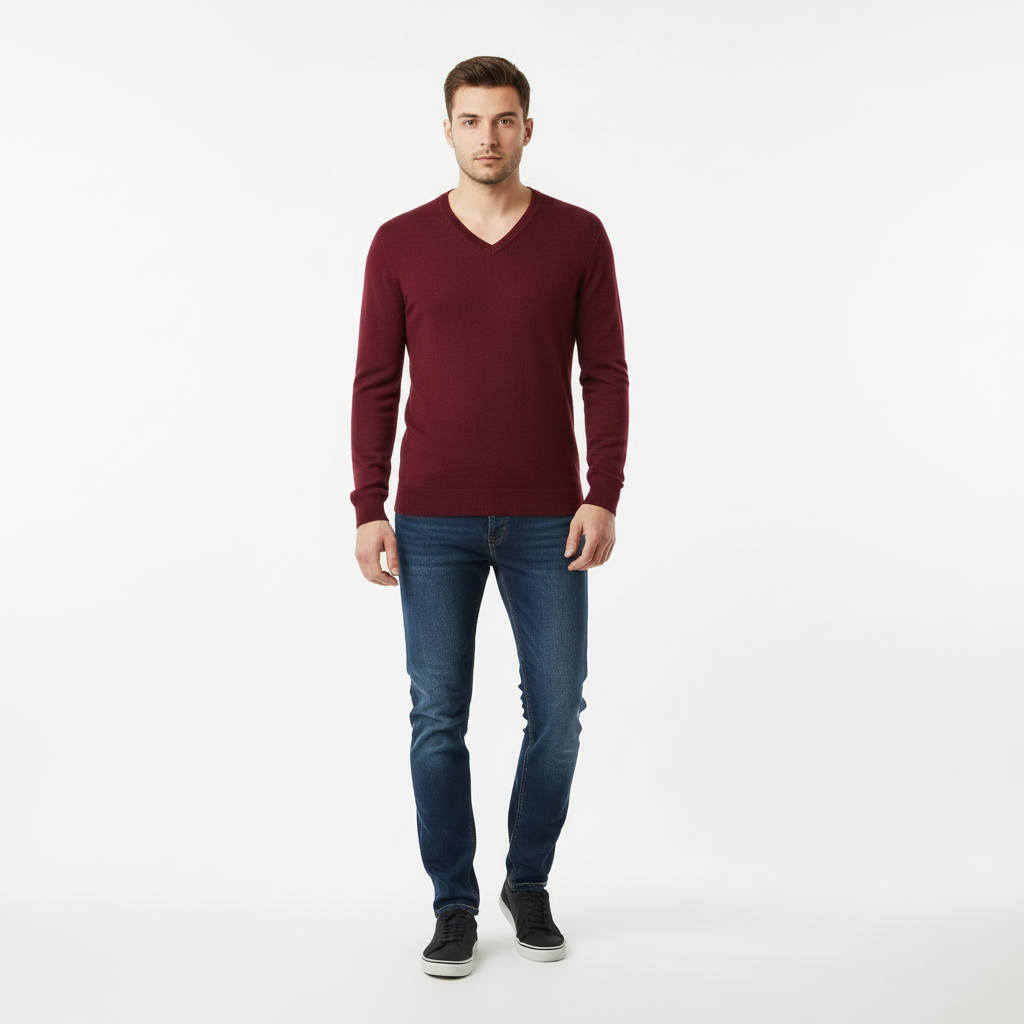
See whether knitwear works better than a casual base look
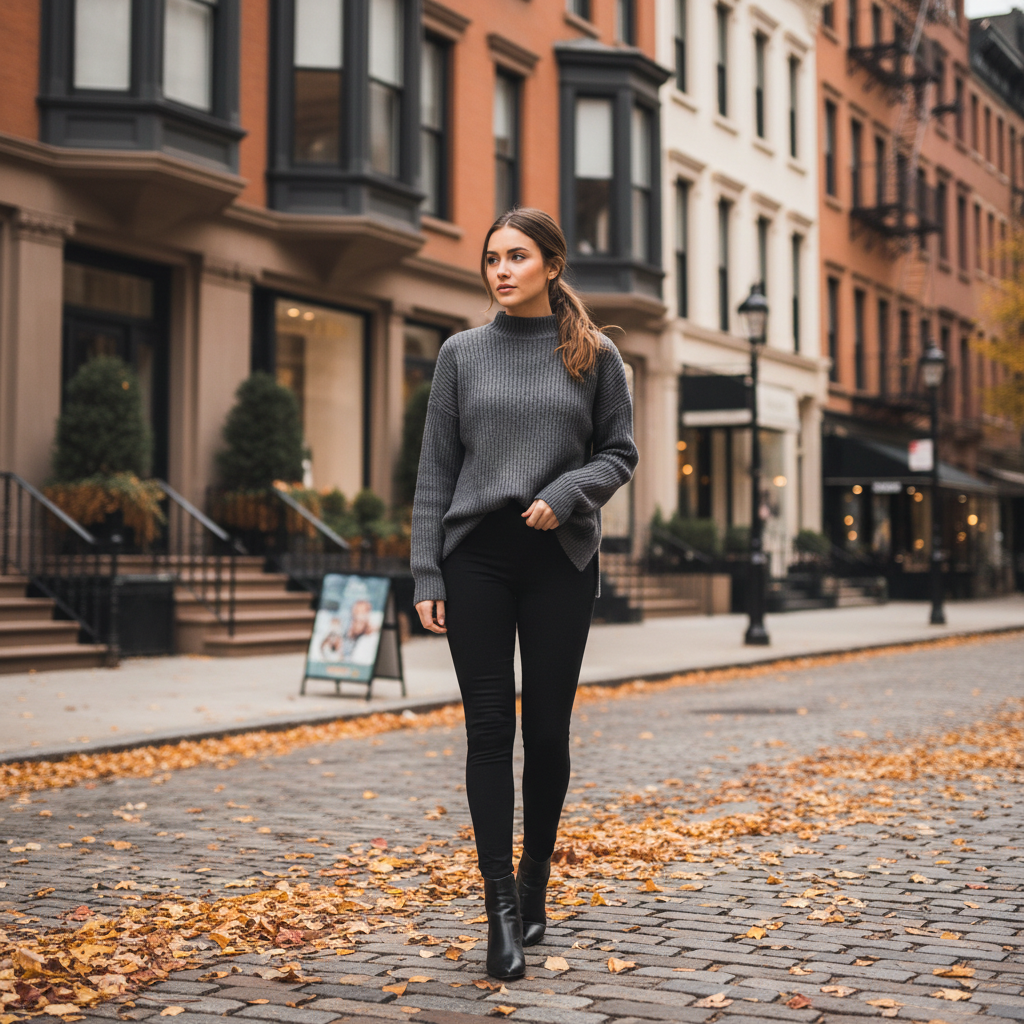

Test layered cold-weather outfits before the season starts
What Users Need from Winter Outfit Pages
Preview layers, outerwear, and cold-weather styling without losing shape or visual polish.
Test layered winter looks
Preview coats, knitwear, boots, and accessories on one photo.
- See whether layers feel bulky or balanced before buying
- Compare casual and elevated winter styling side by side
- Use one photo to test multiple cold-weather combinations
Choose the right outerwear
Check whether a coat or jacket changes the whole look in the right way.
- Try wool coats, puffers, or structured jackets virtually
- Preview length and proportion before ordering outerwear
- Avoid expensive winter pieces that do not feel right
Plan for events and everyday wear
Use the page for both daily outfits and polished winter occasions.
- Compare functional winter outfits with dressier versions
- Find looks that feel warm without losing style
- Save time deciding what to wear across the season
Build content or shopping references
Create winter outfit previews for moodboards, social posts, or shopping decisions.
- Generate several winter looks from one base photo
- Useful for creators, shoppers, and stylists
- Keep the same person and pose while changing the outfit only
Layer Up for Winter
Upload a Full-Length Photo
Make sure coat and boot length are visible for accurate layering.
Describe Layers and Fabrics
Include outerwear type, knitwear, and cold-weather accessories like scarves or beanies.
Preview Warm + Stylish
Test different coat styles and color combinations for cold weather.
Frequently Asked Questions
What winter outfits can I try?
How do I layer without looking bulky?
How do I get clean edges on coats and scarves?
Can I add winter accessories like gloves or hats?
Is the winter outfit generator accurate for warmth?
Is it free?
Still have questions?
Contact our support team →What this page is for
Generate layered winter outfits that look warm without losing shape.
Prompt structure
Include outerwear type, layer details, and footwear.
Examples:
- "Camel wool coat, black knit sweater, slim jeans, boots"
- "Black puffer jacket, gray hoodie, winter sneakers"
- "Long coat, scarf, gloves, winter formal look"
Layering tips
Ask for thin base layers plus structured outerwear to avoid bulk. Mention coat length to align hems.
Common issues and fixes
- Dark coat on dark background: switch to lighter background
- Bulky look: remove one layer and regenerate
Stay Warm and Stylish
Preview layered winter looks with coats, knitwear, and boots. Beat the cold in style.
Related Resources
Explore more tools and guides in our complete guide