AI Summer Outfit Generator
Try on summer outfits for beach days, travel, or festivals. Preview breezy fabrics and seasonal colors on your own photo.
A summer outfit generator is a tool that previews lightweight warm-weather outfits on your own photo, so you can compare breathable looks before packing or shopping.
Tested by OutfitSwap Studio testing team · Updated 2026-06-15
We test scenario prompts on clear full-body and three-quarter photos, then keep the guidance that preserves identity, pose, lighting, and clothing boundaries most reliably.
Powered by our Outfit Swap upload your photo and any outfit reference to see yourself in any look instantly.
Summer Outfit Ideas
Beach days, city walks, and casual summer style.
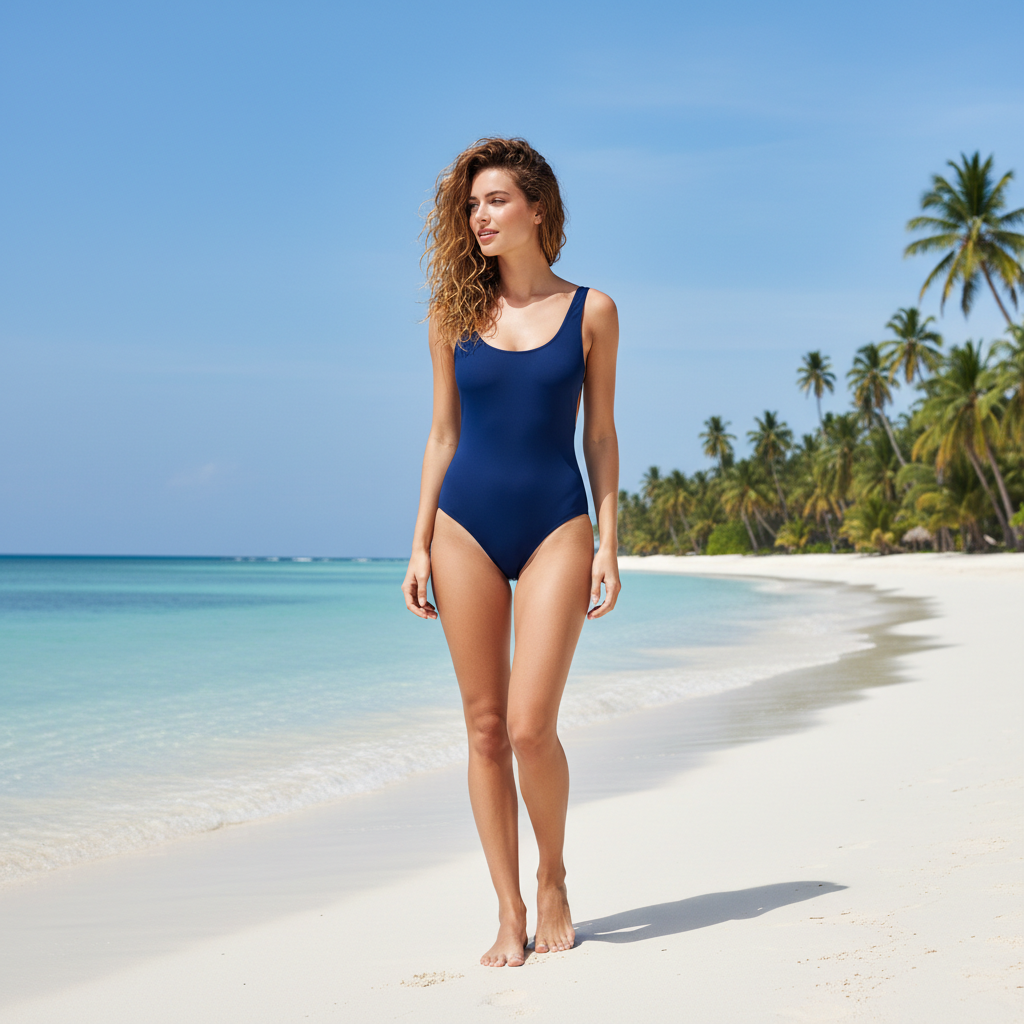
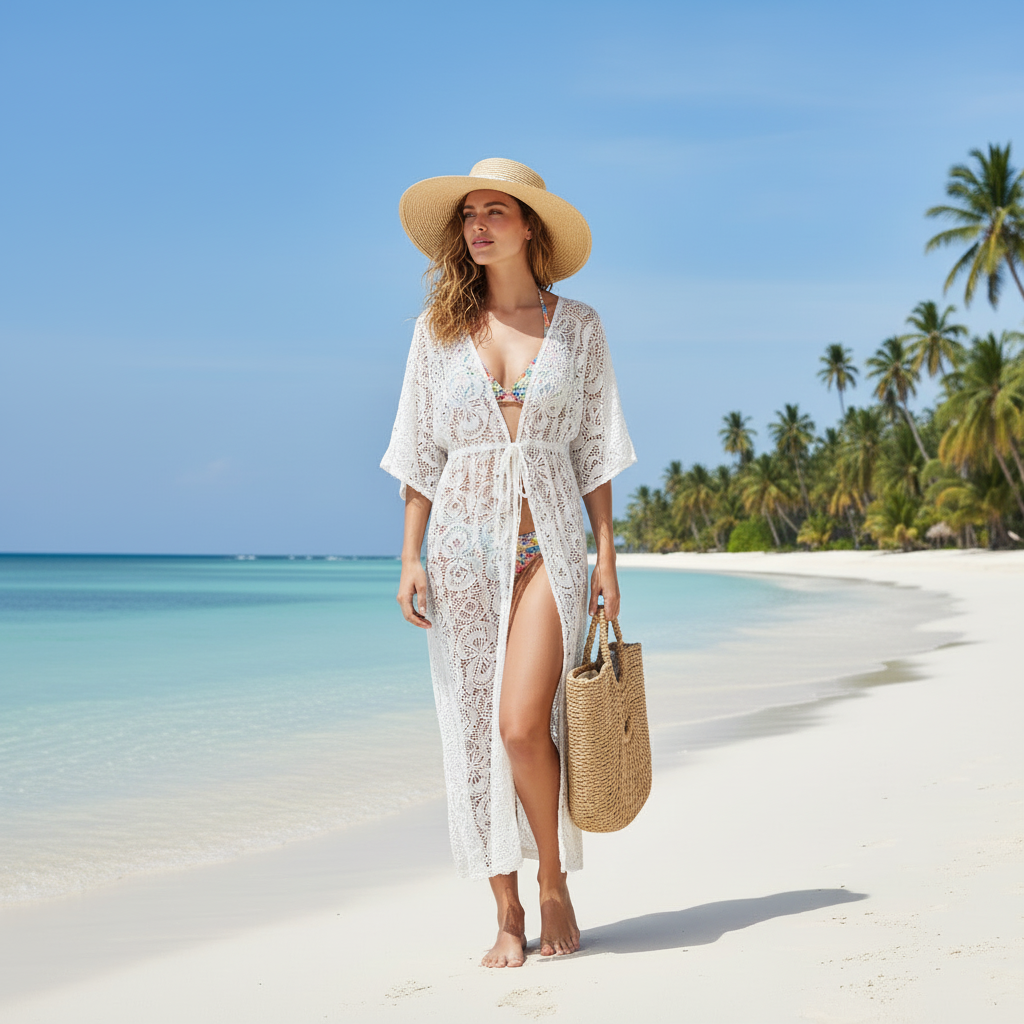
Plan a resort-ready summer look before your trip
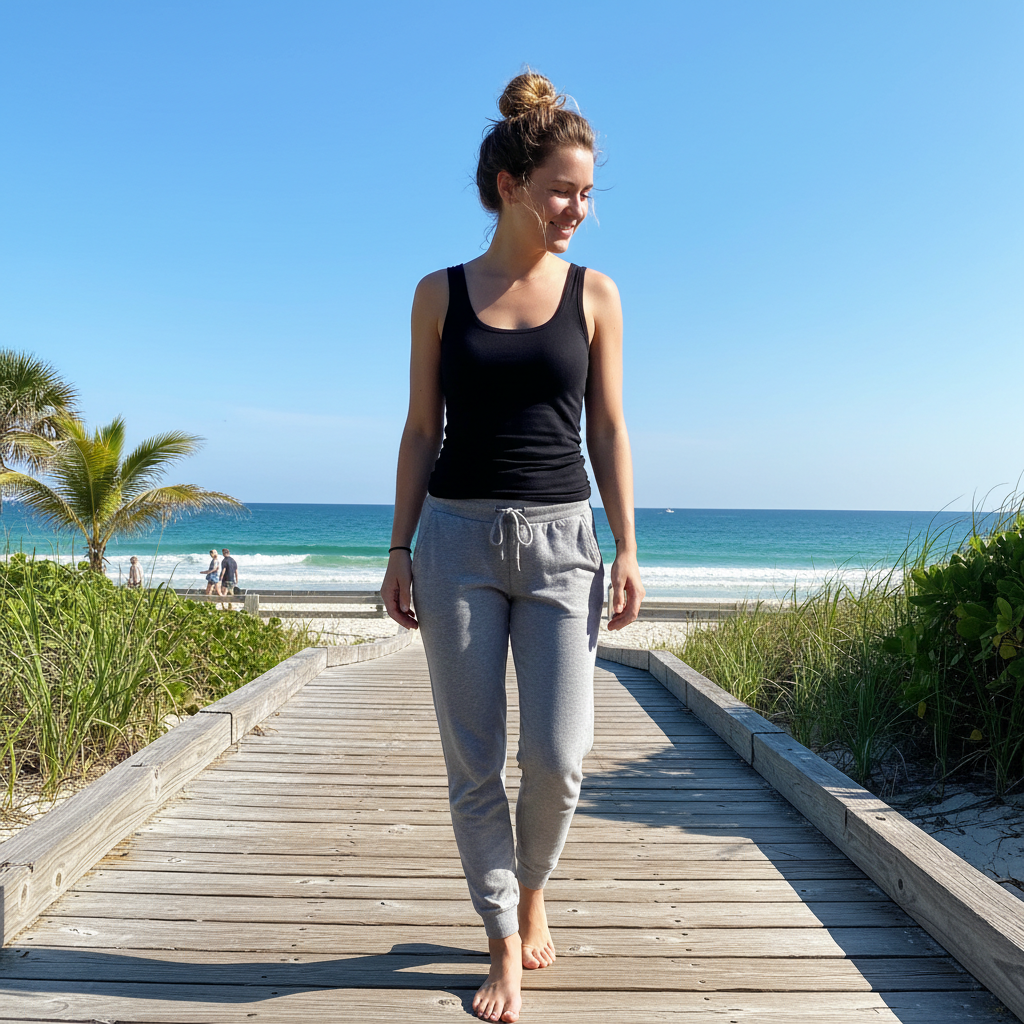
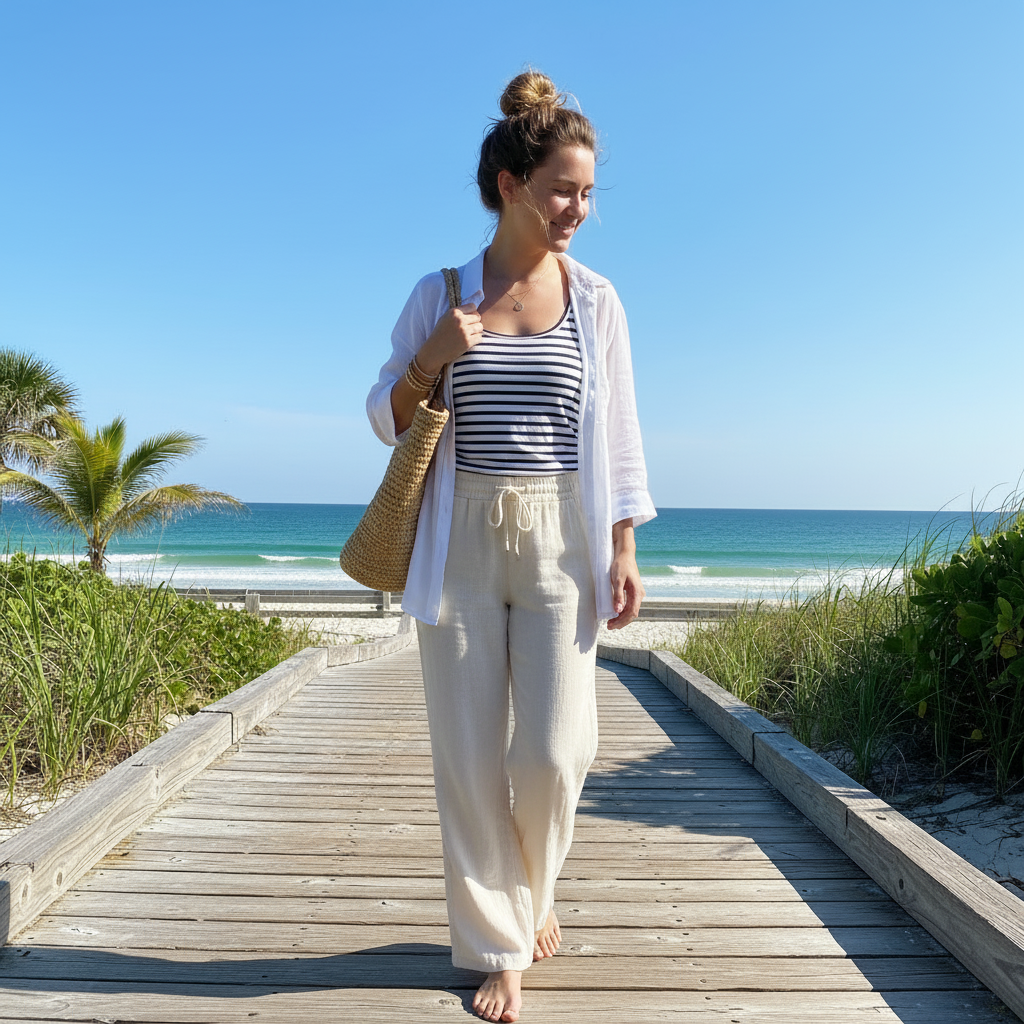
Compare relaxed and coastal summer styling on one photo
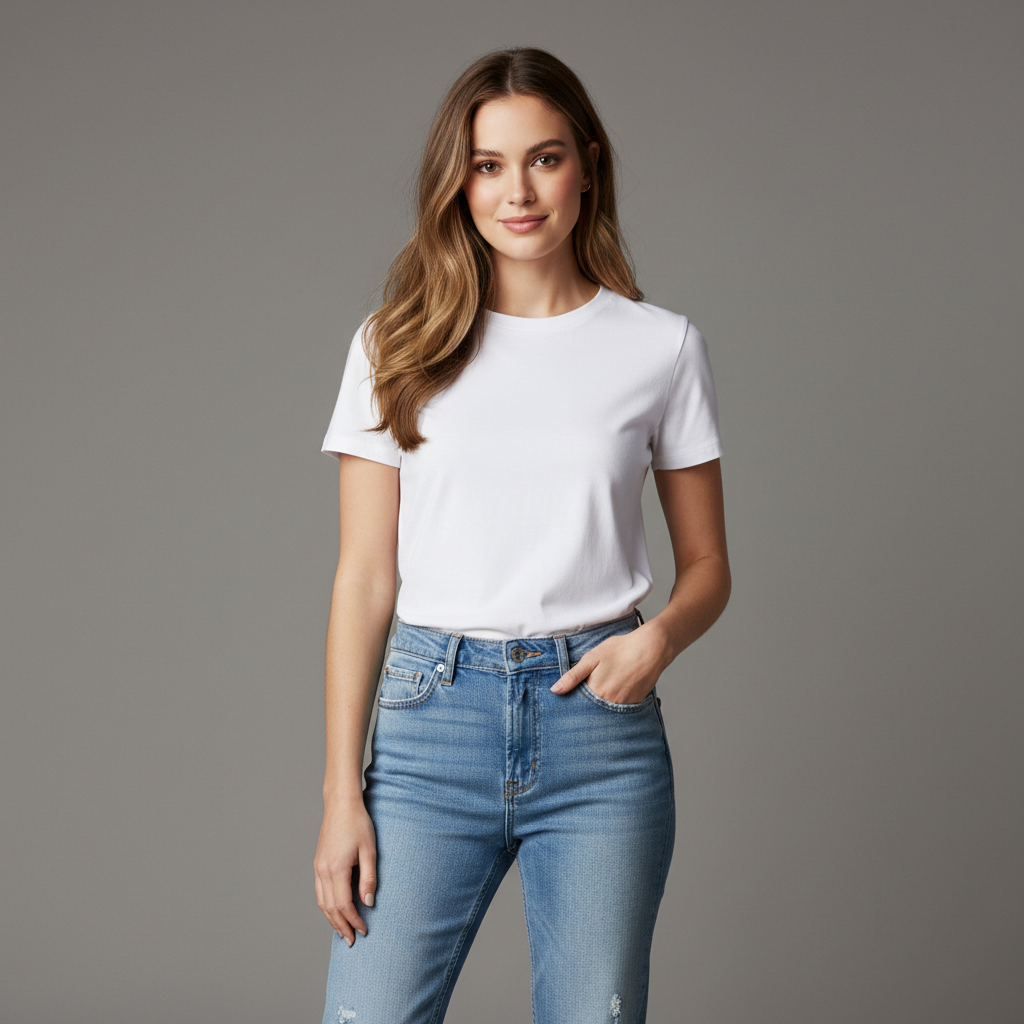
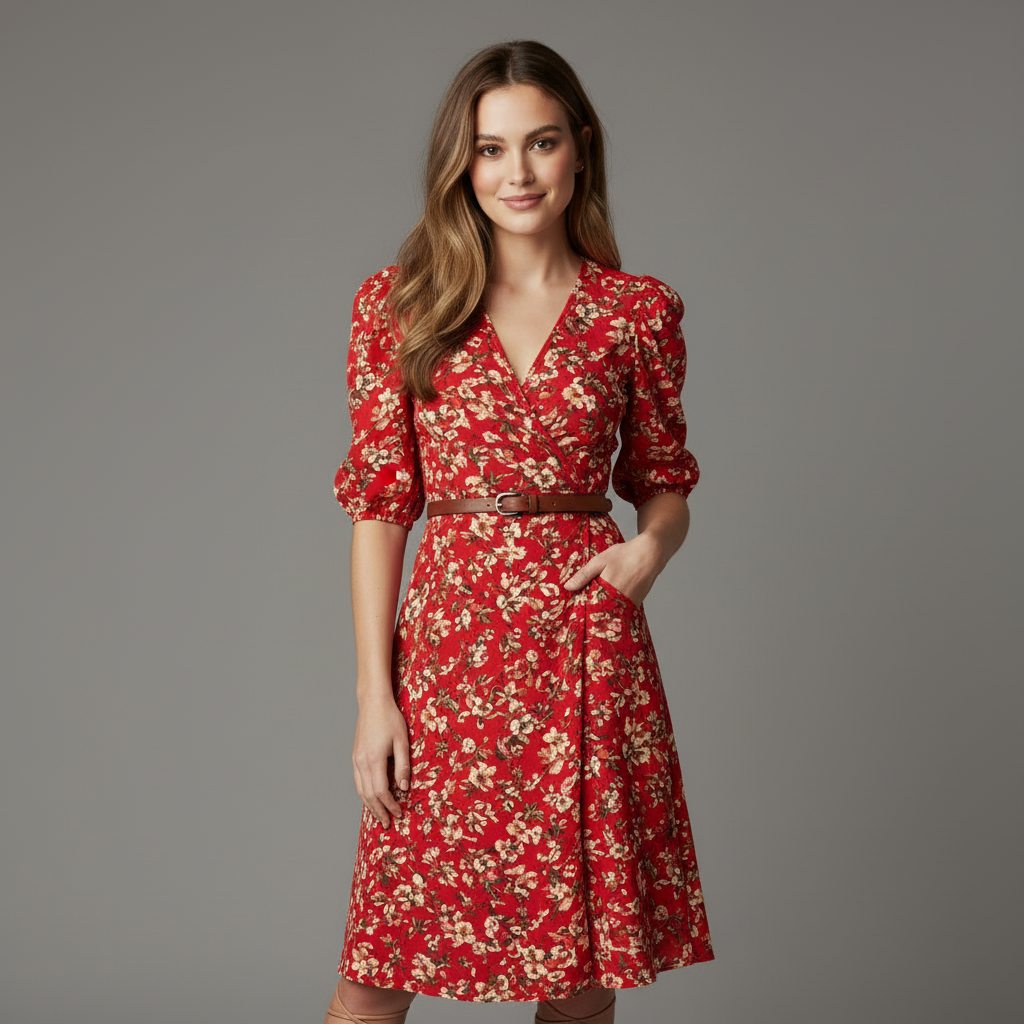
Test a brighter summer print before you buy it
How Summer Outfit Pages Match Real User Intent
Compare warm-weather looks, breathable fabrics, resort outfits, and destination moods on one base photo.
Preview warm-weather outfits before buying
See how breezy tops, dresses, or resort looks appear on your own photo.
- Compare airy silhouettes before ordering for a trip or event
- Test colors and prints that feel seasonally right
- Avoid buying summer pieces that do not suit your style
Plan outfits for travel or holidays
Build beach, resort, and city-summer looks from one base image.
- Check whether one outfit works for the destination you have in mind
- Preview capsule-friendly pieces before you pack
- Generate several destination-ready looks quickly
Create summer content variations
Turn one photo into multiple seasonal looks for social, campaigns, or moodboards.
- Try floral, coastal, and minimal summer styles on the same person
- Generate multiple outfit ideas without reshooting
- Useful for creators and small brands planning seasonal visuals
Decide between simple and statement looks
Compare understated outfits with brighter seasonal styling before the occasion.
- See whether a print, color, or cut feels too much or just right
- Use one pose to compare options fairly
- Get feedback before you commit to the look
Build Light Summer Looks
Upload in Good Lighting
Natural daylight shows summer fabrics and colors best.
Go Light and Breathable
Describe summer details: linen, cotton, shorts, sandals, or flowy dresses.
Stay Cool and Stylish
Generate options for beach, city, or casual summer events.
Frequently Asked Questions
What summer looks can I generate?
How do I avoid outfits that look too heavy?
Can I preview beach vs city outfits?
Will it keep my skin tone and body shape unchanged?
Can I change only the color of an outfit?
Is it free?
Still have questions?
Contact our support team →What this page is for
Generate lightweight summer looks for hot weather, beach trips, and city walks.
Prompt structure
Mention fabric and setting.
Examples:
- "Linen shirt, beige shorts, white sneakers"
- "Floral sundress, light fabric, summer"
- "City summer look, white tee, light denim"
Fabric tips
Use words like linen, cotton, or breathable. Avoid heavy fabrics unless you want a heavier look.
Common issues and fixes
- Outfit looks too heavy: add "lightweight" or "airy"
- Background blends with light outfit: add contrast
Stay Cool, Look Great
Try light fabrics and summer colors. Build breathable outfits for hot weather.
Related Resources
Explore more tools and guides in our complete guide