AI Interview Outfit Generator
Generate interview-ready outfits matched to your industry and dress code. Preview polished looks on your own photo before the big day.
An interview outfit generator is a tool that turns a clear photo and role-specific prompt into professional outfit previews, so you can compare interview looks before the meeting.
Tested by OutfitSwap Studio testing team · Updated 2026-06-15
We test scenario prompts on clear full-body and three-quarter photos, then keep the guidance that preserves identity, pose, lighting, and clothing boundaries most reliably.
Powered by our Outfit Swap upload your photo and any outfit reference to see yourself in any look instantly.
Interview Outfit Inspiration
Finance, tech, creative - professional looks for every industry.
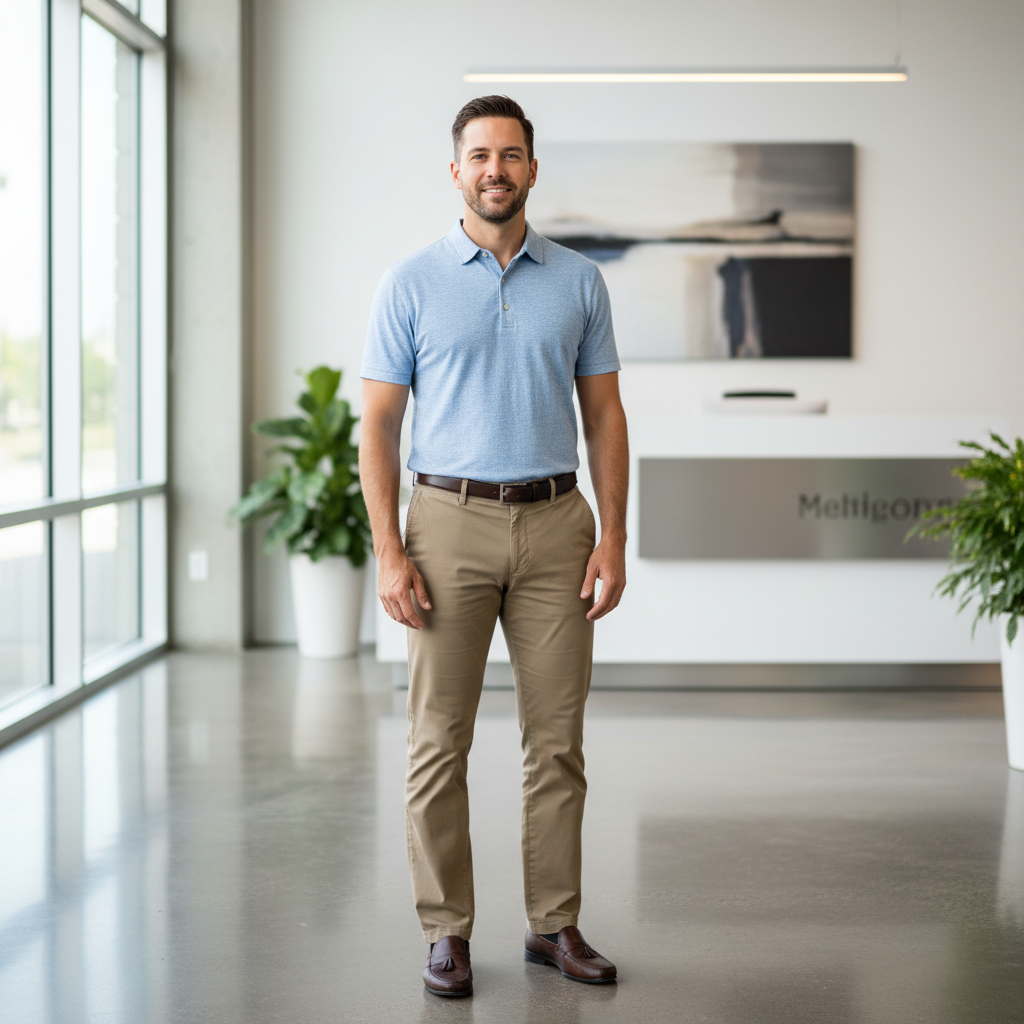

Turn a casual photo into an interview-ready business look
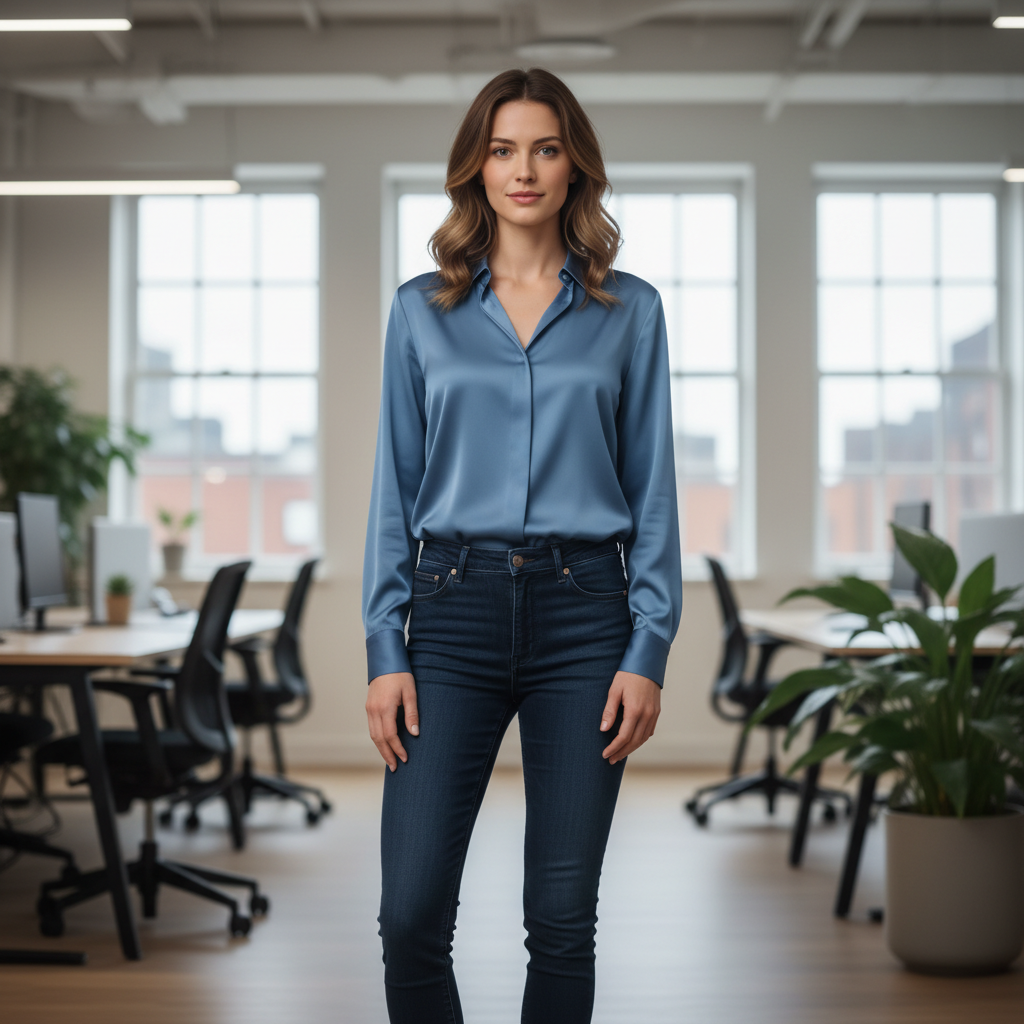
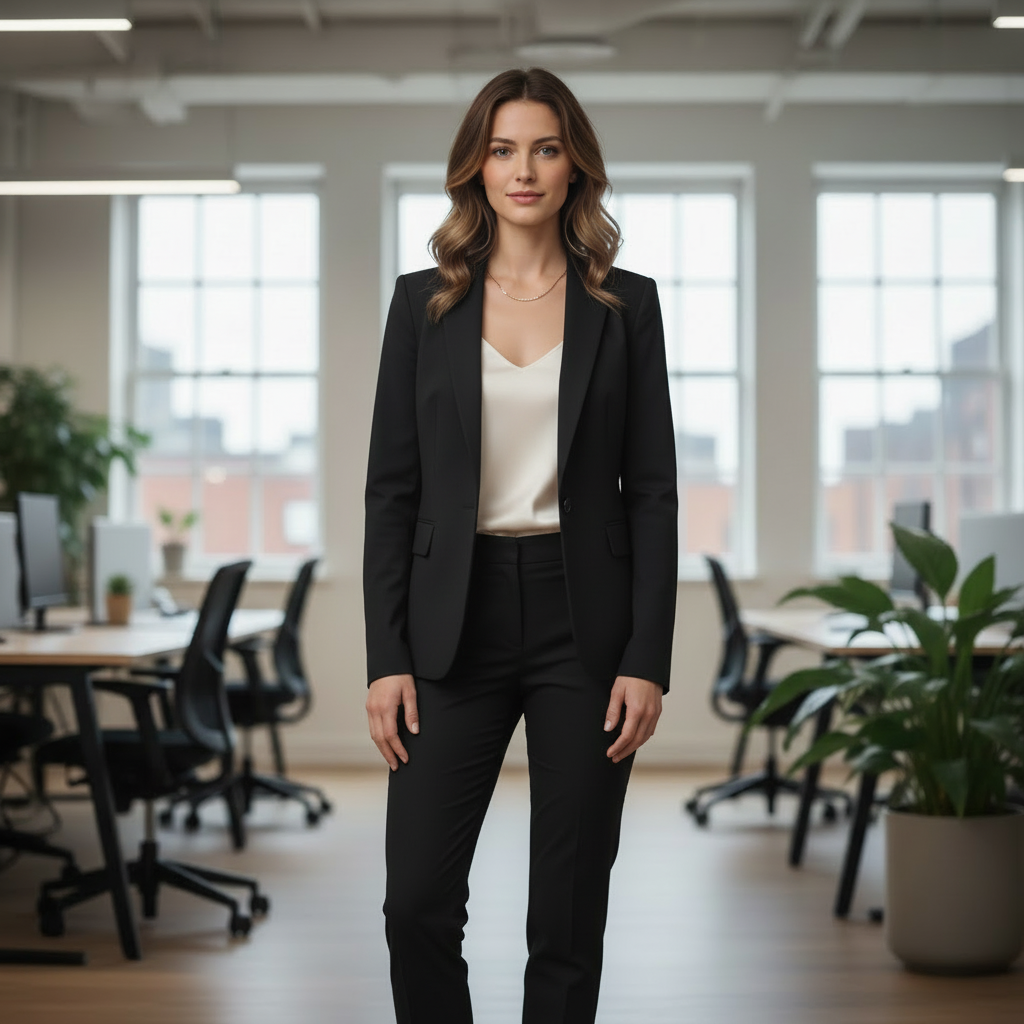
Compare smarter interview outfits before the big day
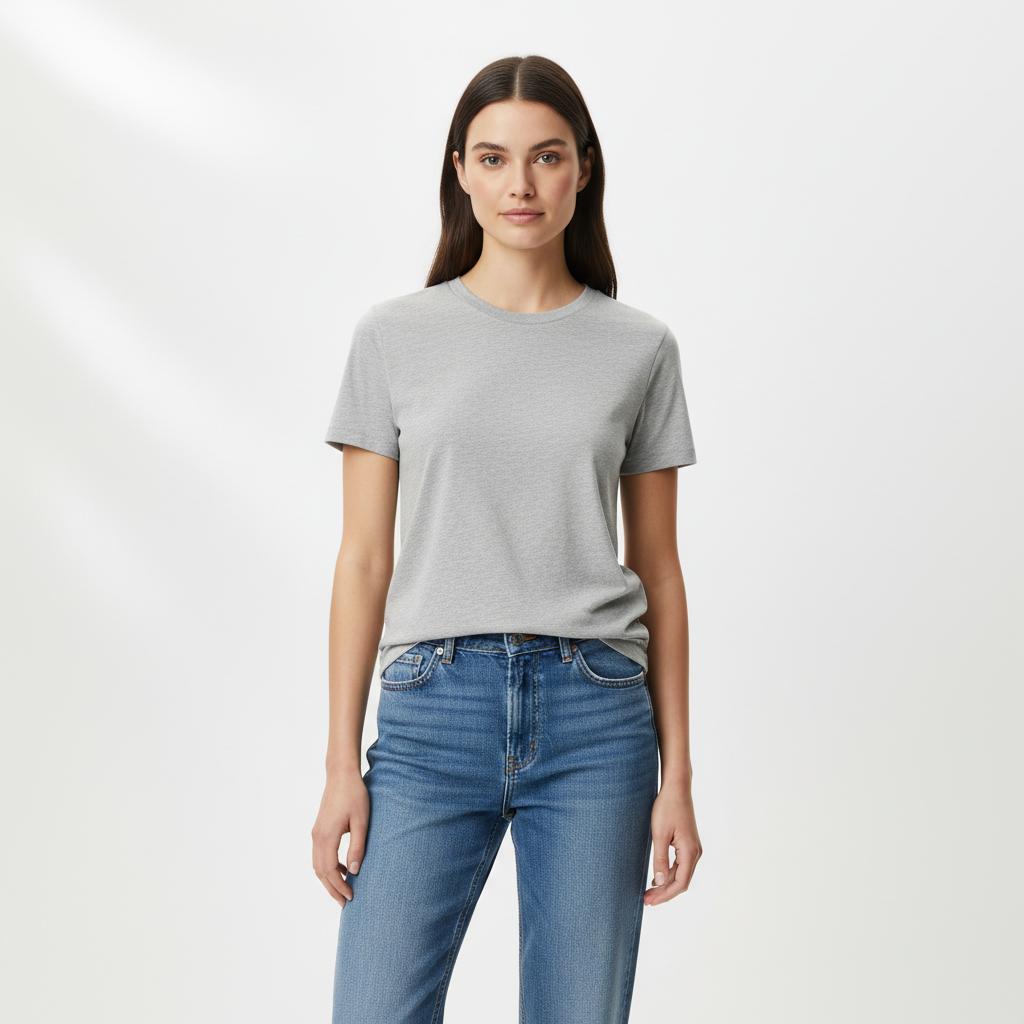

Check whether a more formal look fits the role or industry
How People Use an Interview Outfit Generator
The strongest interview pages focus on confidence, industry fit, and decision speed before the big day.
Check if your outfit feels professional enough
Preview business-casual and formal options before the interview day arrives.
- See whether your current outfit reads too casual
- Compare blazer, shirt, and trouser combinations quickly
- Avoid last-minute second-guessing before the interview
Match the role or industry
Generate different looks for tech, finance, marketing, law, or client-facing roles.
- Try smarter vs more relaxed options on the same photo
- Adjust formality depending on the company culture
- Prepare more than one look if you are unsure
Refresh your profile photo
Use the same outfit logic for LinkedIn, CV, or speaker images.
- Turn a casual photo into a polished work-ready look
- Keep your face and background while changing the outfit only
- Useful when you need a stronger first impression fast
Get feedback before choosing
Share two or three generated options with friends, mentors, or recruiters.
- Make the decision before you start getting dressed
- Use the same pose to compare options fairly
- Save mental energy for the interview itself
Build Your Interview Outfit
Upload a Professional Photo
Use a clear, well-lit photo with neutral pose. Avoid casual backgrounds.
Match the Industry Dress Code
Describe the role: "tech startup smart casual" or "finance interview formal suit."
Get Interview-Ready
Compare 2-3 options. Pick the one that projects confidence for your specific interview.
Frequently Asked Questions
What should I wear to a job interview?
How formal should my interview outfit be?
Can I generate industry-specific interview outfits?
Will the AI outfit look professional?
Can I use this for LinkedIn photos?
Is it free?
Still have questions?
Contact our support team →Who this is for
Job seekers who want a professional outfit aligned to industry expectations without guesswork.
Dress code guidance by industry
- Finance and law: business formal
- Tech and startups: business casual
- Creative roles: smart casual with personal style
Prompt examples
- "Interview outfit, navy blazer, white shirt, tailored pants, minimal accessories"
- "Tech interview, smart casual, neutral colors, clean sneakers"
- "Creative agency interview, modern smart casual, muted palette"
Step by step workflow
- Choose a clear head to waist or full body photo
- Mention industry and formality in your prompt
- Add a keep line for face and background
- Generate two options and compare
Remote vs in person interviews
- Remote: focus on clean upper body, collar, and jacket
- In person: full outfit including shoes and pants
Common mistakes
- Too bright or flashy colors for conservative roles
- Busy patterns that distract in a headshot
- Vague prompts with no formality level
LinkedIn tip
Use a clean background and a classic color palette to keep the profile photo professional.
Look Your Best for the Interview
Generate professional outfits that match your industry. Walk in with confidence.
Related Resources
Explore more tools and guides in our complete guide