- Home
- AI Clothes Changer
AI Clothes Changer
Upload a photo and change clothes with AI. Get clean edges, natural lighting, and fast results for realistic outfit changes.
Change Clothes in 3 Simple Steps
Upload Your Photo
Use a clear full-body shot. Good lighting and visible clothing edges give the best results.
Describe the New Outfit
Write what you want: "navy blazer, white shirt, dark jeans." Be specific about color, fabric, and style.
Download Your Result
AI generates the new look in 10-20 seconds. Compare variations and save your favorite.
Popular Outfit Scenarios
Explore specific use cases for AI outfit changes. Each scenario is optimized for different occasions.
Wedding Dress Try-On
Preview bridal gowns and formal dresses on your photo before shopping
Interview Outfit Generator
Build job-ready professional looks for any industry or role
Travel Outfit Generator
Create versatile capsule wardrobe looks for trips and vacations
Streetwear Outfit Generator
Design casual urban outfits with hoodies, sneakers, and relaxed fits
AI Clothes Color Changer
Change outfit colors while keeping texture and lighting intact
Virtual Suit Try-On
Try blazers, suits, and formal business wear virtually
Photo Quality for Clean Outfit Swaps
Better inputs = better outputs. Follow these guidelines.
Do This
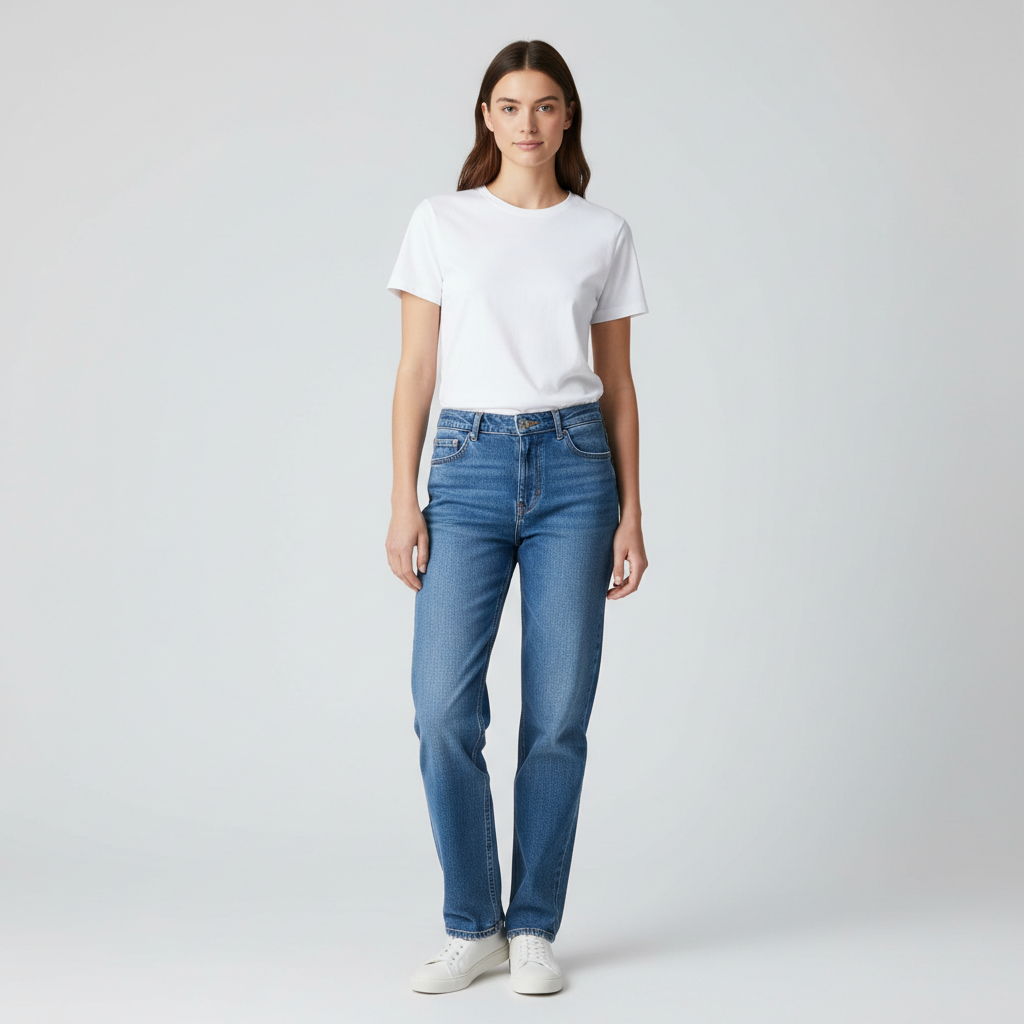
- Full body or 3/4 body visible
- Even lighting with soft shadows
- Arms relaxed at sides (not crossed)
- Simple background with contrast
- High resolution (at least 512px)
- Front facing or slight angle
Avoid This
- Motion blur or low resolution
- Heavy filters or beauty edits
- Hands covering clothing
- Busy background or mirror shots
- Group photos with overlapping bodies
- Extreme angles or fish-eye lens
Pro Tip
Stand 6-8 feet from the camera with arms relaxed. Natural daylight gives the cleanest results.
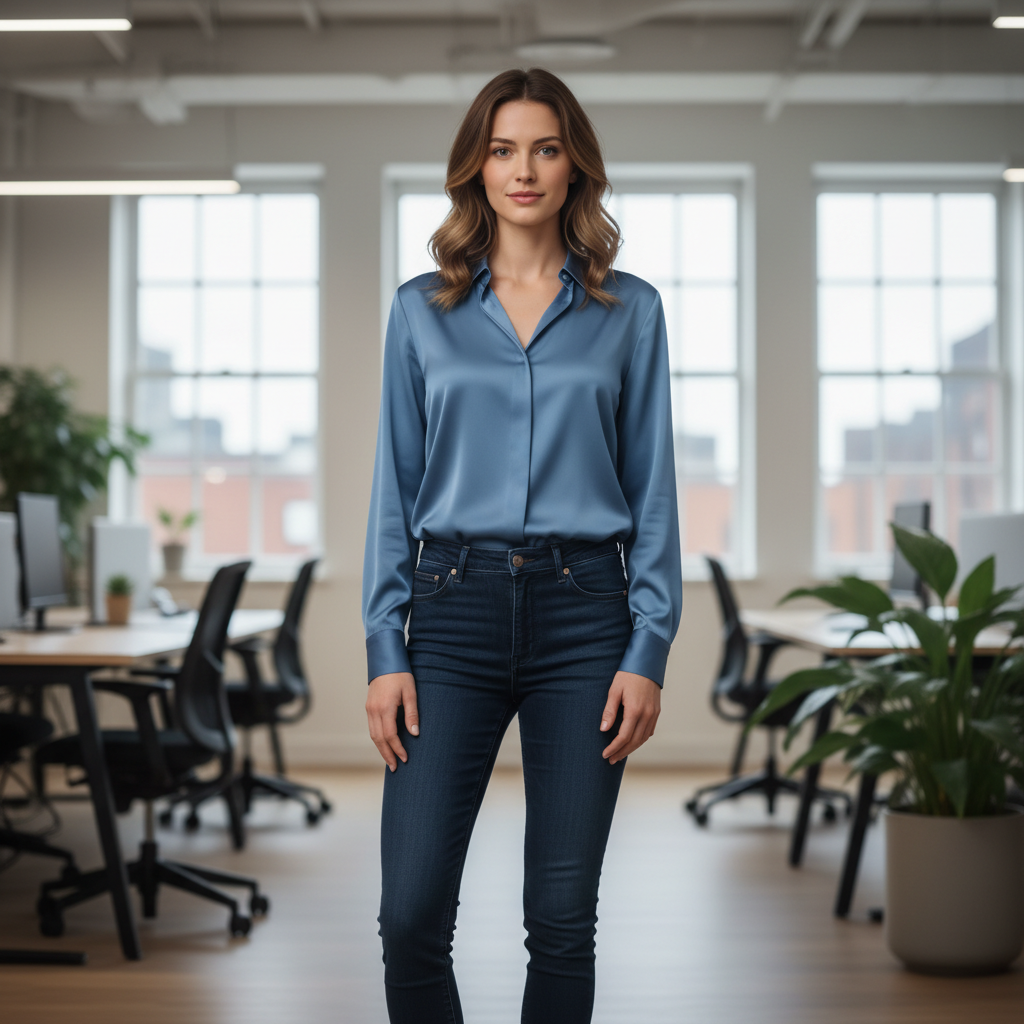
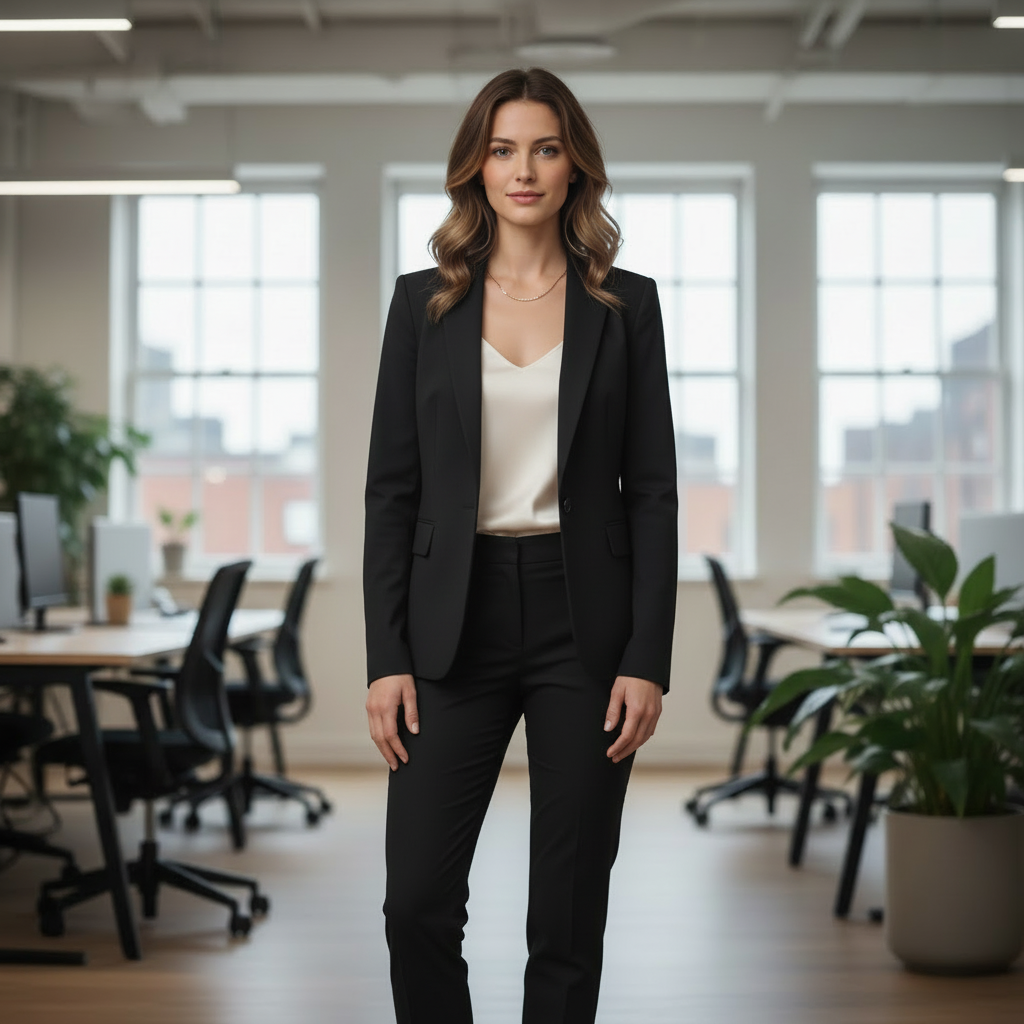
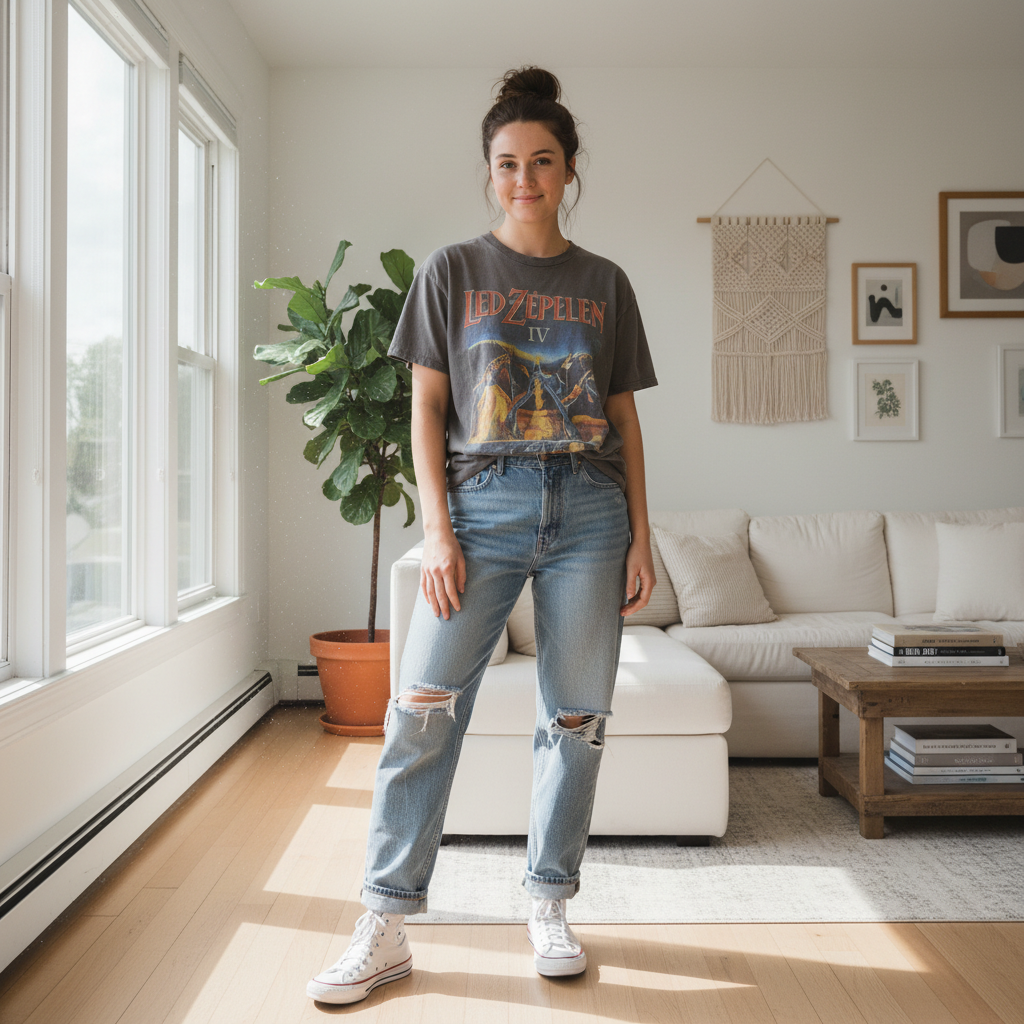
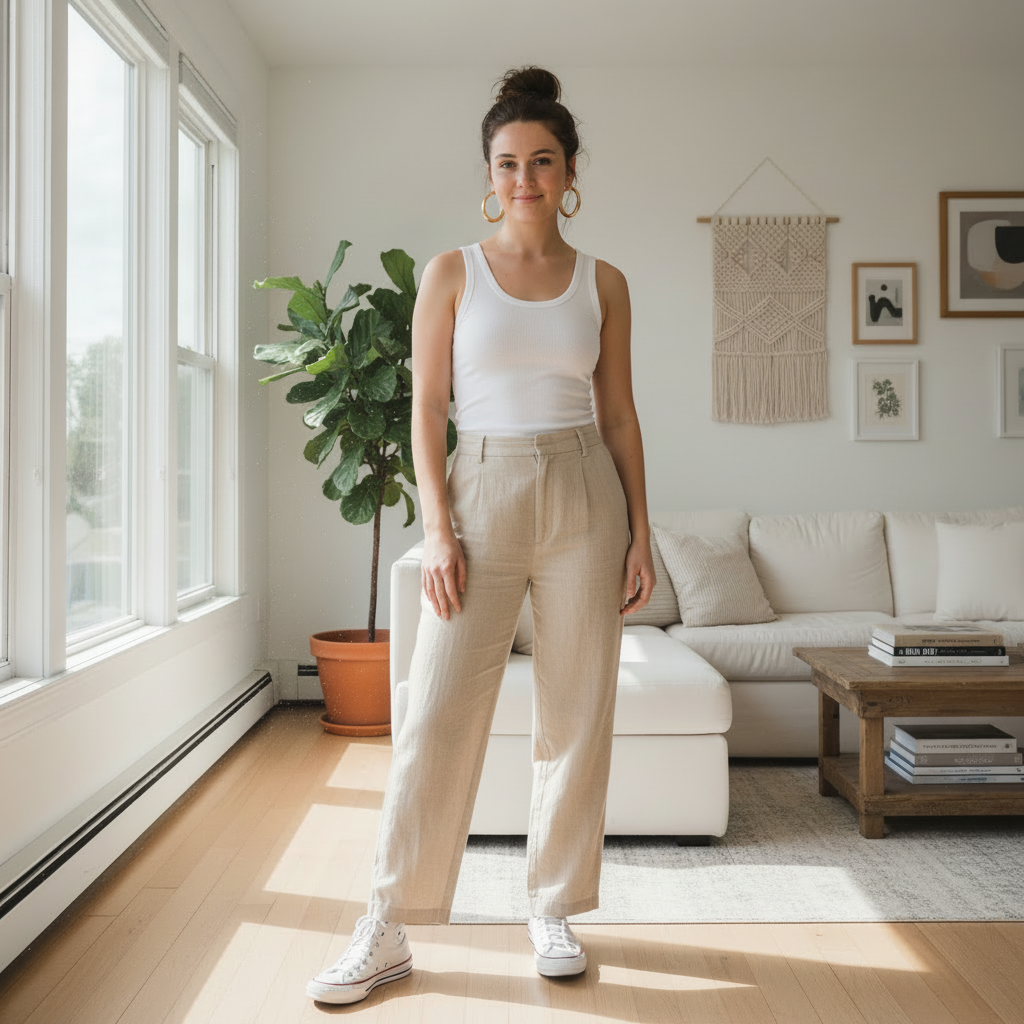
See What AI Clothes Changer Can Do
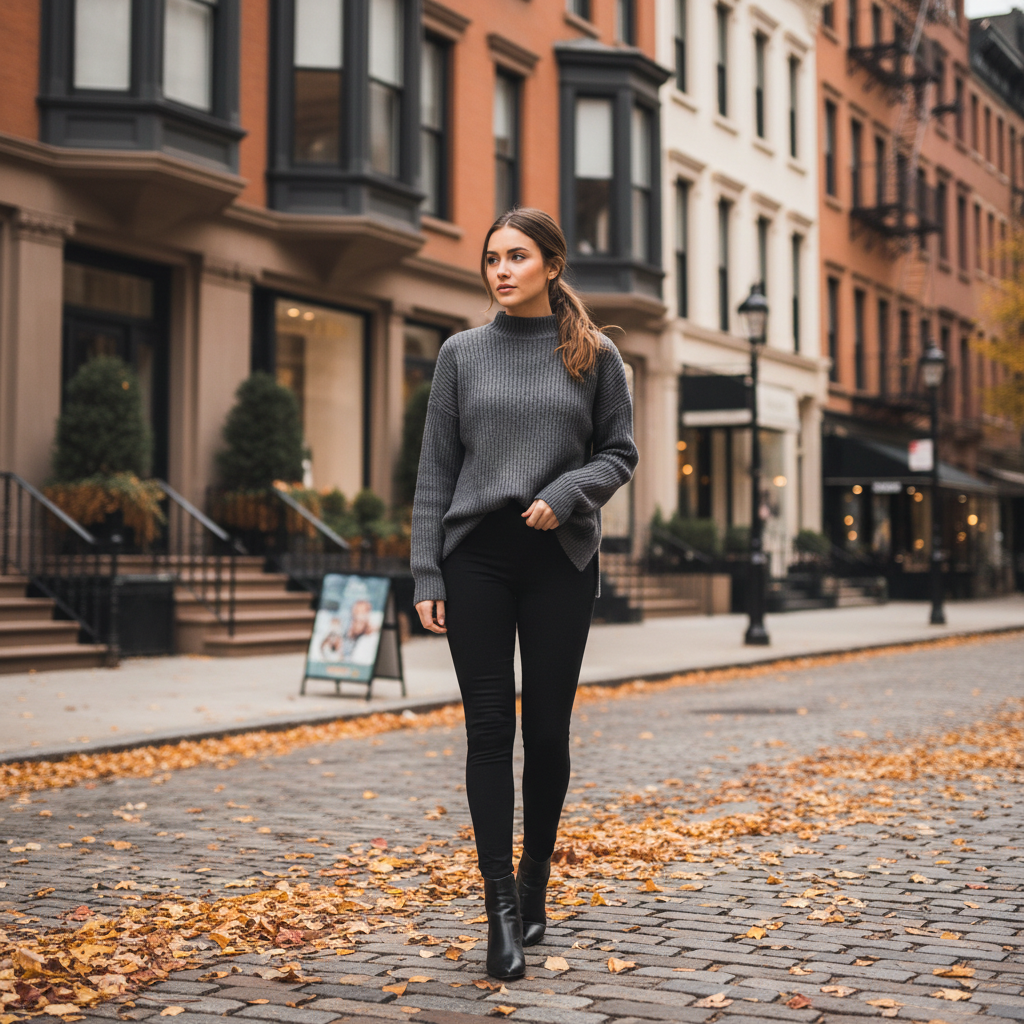
Real transformations from casual to formal, summer to winter, and everything in between.


Casual to old money style


Hoodie to elegant sweater


Beige dress to emerald gown
What this page is for
Use this page when you want a fast, realistic outfit change on a single photo. It is built for people who want clean edges, consistent lighting, and a natural look without manual editing.
Who this helps
- Shoppers comparing styles before buying
- Creators making outfit variants for content
- Professionals updating a photo for LinkedIn or a portfolio
- Teams producing consistent visual assets
When to use and when not to
Use this tool when you want a visual preview of a different outfit on the same person. Do not use it to estimate exact clothing size. It shows how a style looks, not exact measurements.
How it works in practice
- Upload a clear photo with your body visible.
- Describe the outfit you want with a short, specific prompt.
- Generate and refine until the edges, texture, and fit look right.
Base photo quick audit
Before you generate, check these items:
- Face is visible and well lit
- Shoulders and waist are visible
- Hands are not covering the torso
- Background is simple and not the same color as the outfit
- Photo is sharp and not compressed
Photo setup that produces the best results
- Full body or 3/4 body is visible
- Neutral pose, arms not crossing the torso
- Even lighting with minimal shadows on clothing
- Simple background with contrast against your outfit
- High resolution image (at least 512px on the short side)
Why this matters: the model needs clear garment boundaries and lighting cues. Busy backgrounds, extreme angles, or heavy filters often cause edge artifacts and texture loss.
Prompt formula that gives consistent results
Use this order: garment, color, material, fit, occasion, accessories, then a keep line.
Example: "Navy blazer, white oxford shirt, slim charcoal trousers, brown leather loafers, office. Keep face, hair, and background unchanged."
Prompt variations you can use
Full outfit change "Black midi dress, satin, fitted waist, evening. Keep face and background unchanged."
Top only "Replace the jacket with a camel trench coat. Keep jeans and shoes unchanged."
Bottom only "Change pants to dark gray tailored trousers. Keep shirt and shoes unchanged."
Color only "Keep the same outfit, change the top to navy. Keep texture and lighting."
Useful prompt vocabulary
- Colors: navy, charcoal, ivory, burgundy, olive
- Fabrics: denim, linen, satin, tweed, wool
- Fits: slim, tailored, relaxed, oversized
- Details: notch lapel, v neck, midi length, cuffed sleeves
Iteration strategy that saves credits
- Change one variable at a time (color, fit, or fabric)
- Keep the base photo constant for clean comparisons
- If result is off, shorten the prompt and regenerate
Realism checklist
Use this checklist to judge the output:
- Edges: sleeves, hems, collars are clean
- Lighting: new fabric matches the scene lighting
- Texture: material looks like what you asked for
- Body shape: proportions and pose are preserved
- Face and hair: unchanged unless you asked for changes
Common issues and fixes
- Blurry edges: use a higher resolution photo and a simpler background
- Wrong color: use specific color names like navy or burgundy
- Body shape changed: add "keep body shape unchanged"
- Outfit replaced too much: list the items to keep
- Background shifted: add "keep background unchanged" and simplify prompt
Example workflows
Case 1: Business headshot Goal: replace a casual top with a business blazer and clean shirt. Prompt: "Navy blazer, white oxford, tailored fit. Keep face and background unchanged."
Case 2: Event styling Goal: see a formal dress for an evening event. Prompt: "Black satin midi dress, fitted waist, minimal accessories. Keep face and background unchanged."
Case 3: Capsule wardrobe preview Goal: test three colorways of the same outfit. Prompt: repeat the same prompt and change only the color line.
Use cases people search for
- Change a casual outfit into business wear
- Try a formal look for an event
- Swap only a jacket or a dress
- Test multiple colorways of the same outfit
- Create a capsule wardrobe preview
Image ideas to generate
- Casual to business transformation
- Summer outfit to winter layering
- Formal event look
- Streetwear vs smart casual
- Top only change with jeans kept
- Three colorways of the same outfit
Privacy and limits
Uploads are used only to generate your result and removed within the retention window. Free credits let you test quality before upgrading to higher volume or resolution.
Case scripts
Replace a casual top with a professional blazer for a profile photo.
Chest-up or 3/4 body, neutral background, casual top visible.
- 1Crisp lapels, shirt collar edges, lighting consistent, body shape preserved.
Gallery title library
Ready to Change Your Outfit?
Upload a photo, describe the new look, and see results in seconds. Start with 5 free credits.
Related Resources
Virtual Try-On
Outfit Swap
How to Change Clothes in a Photo
AI Clothes Changer Prompts
Compare Alternatives
Explore more tools and guides in our complete guide