AI Clothes Changer Prompts You Can Copy and Try
Copy tested AI clothes changer prompts for business, casual, formal, streetwear, and color edits. Adapt each prompt to your photo.
Tested by OutfitSwap Studio · Updated 2026-06-14
Prompts are tested across portrait, upper-body, and full-body photos, then simplified to reduce identity drift and unnecessary model refusals.
Powered by our AI Clothes Changer pick a preset or describe the outfit you want — AI handles the rest.
Copy, Adjust, and Try These Outfit Prompts
Each prompt targets a specific clothing change. Copy it, or open it directly in the generator and adapt the details to your photo.
Professional Headshot
Replace the current outfit with a tailored navy blazer and a clean white shirt. Keep the face, hair, body shape, pose, hands, lighting, and background unchanged.
Best for profile photos, resumes, and professional social accounts.
Try This PromptBusiness Casual
Change the outfit to a light blue Oxford shirt, charcoal chinos, and a fitted beige blazer. Keep the face, body shape, pose, hands, and background unchanged.
Use a clear upper-body or full-body photo with visible garment edges.
Try This PromptCasual Streetwear
Change the outfit to an oversized charcoal hoodie, relaxed black cargo pants, and clean white sneakers. Keep the same person, pose, body proportions, and background.
Works best when the original photo includes the full outfit and shoes.
Try This PromptFormal Event
Replace the current outfit with an elegant black formal suit with a white dress shirt and subtle accessories. Keep the face, hair, pose, hands, lighting, and background unchanged.
Keep accessories minimal on the first attempt for cleaner results.
Try This PromptSummer Look
Change the outfit to a breathable linen shirt in soft cream with tailored light beige shorts and simple white sneakers. Keep the person, pose, skin tone, and background unchanged.
A well-lit full-body photo helps preserve natural fabric and proportions.
Try This PromptDress Color Change
Keep the same dress and change only its color to burgundy. Preserve the dress shape, fabric texture, folds, skin tone, pose, lighting, and background.
Use this when the garment is already right and only the shade should change.
Try This PromptWhy outfit prompts fail
- Change one clear thing first; combine multiple garments only after a clean result.
- Name the garment, style, color, and fabric before adding accessories.
- Use one short keep line for identity, pose, skin tone, and background.
- Avoid descriptions that are sexualized, ambiguous, or likely to trigger model safety filters.
- Use a sharp photo with visible clothing boundaries and limited occlusion.
- If the result changes too much, shorten the prompt instead of adding more instructions.
Prompt vs Result Gallery
See exactly what prompts produce which outcomes.
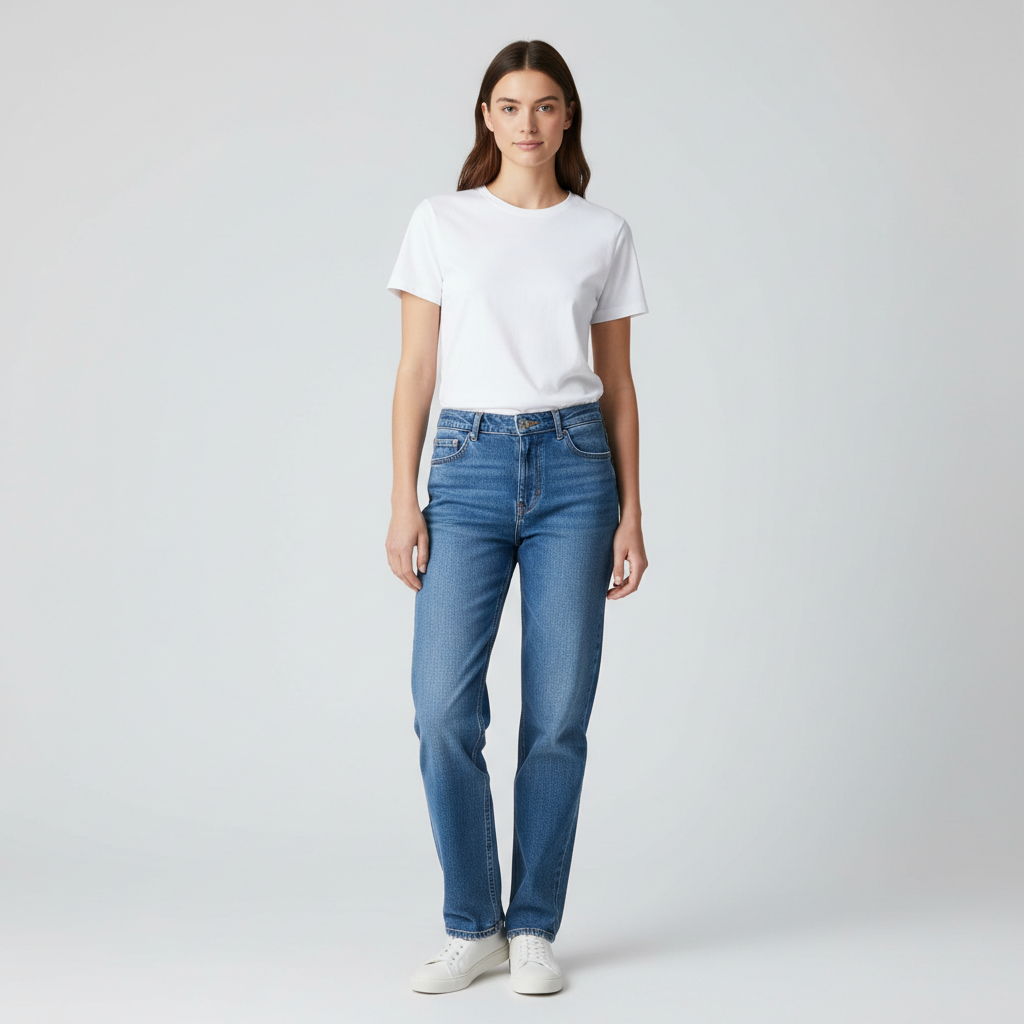

Use a prompt to test a more polished style before you commit to it
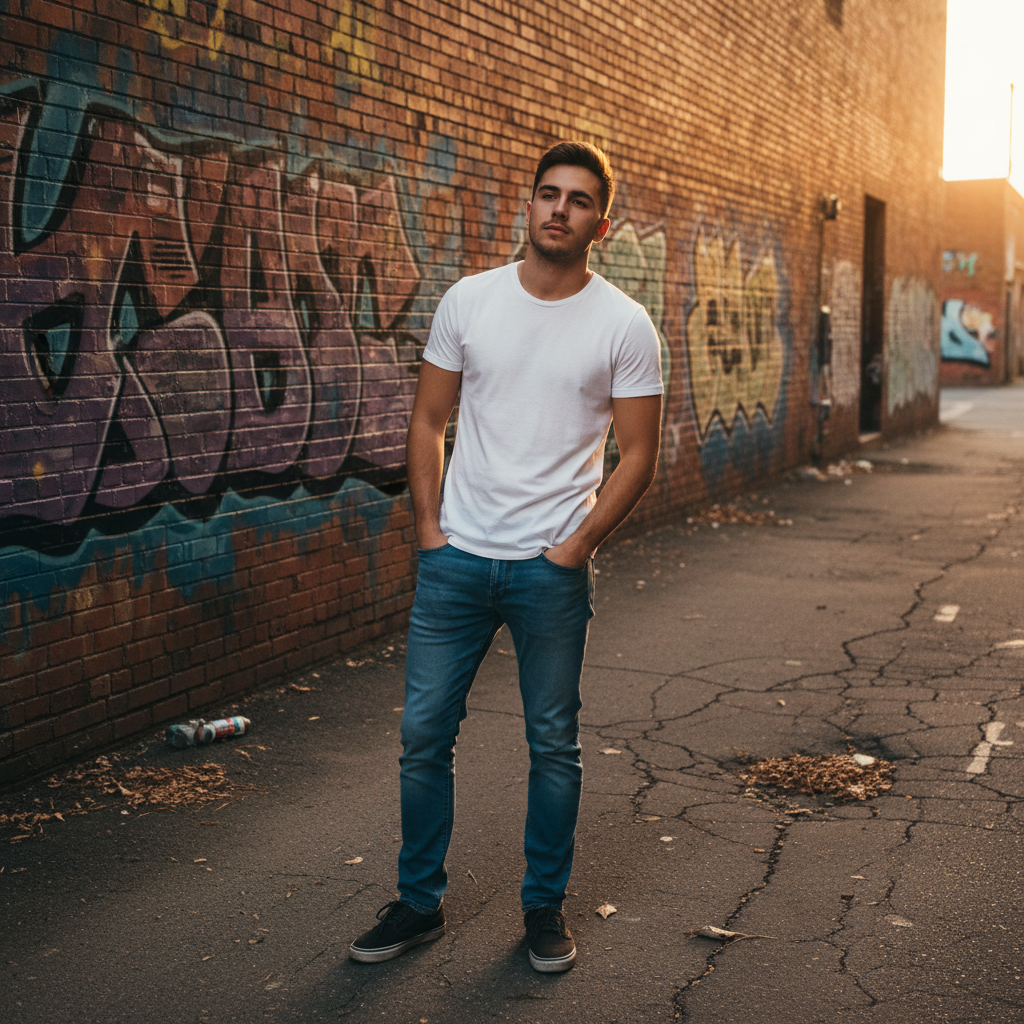
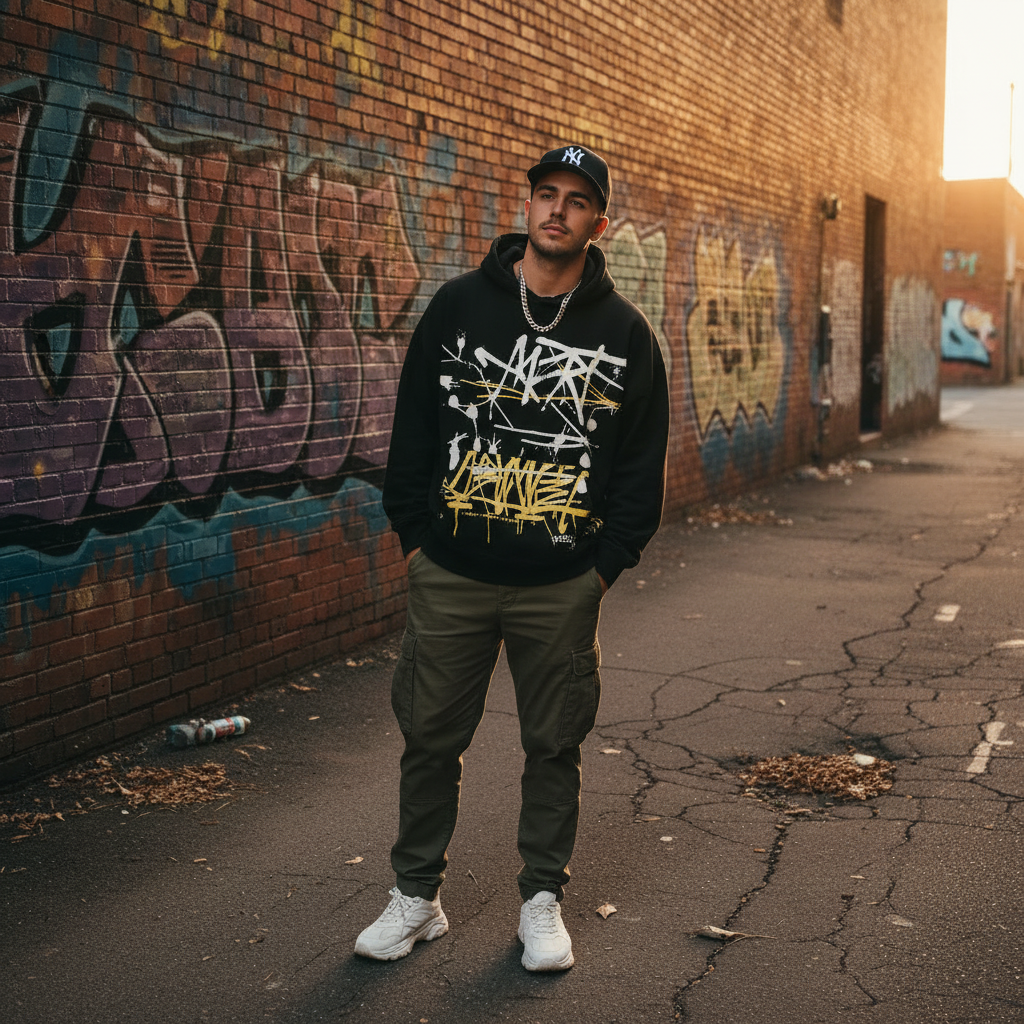
Prompt a stronger streetwear look from one simple base photo
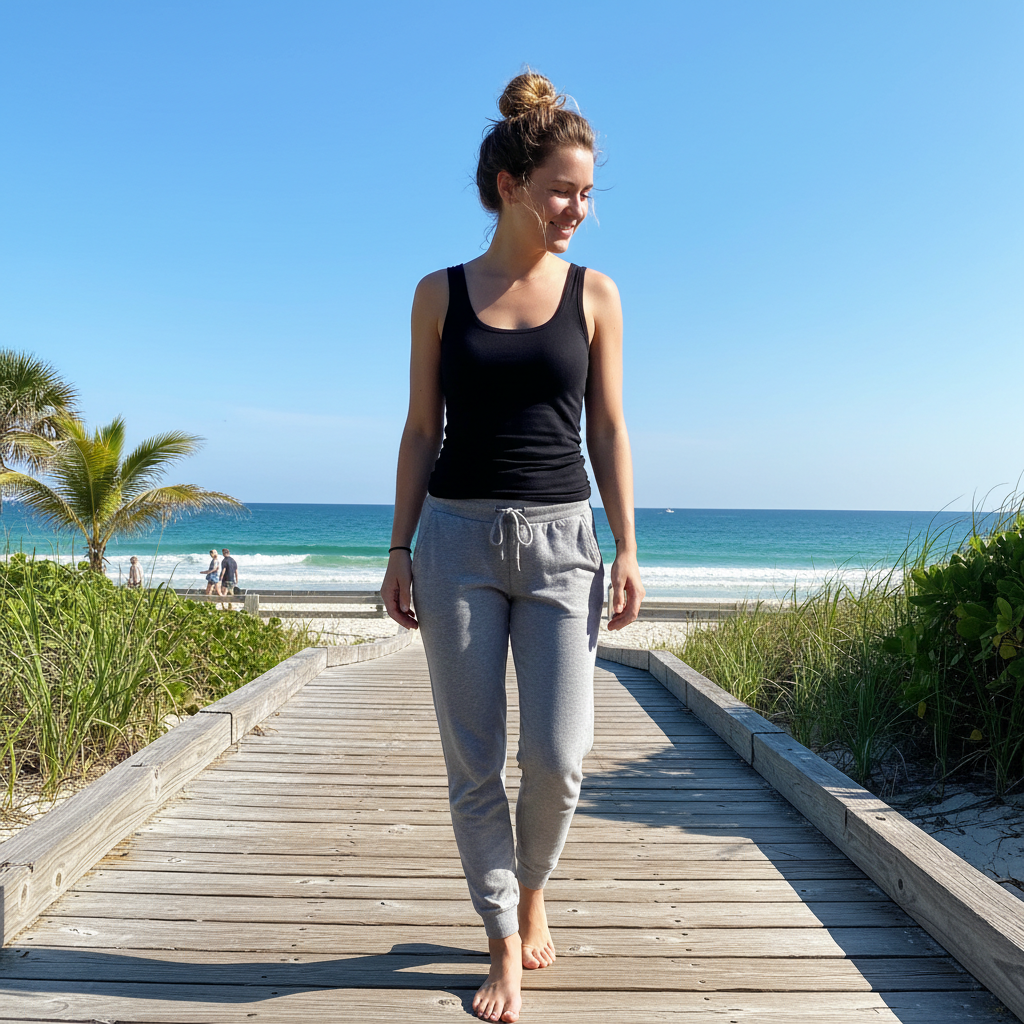
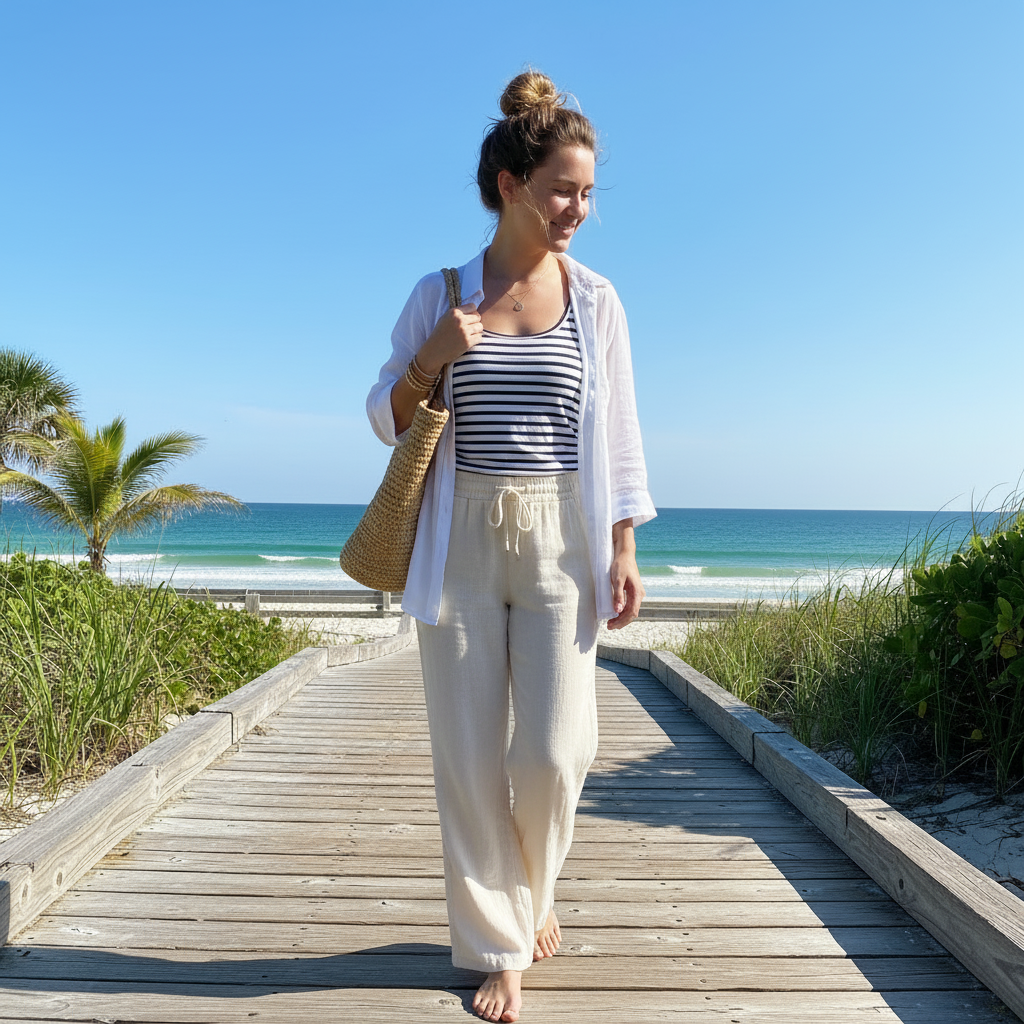
Compare a relaxed seasonal look without reshooting the photo
What this guide is for
Give users copy-ready prompt patterns that produce realistic outfit edits with fewer retries.
Prompt formula
Use this order:
- garment
- color
- fabric
- fit
- occasion or vibe
- optional accessories
- one keep line
Formula: "[garment], [color], [fabric], [fit], [occasion]. Keep face, hair, body shape, and background unchanged."
Tested prompt templates
Single-photo restyle
- "Tailored navy blazer, white oxford shirt, charcoal trousers, brown loafers, office look. Keep face and background unchanged."
- "Oversized charcoal hoodie, olive cargo pants, chunky sneakers, modern streetwear. Keep face and body shape unchanged."
- "Black satin midi dress, fitted waist, minimal silver jewelry, evening event. Keep face and background unchanged."
Prompt variants that usually work
- Color-only: "Keep the same outfit, change the jacket to forest green. Keep texture and lighting unchanged."
- Top-only: "Replace the top with a cream knit sweater. Keep pants and shoes unchanged."
- Formal upgrade: "Charcoal suit, white shirt, dark tie, polished leather shoes, business formal. Keep pose and background unchanged."
Keep line rules
- Use one keep line in every prompt.
- Protect identity first: "keep face, hair, and body shape unchanged."
- Protect untouched garments second: "keep jeans and shoes unchanged."
- Protect the scene last: "keep background and lighting unchanged."
Common failures and fixes
- Wrong fit: remove conflicting words like "oversized slim" or "fitted baggy."
- Background changes: shorten the outfit description and strengthen the keep line.
- Extra accessories: explicitly say "no hat, no bag, no jewelry."
- Soft edges: use a sharper base photo and fewer garments per prompt.
When to use prompts vs other tools
- Use prompts when you want to invent a new outfit from one photo.
- Use outfit swap when you already have a reference photo or a very specific look to copy.
- Use virtual try-on when the goal is to preview shopping options before buying.
Frequently Asked Questions
Do I need prompts to use an AI clothes changer?
What makes a good clothes changer prompt?
Is a reference image better than a text prompt?
How do I stop the AI from changing too much?
Can I use prompts for partial changes like only the jacket or only the shirt?
What should I do if a copy-paste prompt gives a strange result?
Still have questions?
Contact our support team →Test These Prompts Now
Choose a tested prompt and open it directly in the generator on this page.
Related Resources
AI Clothes Changer
Recolor Clothes with Prompts
Color Change Guide
Outfit Swap
Virtual Try-On
Free AI Clothes Changer
Explore more tools and guides in our complete guide