AI Streetwear Outfit Generator
Design streetwear outfits with hoodies, cargos, and sneakers. Preview urban looks and test colorways on your own photo.
A streetwear outfit generator is a tool that previews hoodies, cargos, sneakers, and layered street-style looks on your own photo, so you can test bolder fits before buying.
Tested by OutfitSwap Studio testing team · Updated 2026-06-15
We test scenario prompts on clear full-body and three-quarter photos, then keep the guidance that preserves identity, pose, lighting, and clothing boundaries most reliably.
Powered by our Outfit Swap upload your photo and any outfit reference to see yourself in any look instantly.
Streetwear Fit Inspiration
Hoodies, cargos, chunky sneakers - bold combos that stand out.
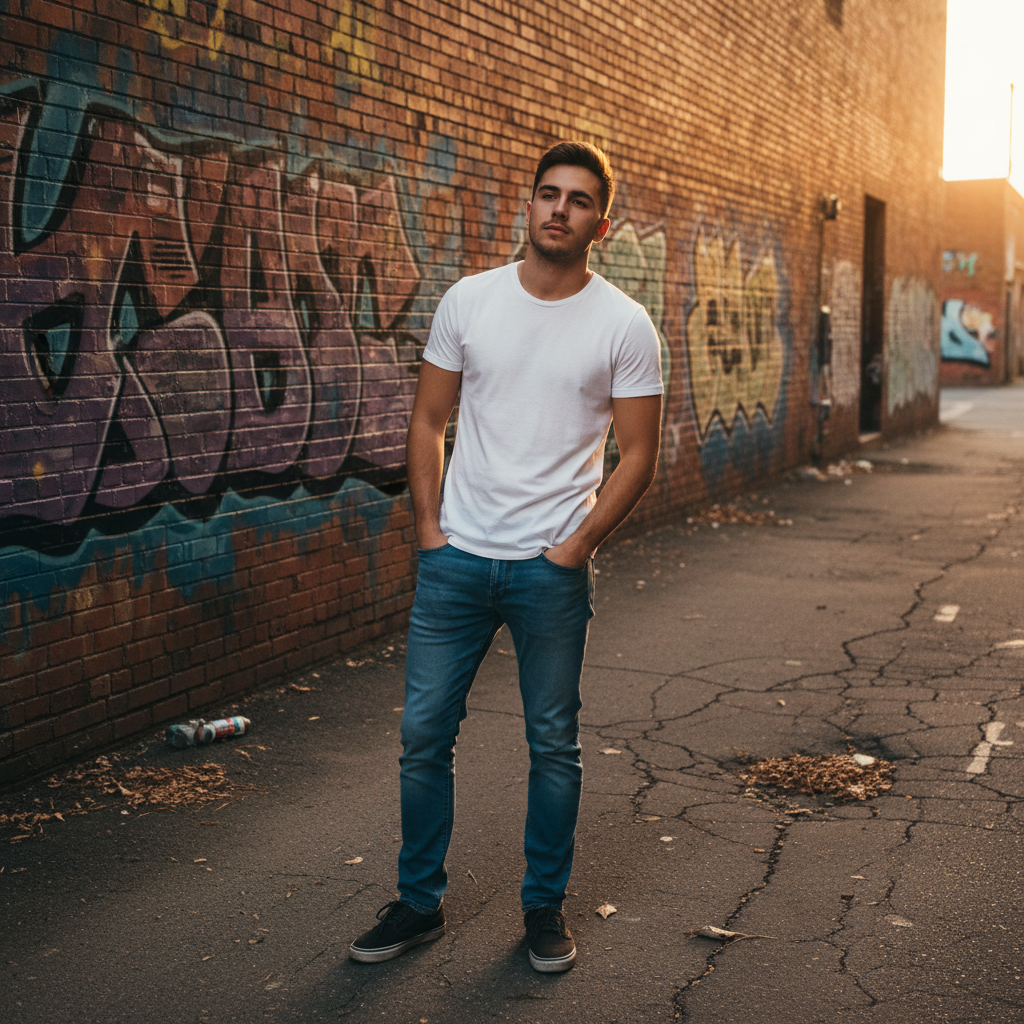
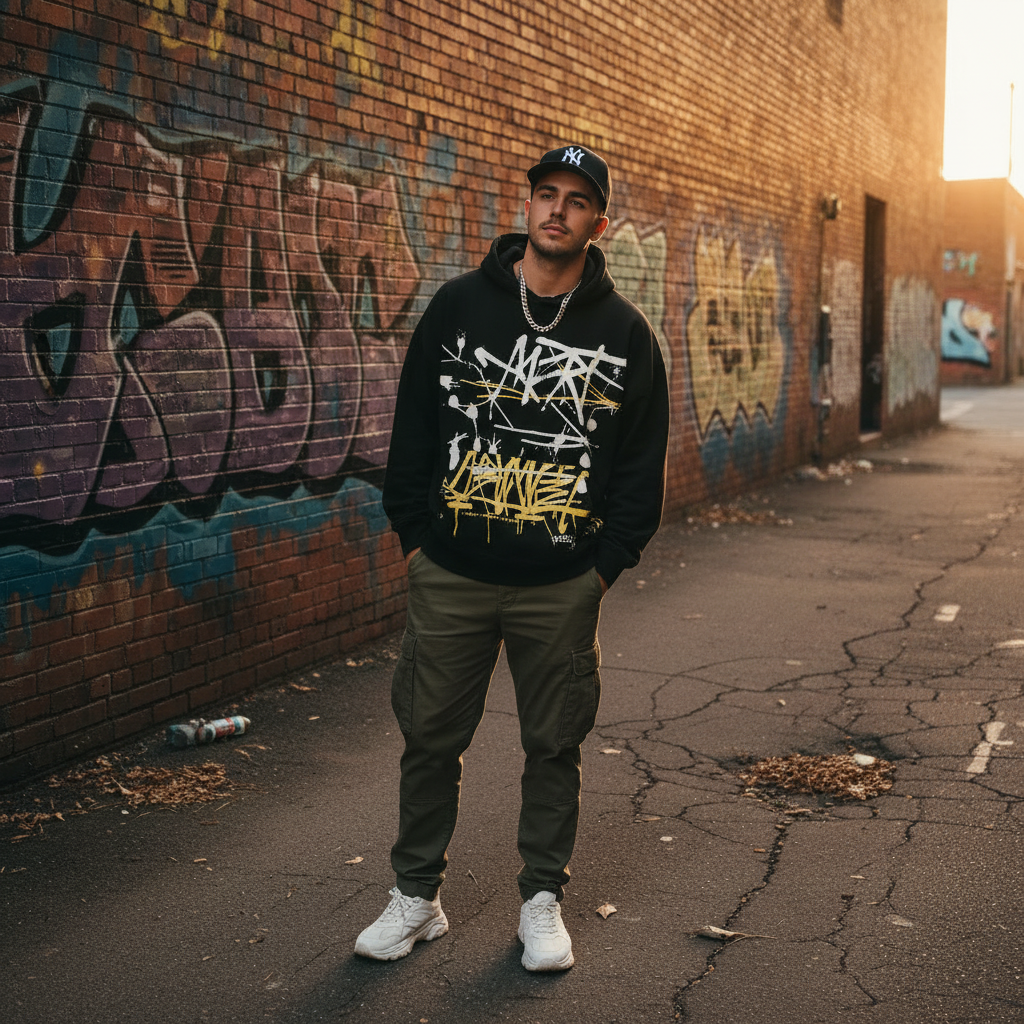
Try a stronger streetwear look before buying the pieces
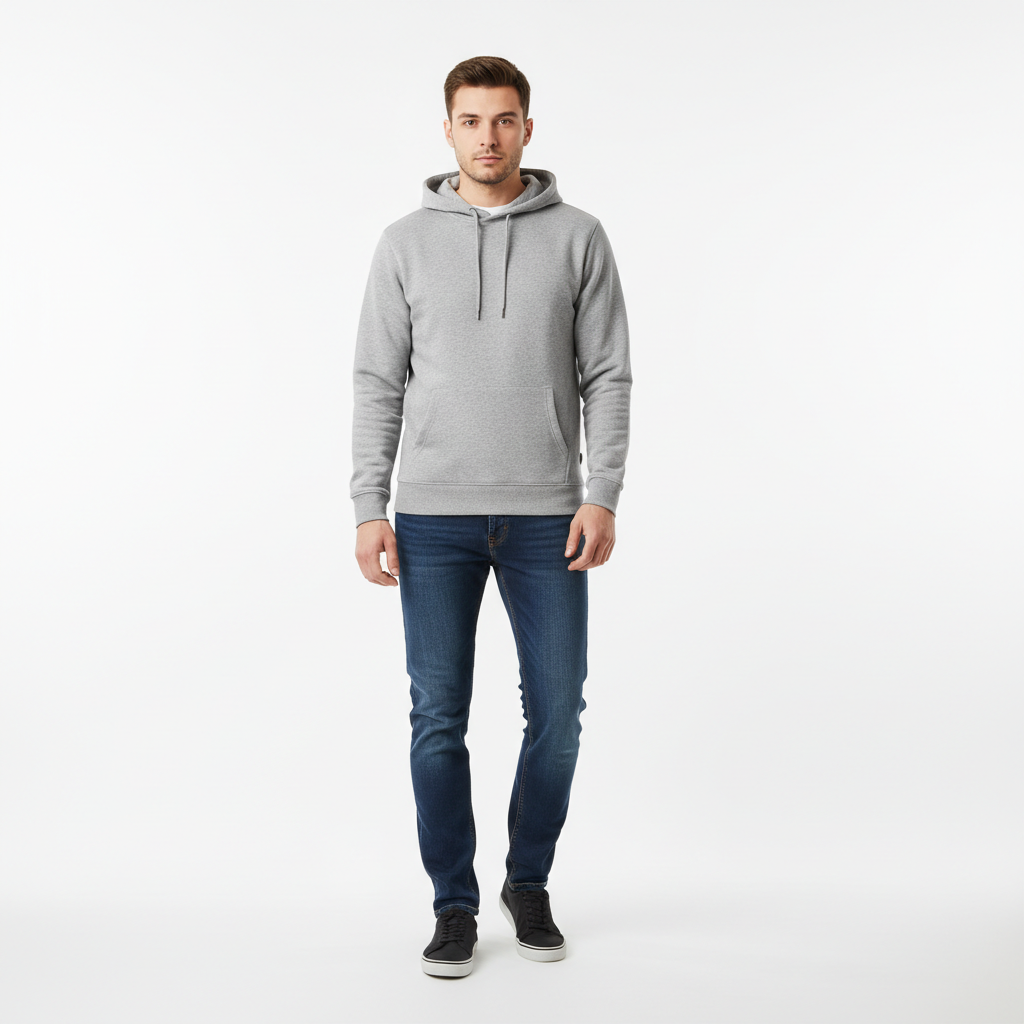
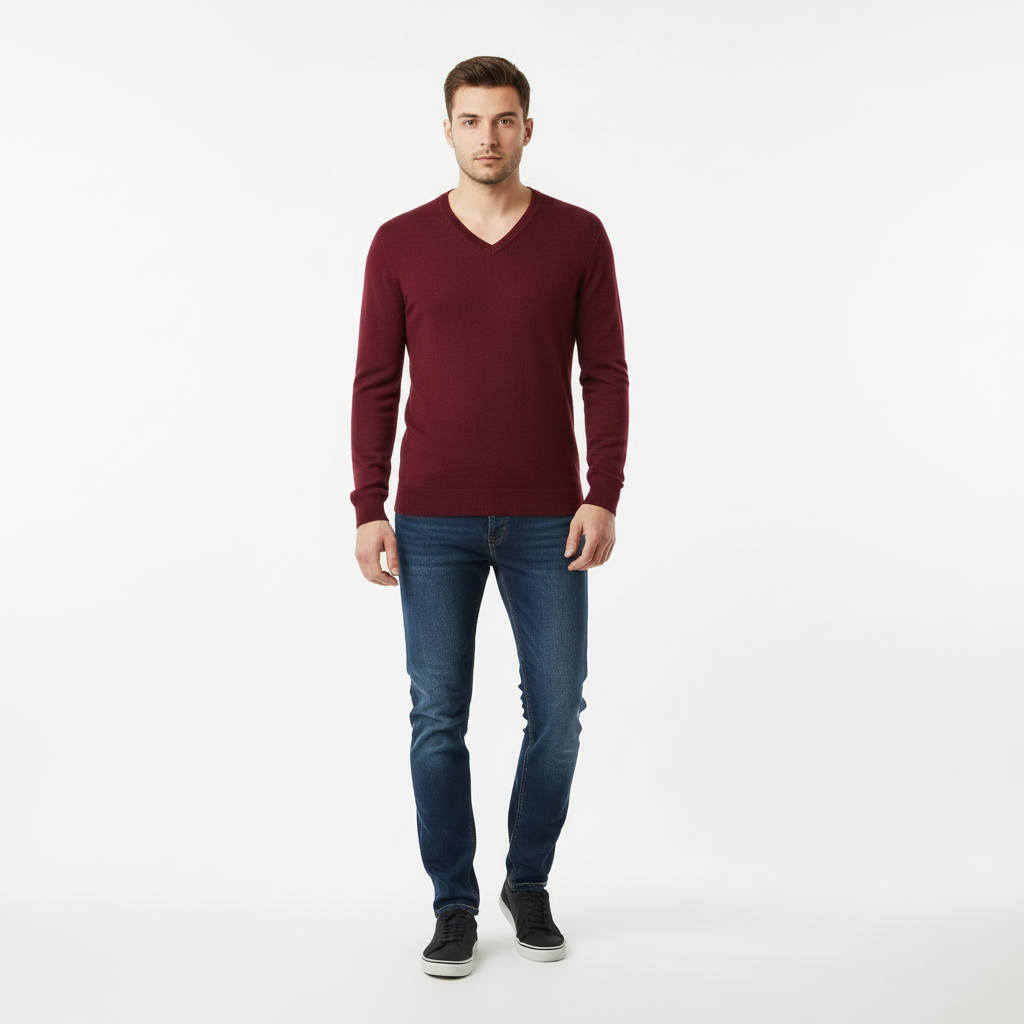
Compare a simple hoodie base with a more styled urban outfit
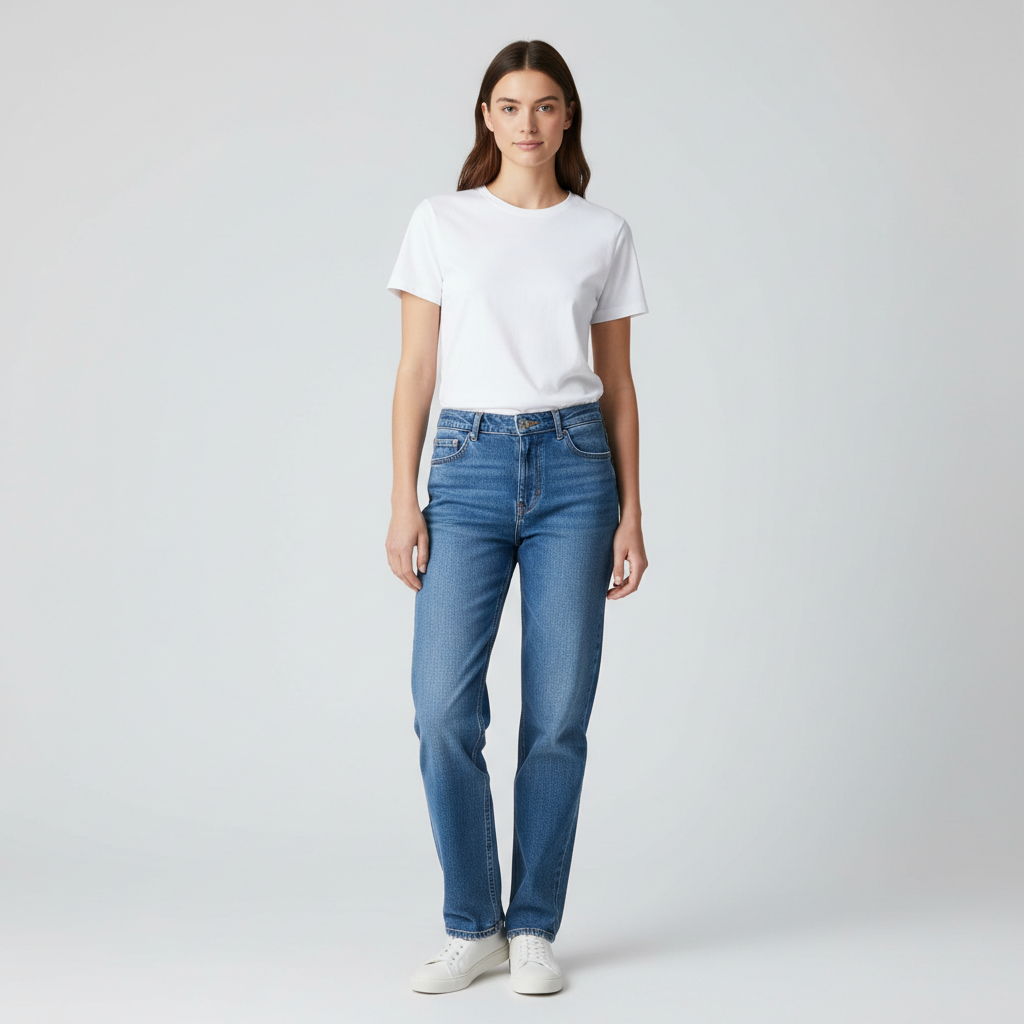

See whether a cleaner or bolder street style suits you more
What People Want from Streetwear Outfit Pages
Explore style identity, layering, and content-ready streetwear looks from one clear base photo.
Try a new streetwear direction
See how hoodies, cargos, sneakers, or oversized layers look on you before buying.
- Test bolder fits and proportions on your own photo
- Explore trend-driven looks without committing first
- Decide whether a style feels authentic to you
Build content-ready outfit variants
Create multiple urban looks from one photo for social posts or planning.
- Compare several outfits without a wardrobe change
- Keep the same pose while switching style direction
- Useful for creators, stylists, and lookbook planning
Test layering and statement pieces
Preview jackets, hoodies, and accessories before you buy or shoot.
- See how one key piece changes the whole outfit
- Compare cleaner minimal looks against louder styling
- Avoid buying a statement piece that does not work together
Find a stronger personal style lane
Use the page to compare relaxed, graphic, or elevated streetwear looks side by side.
- Generate options that feel more curated than random shopping
- Use visual comparisons to refine your taste faster
- Turn one base photo into a style exploration tool
Create Streetwear Fits
Upload a Full-Body Shot
Show your full silhouette. Sneakers and accessories matter for street style.
Describe the Vibe
Include brands, silhouettes, and details: "oversized hoodie, cargo pants, chunky sneakers."
Mix and Match
Generate variations to find the right balance of bold and wearable.
Frequently Asked Questions
What streetwear styles can I try?
How do I get realistic oversized fits?
Can I include sneakers and accessories?
What if I do not want logos or branding?
How do I choose a color palette?
Is it free?
Still have questions?
Contact our support team →What this page is for
Generate streetwear looks with oversized fits, modern silhouettes, and clean color palettes.
Prompt structure
Include fit, color palette, and footwear.
Examples:
- "Oversized black hoodie, cargo pants, chunky sneakers"
- "Techwear jacket, tapered pants, monochrome"
- "Streetwear look, earth tone palette, relaxed fit"
Fit control tips
Use words like oversized, relaxed, or drop shoulder. Use a full body photo for better proportions.
Common issues and fixes
- Too many accessories: remove bags or hats first
- Logo clutter: add "no logos"
Build Your Street Style
Mix hoodies, cargos, and sneakers. Create bold looks that stand out.
Related Resources
Explore more tools and guides in our complete guide