Virtual Suit Try On
Try on business suits, tuxedos, and casual blazers from your own photo. Compare fits and colors before buying — no tailor visit needed.
A virtual suit try-on tool previews suit colors, fits, and lapel styles on your own photo, so you can compare professional or formal looks before buying.
Tested by OutfitSwap Studio testing team · Updated 2026-06-15
We test scenario prompts on clear full-body and three-quarter photos, then keep the guidance that preserves identity, pose, lighting, and clothing boundaries most reliably.
Powered by our Virtual Try-On upload your photo and preview any outfit before you buy.
Suit Style Gallery
Business, formal, and wedding suit previews.


See how a business suit looks on your own photo before you buy

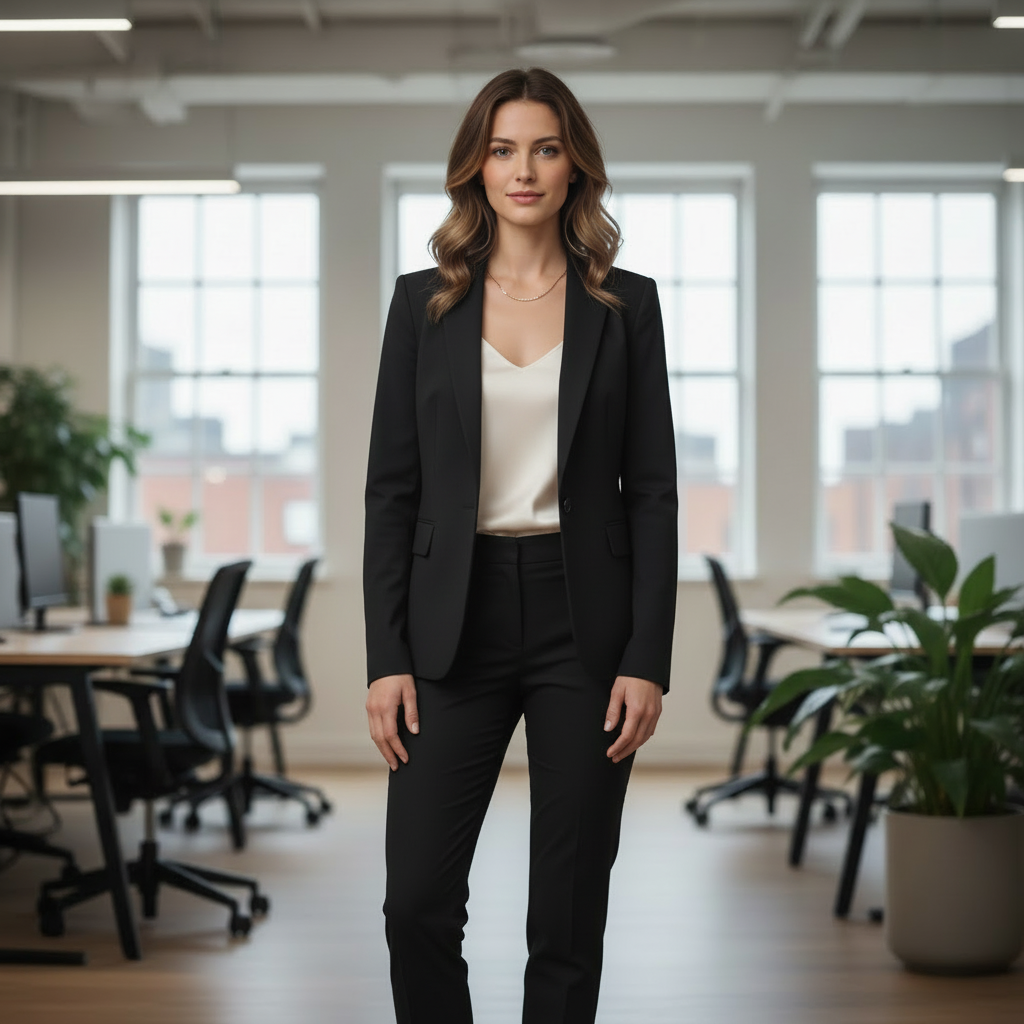
Compare business and formal suit options without a fitting room
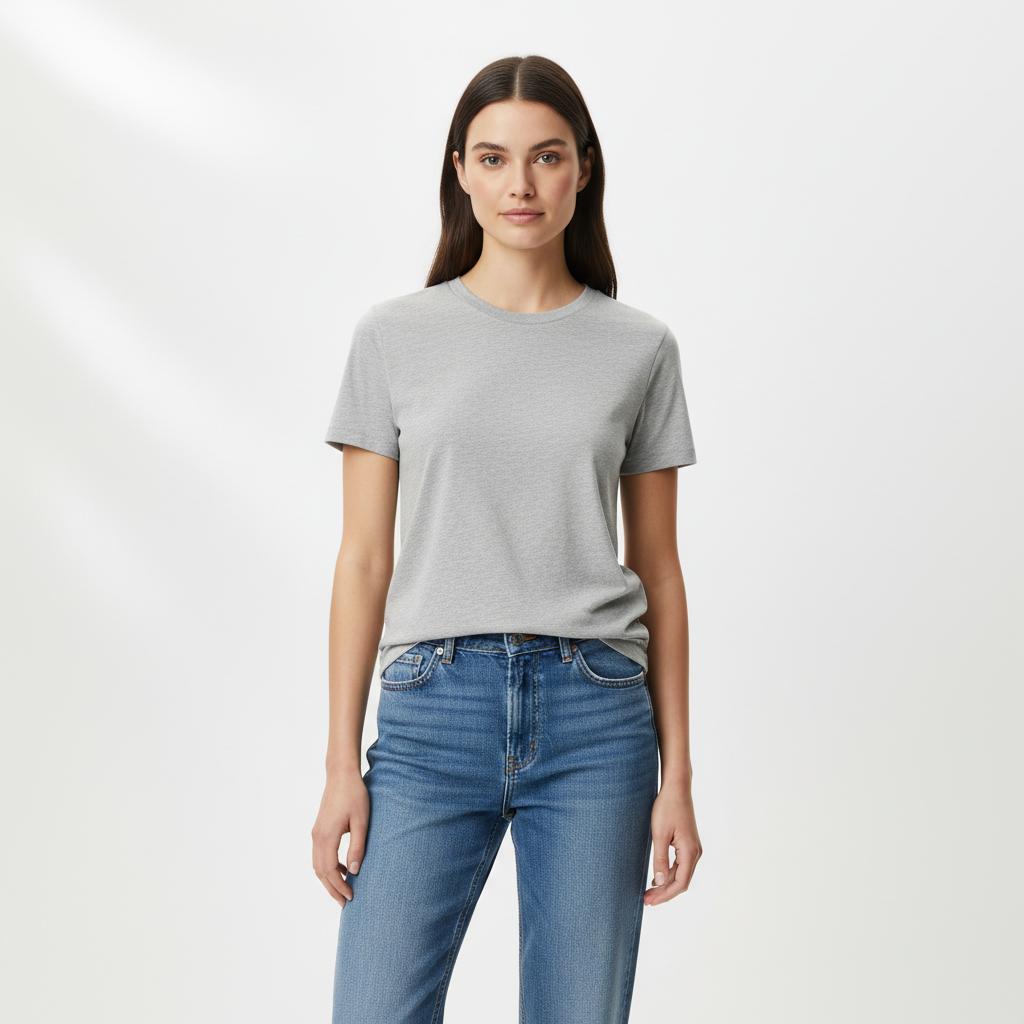

Turn a neutral photo into a polished suit preview
Where Virtual Suit Try-On Helps Most
Compare suit fit, formality, color, and event readiness on your own photo before you rent, buy, or update a profile image.
Choose the right suit before you buy
Preview color, formality, and overall vibe on your own photo first.
- Compare navy, charcoal, and black before ordering
- See business vs formal styling on the same person
- Reduce expensive purchases you end up returning
Prepare for interviews or work
Check whether a look reads polished enough for the role or industry.
- Try conservative and modern options quickly
- Preview shirt-and-tie combinations before the day
- Turn one casual photo into multiple work-ready options
Plan event outfits
Test wedding guest, black-tie, or ceremony looks without a new photoshoot.
- See how lapels, ties, and shirt colors change the vibe
- Compare event-ready looks before renting or buying
- Share options for feedback before committing
Create polished profile photos
Upgrade a casual photo into a suit-based professional image.
- Useful for LinkedIn, speaker bios, and portfolio pages
- Keep your face and background while changing only the outfit
- Get a cleaner professional first impression without studio work
Preview Suits for Business or Formal Events
Upload a Standing Photo
Show shoulders, torso, and legs clearly. Avoid crossed arms or hands in pockets.
Specify Suit Details
Include fit (slim, regular, relaxed), lapel style, color, and shirt/tie combination.
Compare Business vs. Formal
Generate variations to find the right balance of professional and polished.
Frequently Asked Questions
What suit styles can I try?
Can I preview tuxedo vs business suit?
How do I get the most realistic fit?
Can I change only the shirt or tie?
What photo works best for suits?
Is it free?
Still have questions?
Contact our support team →What this page is for
Preview suits and formal wear to compare fit, color, and formality level before buying.
Suit types to test
- Business suit vs tuxedo
- Slim fit vs classic fit
- Single vs double breasted
Prompt structure
Include suit type, lapel style, color, and fit.
Examples:
- "Charcoal slim fit suit, notch lapel, white shirt"
- "Black tuxedo, satin shawl lapel, bow tie"
- "Navy tailored suit, brown shoes"
Fit accuracy tips
Use a 3/4 or full body photo so jacket length and trouser lines are visible. Avoid hoodies or bulky layers in the base photo.
Common issues and fixes
- Jacket edges look messy: use simpler background
- Trousers misaligned: use a full body photo
- Too casual: add "formal" or "business formal" to prompt
Compare shirt or blazer color before changing the whole look
If you only want a palette test for a shirt, blazer, or uniform, use change shirt color in a photo or try the AI clothes color changer. That workflow is better when the tailoring should stay the same and only the shade needs to change.
Preview Your Perfect Suit
Try different fits, colors, and styles. Find the right look for business or formal events.
Related Resources
Virtual Try-On
Interview Outfit Generator
AI Clothes Color Changer
Change Shirt Color in a Photo
AI Clothes Changer Prompts
AI Clothes Changer
Explore more tools and guides in our complete guide