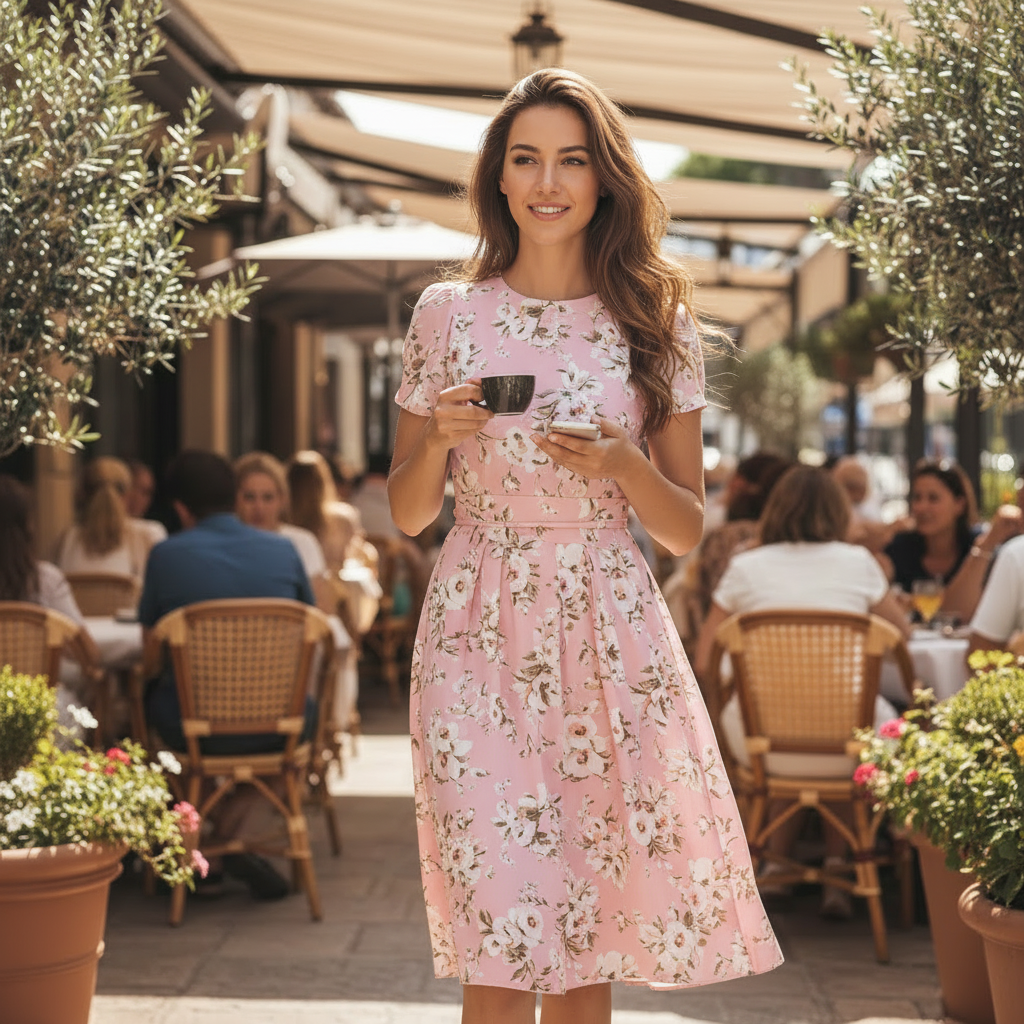
AI Clothes Changer – Virtual Try-On for Your Own Photos

Transform your portraits with an AI clothes changer built for realistic virtual try-on. Upload a photo, pick a preset outfit style, and get a new look in seconds – an AI outfit swap that keeps your face, body and background.

Outfit Swap Studio is portrait-first: we change the clothes in your existing photos, not your identity.

Original

Click or drag to upload

JPG, PNG supported

Result

Your result will appear here

Choose a style

Upload a photo first

Try AI virtual try-on in three simple steps

1

Upload your photo

Use a clear portrait or half-body photo with good lighting and a simple pose.

2

Choose a style preset

Pick from curated AI clothes swap presets – casual, professional, creator, and campaign-ready looks.

3

Generate your new outfit

Our AI clothes changer runs a realistic outfit swap while preserving your face, body proportions, and original background.

Preset AI clothes swap styles

Upload one portrait – the AI clothes changer applies different outfit looks while keeping your identity intact. Each preset is optimized for a specific virtual try-on use case.

Social

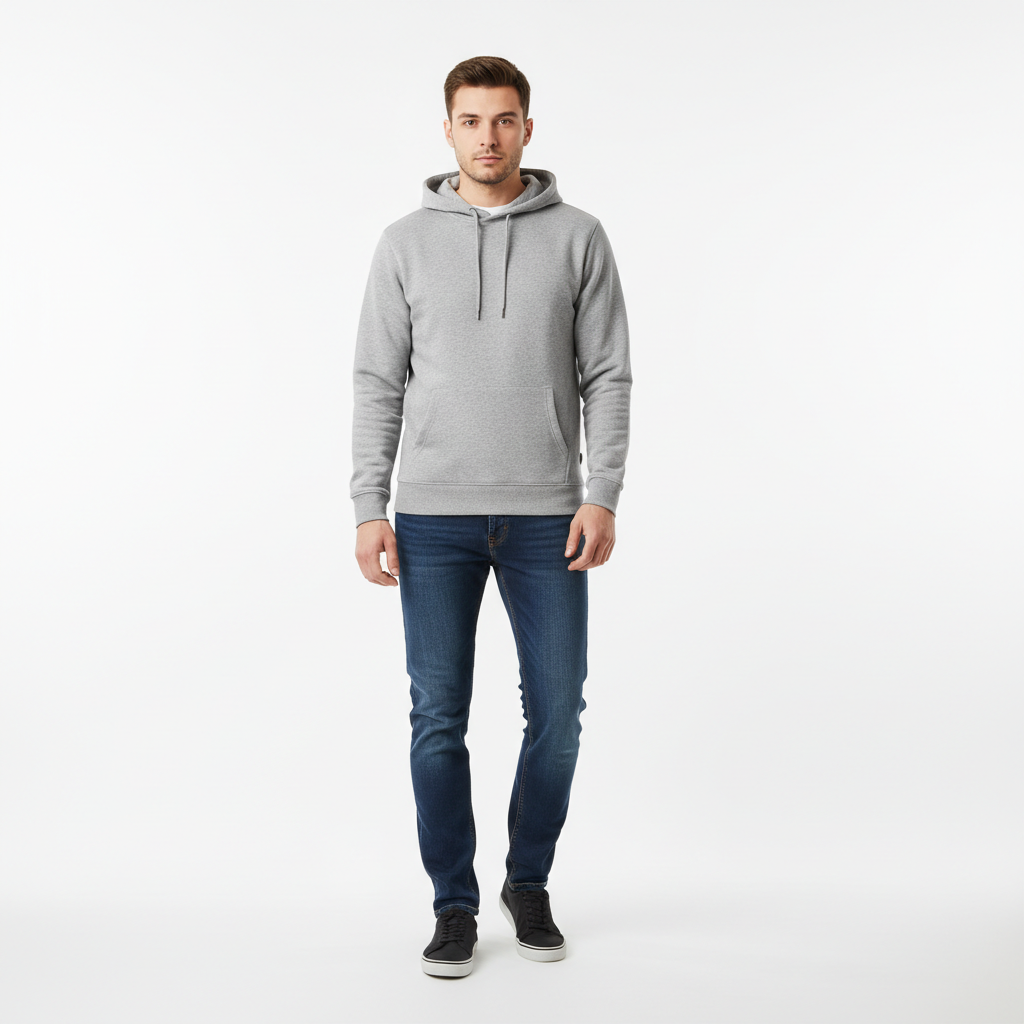
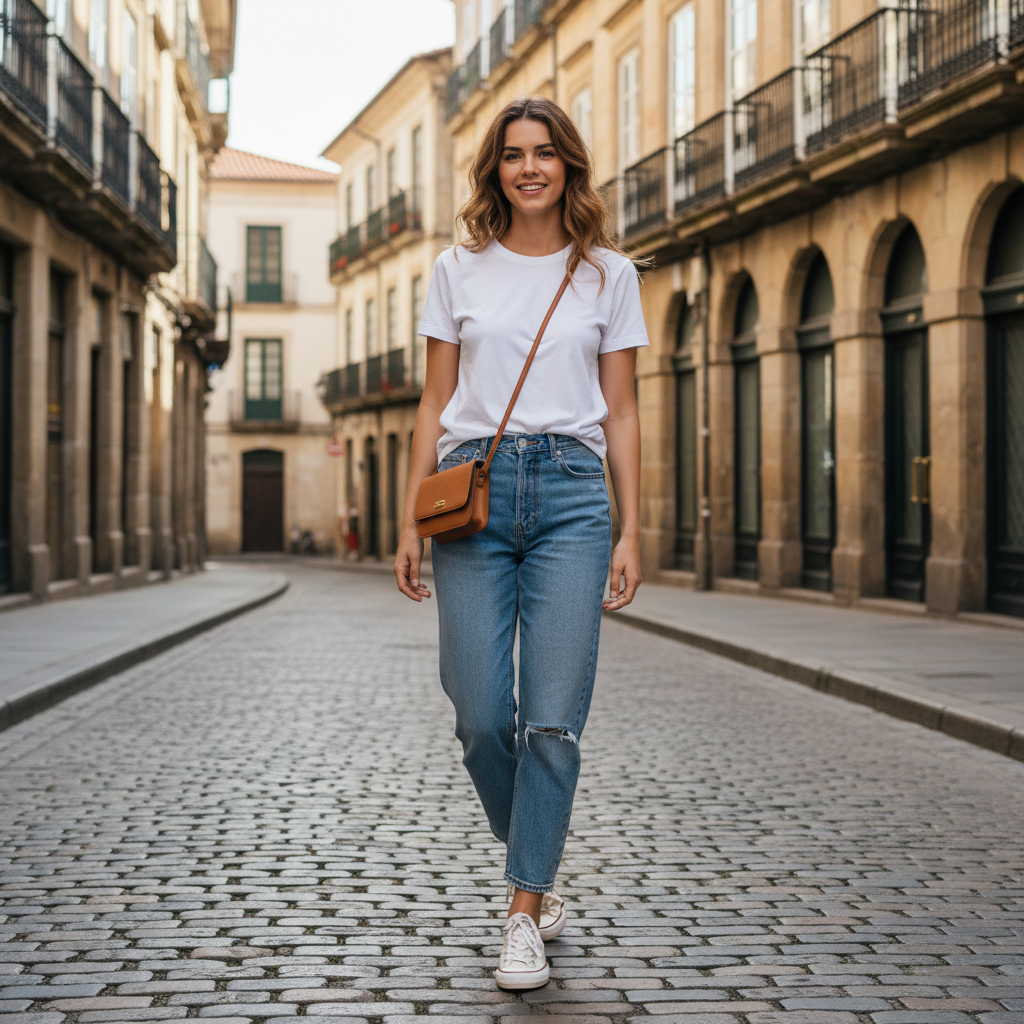
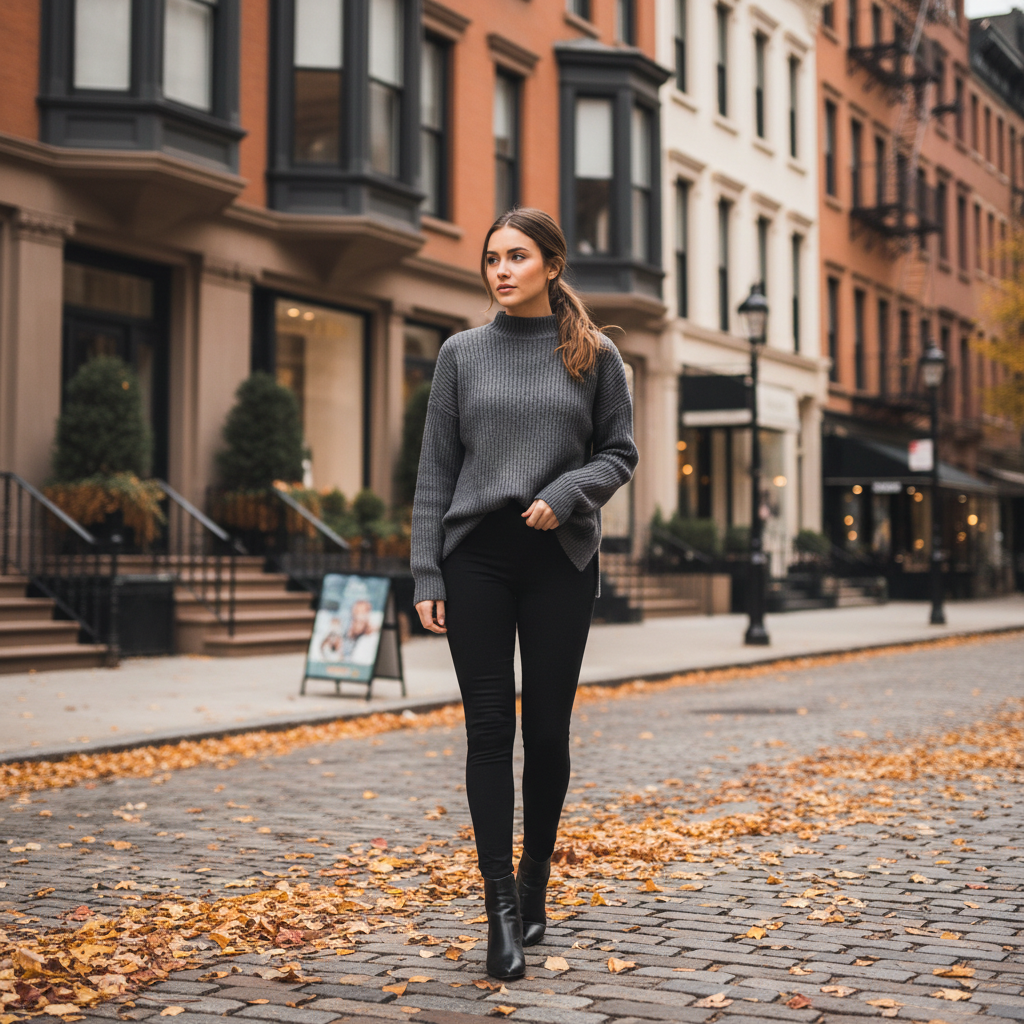
AI clothes changer result – Everyday casual outfit swap example

Everyday casual

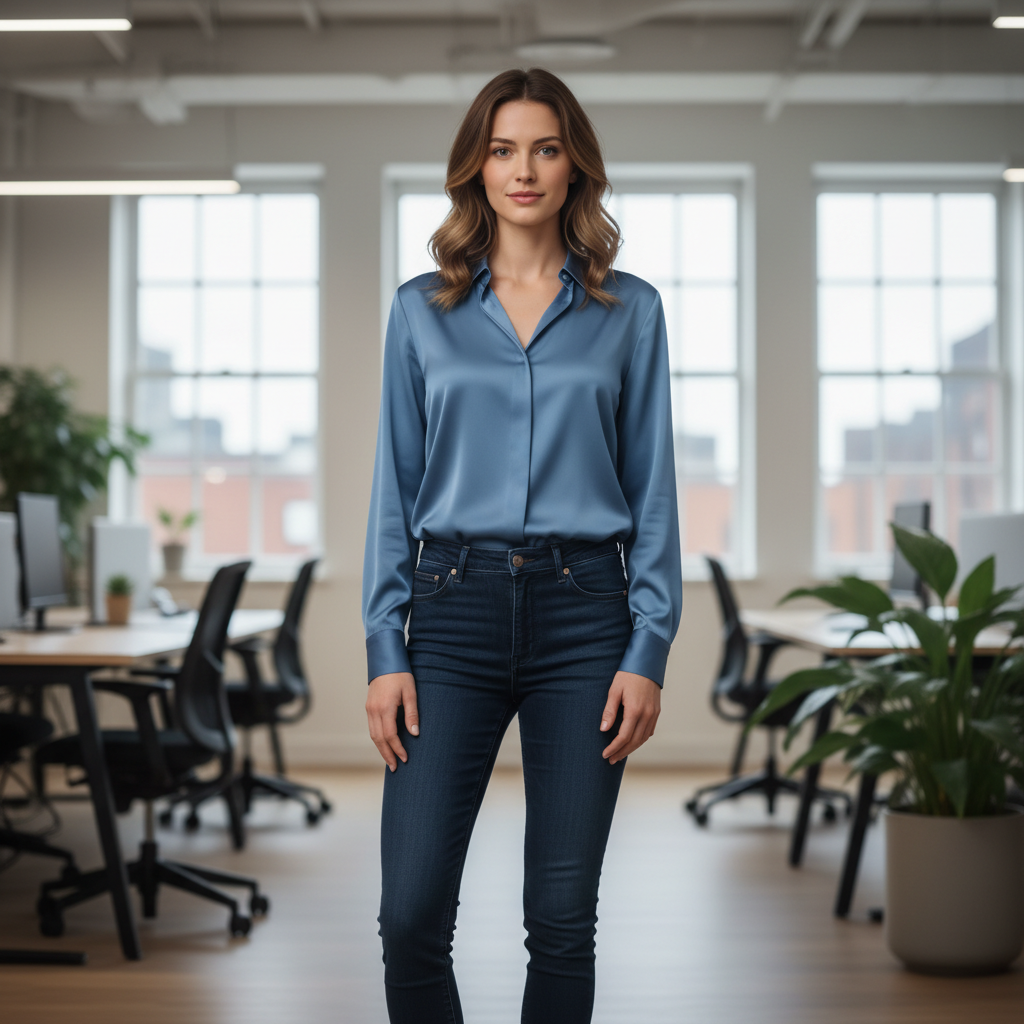
Jeans with a T-shirt or knitwear, soft natural daylight and a relaxed street look – an easy AI outfit swap for social posts and everyday virtual try-on photos.

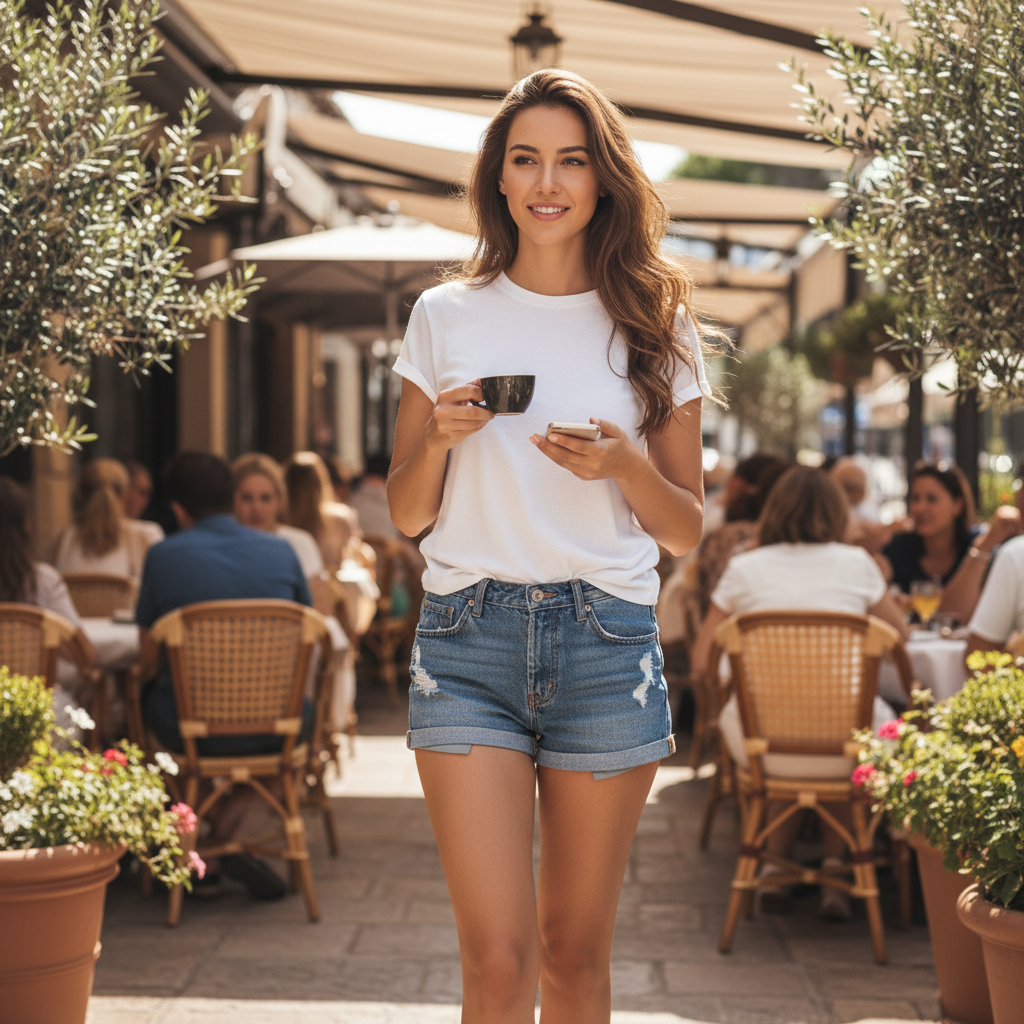
AI clothes swap result – Urban streetwear outfit example

Urban streetwear

Cropped top or bomber jacket with high-waisted bottoms and a stylized city backdrop – a bold AI clothes swap style for reels, shorts and streetwear campaigns.

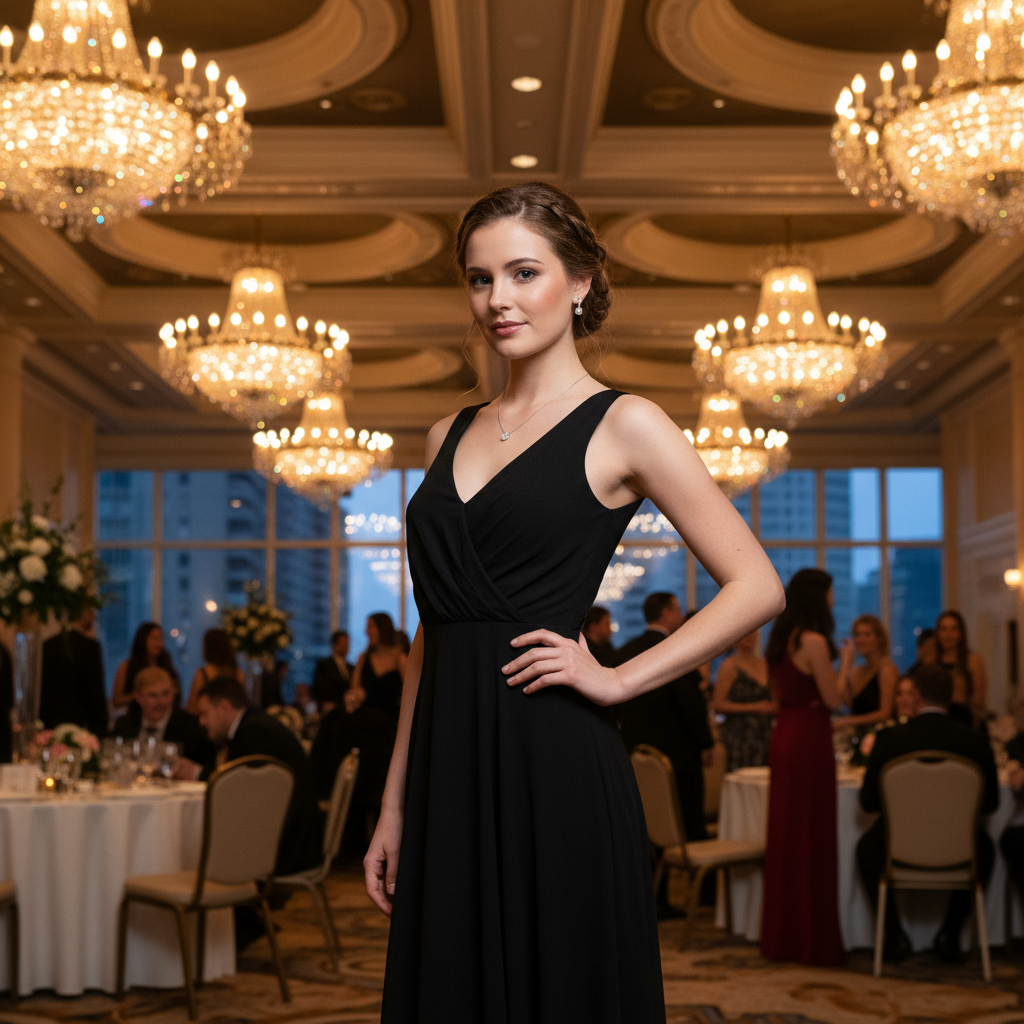
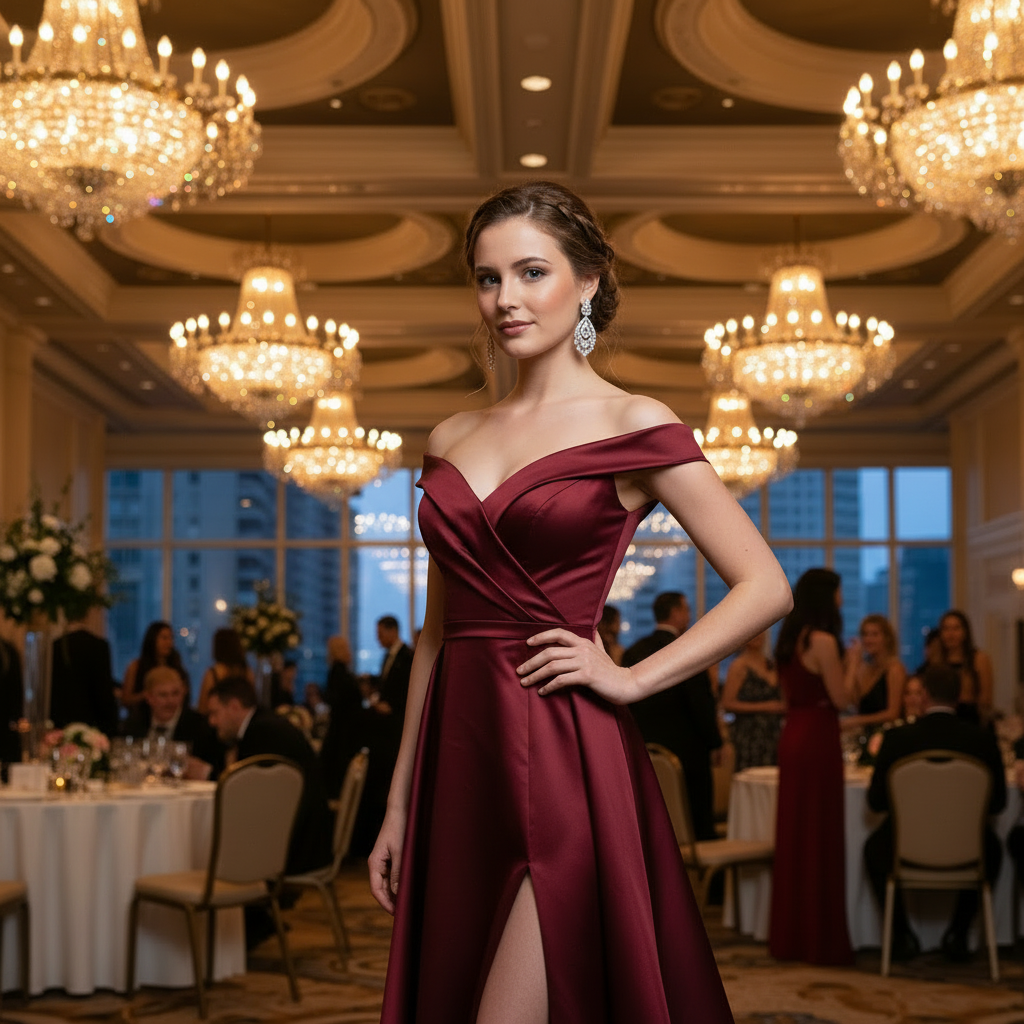
AI outfit swap result – Date night party dress virtual try-on

Date night party

Fitted dress or mini dress with evening lighting and a bar or restaurant atmosphere – perfect for date night shots and "night out" virtual try-on images.

Professional

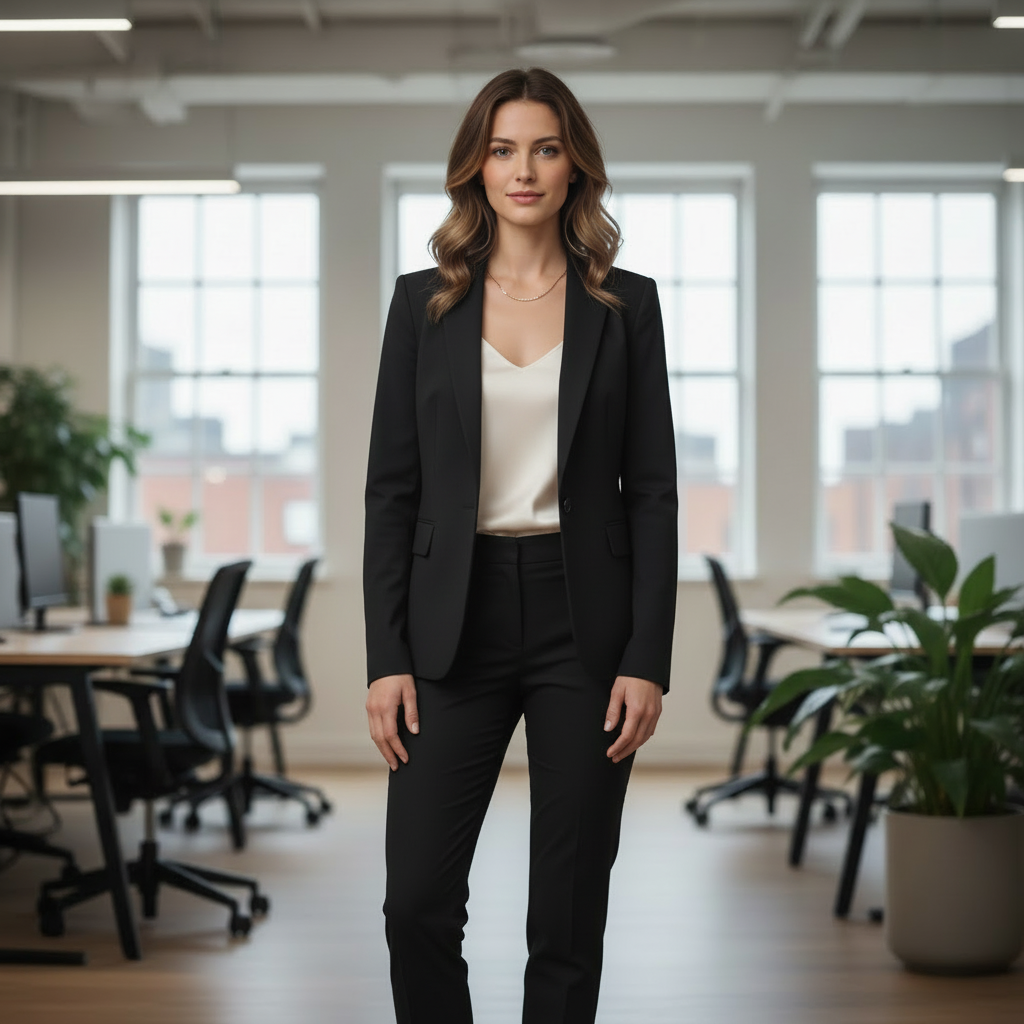
AI clothes changer result – Business smart office outfit example

Business smart

Tailored blazer with shirt and trousers or pencil skirt, modern office backdrop – a classic AI clothes changer preset for LinkedIn profiles, resumes and professional headshots.

AI virtual try-on result – Creator or coach smart-casual outfit

Creator coach

Clean top with blazer or cardigan, desk or bookshelf in the background – virtual try-on for YouTube thumbnails, course covers and sales pages for creators and coaches.

AI outfit swap result – Clean headshot style with neutral background

Clean headshot

Simple top with a solid neutral backdrop and even lighting – a neutral AI outfit swap option for ID-style photos, profile pictures and team headshots.

E-commerce

AI virtual try-on preset – E-commerce catalog outfit example

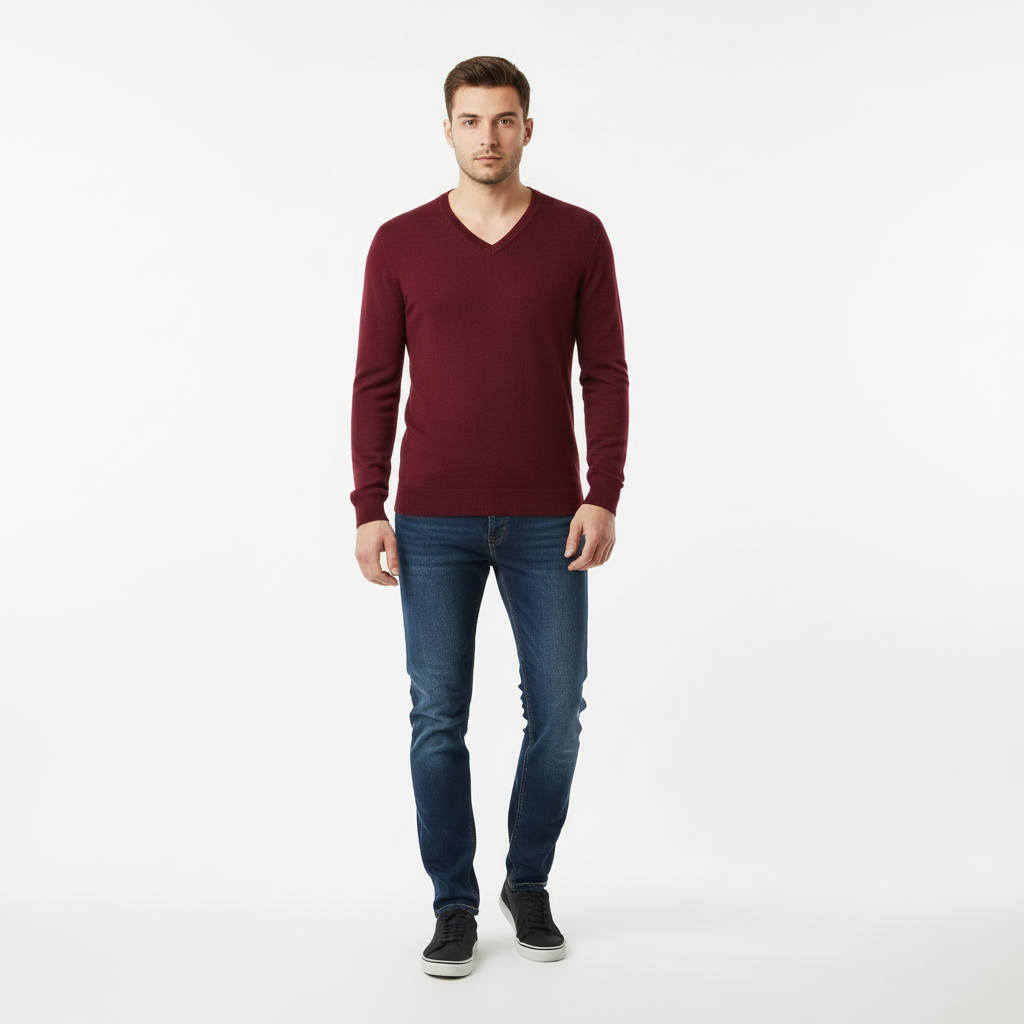
E-commerce catalog

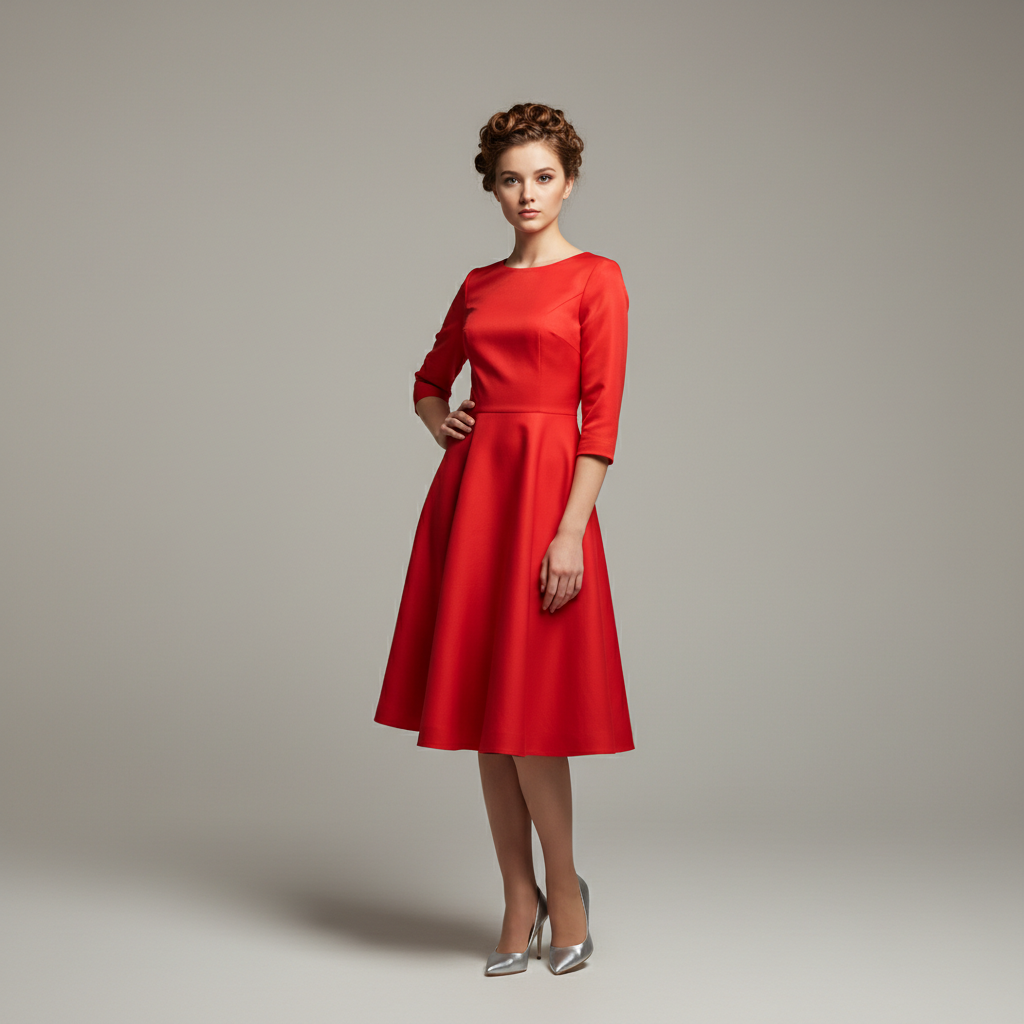
Neutral white or light-grey backdrop with catalog-style framing – an AI virtual try-on preset for simple product pages and collection covers.

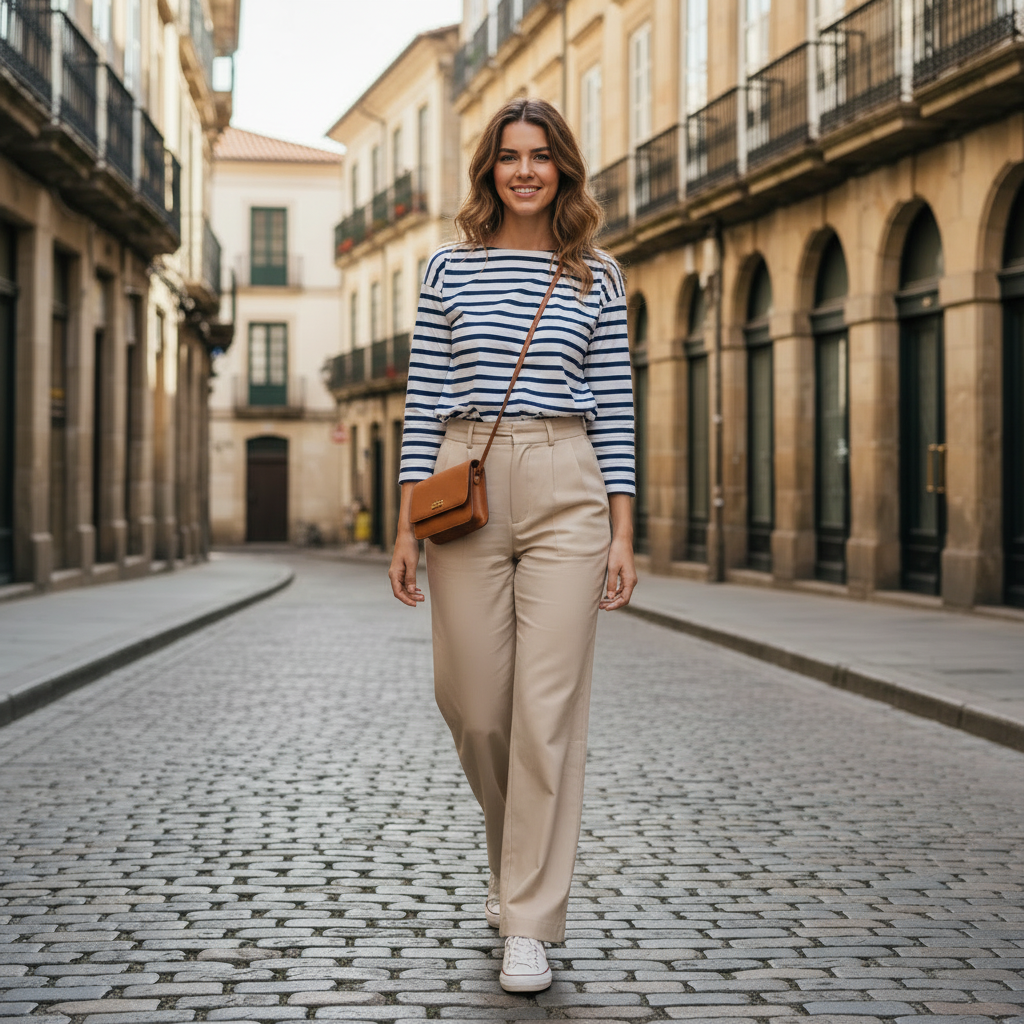
AI clothes swap result – Lifestyle lookbook fashion outfit

Lifestyle lookbook

Soft interior or city environment showing the outfit in context – lifestyle AI clothes swap looks for lookbooks, newsletters and social campaigns.

AI outfit swap preset – Seasonal campaign coat and scarf outfit

Seasonal campaign

More atmospheric lighting and background for seasonal drops or promotional campaigns (holiday, summer, winter) – a campaign-ready AI outfit swap preset for brand and product launches.

Ready to try these AI clothes swap presets? Upload your photo and see instant virtual try-on results.

Who is this AI clothes changer for?

Creators & coaches

Turn one portrait into multiple outfit options for YouTube thumbnails, course pages, sales funnels and social content.

Solo founders & professionals

Refresh your personal brand with AI virtual try-on headshots for LinkedIn, CVs, pitch decks and "About" pages.

Small brands & online sellers

Test different outfit vibes on founders, ambassadors or simple model shots for basic catalog and lifestyle visuals.

Anyone managing their visual identity

See how different outfits change your vibe before investing in new clothes or booking a photoshoot.

Why use AI virtual try-on instead of a new photoshoot?

Save time and budget

Skip studio booking, outfits, makeup and retouching – reuse the photos you already have.

Consistency across channels

Generate multiple AI outfit swaps from the same base portrait to keep your face and expression consistent across platforms.

Low-risk experimentation

Try different outfit vibes – from casual to formal to seasonal campaigns – without committing to a new wardrobe or reshoot.

No prompt engineering required

Preset AI clothes swap styles are tuned for realistic portraits – you click a style instead of writing complex prompts.

Free credits, then pay when you're ready

Outfit Swap Studio uses a simple credits system so you only spend when AI is working for you.

Sign up to unlock free AI outfit swaps

Create a free account to get starter credits and try multiple AI clothes swaps on your own photos.

Credits are only used on successful generations

We only charge credits when an AI outfit swap finishes successfully – browsing and switching presets before you hit generate is free.

Upgrade later when you need more results

Keep using the same account when you're ready to generate more virtual try-on looks for your brand or store.

You'll need an account and credits to generate AI outfit swaps. New users start with free credits to try the AI clothes changer.

FAQ

An AI clothes changer is a tool that uses generative AI to change the clothes in an existing photo, without changing your face or body. Outfit Swap Studio focuses on realistic AI outfit swaps for portraits and half-body photos, keeping your identity and background while only updating the outfit.

Generic AI image generators usually create a brand-new image from text and often change the person's face, body and background. Outfit Swap Studio is built as an AI virtual try-on tool for your own photos: it preserves your face, pose and proportions and applies curated outfit styles instead of random AI art.

For the most realistic AI outfit swaps: Use a well-lit portrait or half-body photo; Make sure your face is clearly visible; Avoid heavy filters or extreme angles; Keep the outfit relatively simple so the model can read your body shape.

No. The core experience is preset-based: Upload your photo, Choose a preset style, Generate the AI outfit swap. Each preset is a tuned prompt behind the scenes, so you don't need to write any text. Advanced prompt input may be added later as an optional feature, but it's not required for everyday use.

Yes. Many users generate: LinkedIn and resume photos; "About me" portraits for personal sites and landing pages; Simple team headshots for small company websites. For professional use, we recommend using the Business smart, Creator / coach or Clean headshot presets.

Outfit Swap Studio is a portrait-first AI virtual try-on tool. It works best when you already have founder or simple model portraits and want to test different outfit styles quickly. For simple e-commerce visuals, you can: Use the E-commerce catalog preset for cleaner, product-like visuals; Use Lifestyle lookbook or Seasonal campaign for more styled, campaign-style images.

We do not use your photos to train public AI models. Your uploads are processed to generate your outfit swaps and may be temporarily stored to support your account history, but they are not sold or shared with third-party model providers.

Copyright © 2025 Outfit Swap Studio

All rights reserved

Product

Features