AI Dress Up
Dress up any photo with costumes, formal wear, or creative outfits. Try seasonal and themed looks in seconds with AI — no editing skills needed.
An AI dress-up tool is a creative outfit generator that applies themed clothing concepts to your own photo, so you can explore costumes, event looks, or style ideas before committing.
Tested by OutfitSwap Studio testing team · Updated 2026-06-15
We test this workflow with matched before-and-after image pairs, then check garment edges, fabric texture, lighting match, and identity preservation before publishing examples.
Powered by our AI Clothes Changer pick a preset or describe the outfit you want — AI handles the rest.
Creative Dress-Up Transformations
Vintage, fantasy, historical, and costume themes.
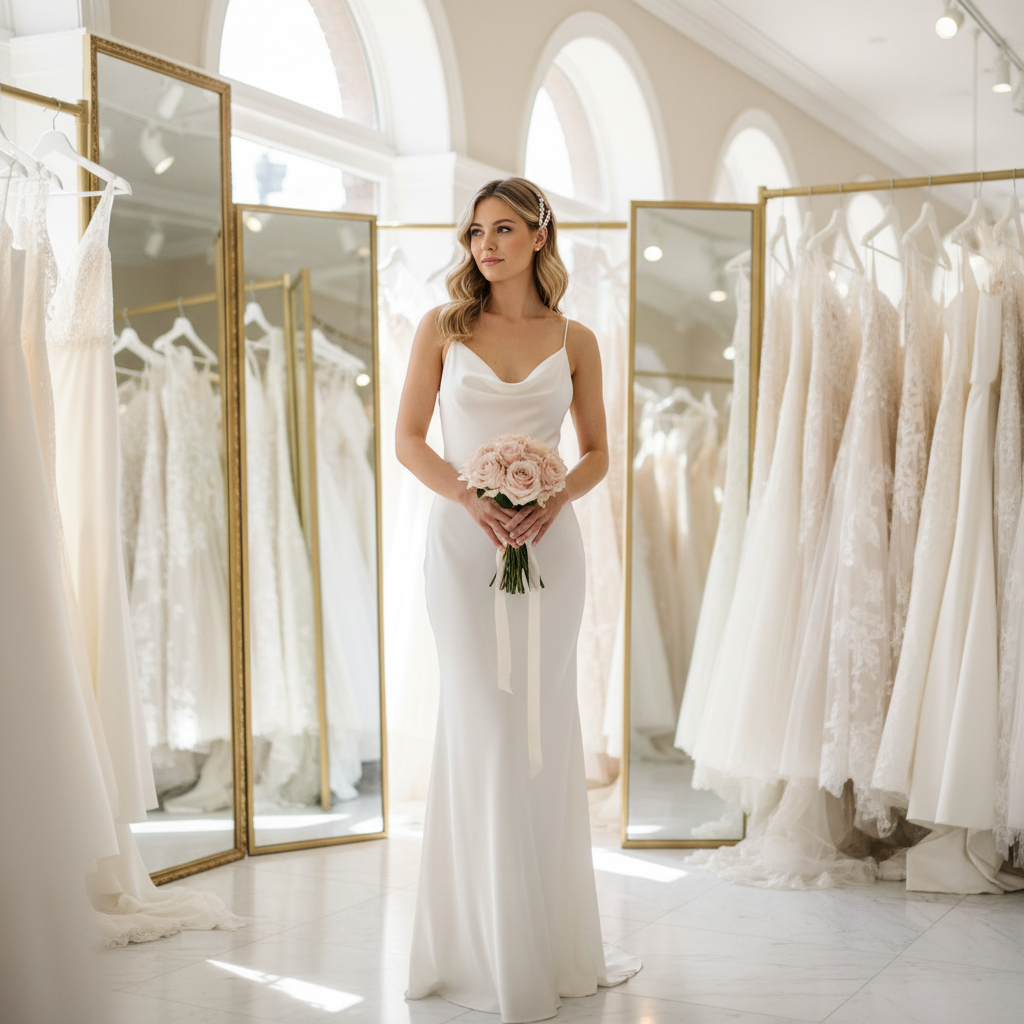
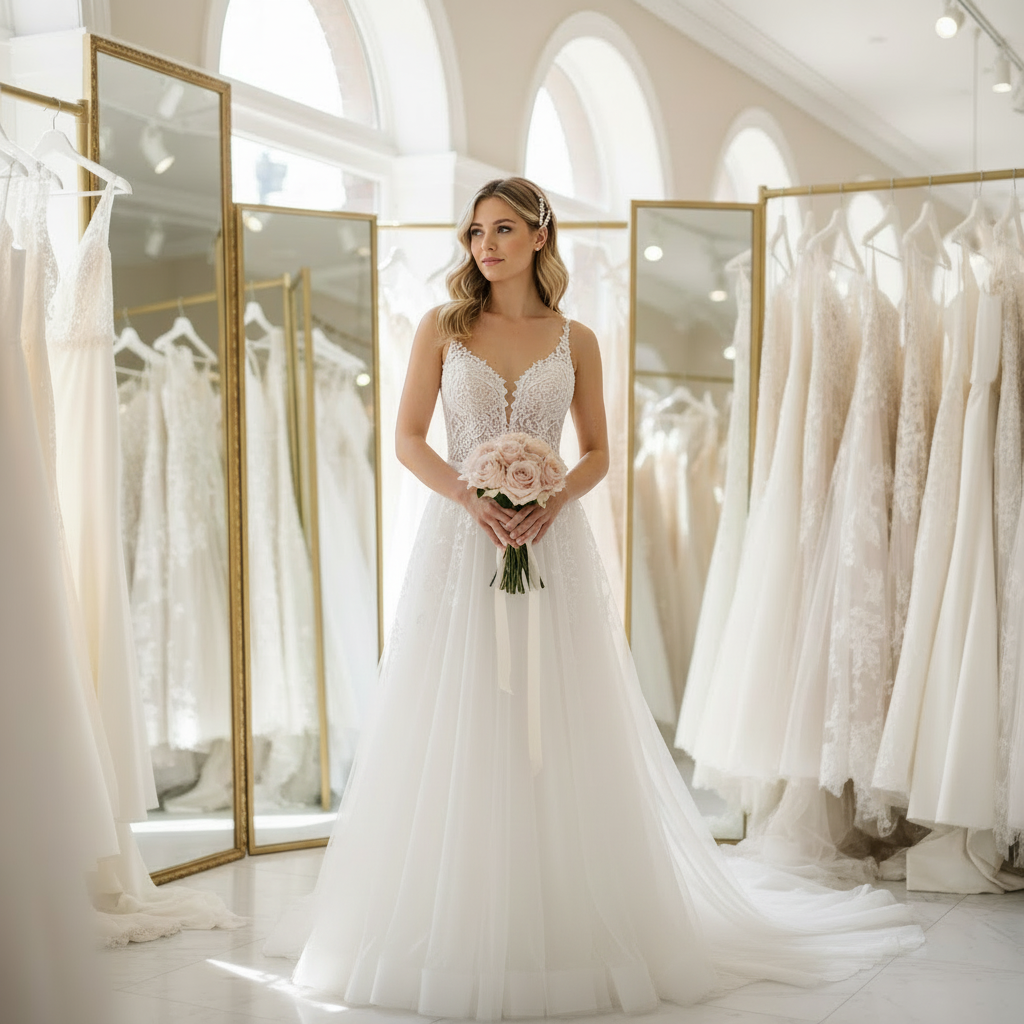
Preview a more dramatic themed look before buying or renting it
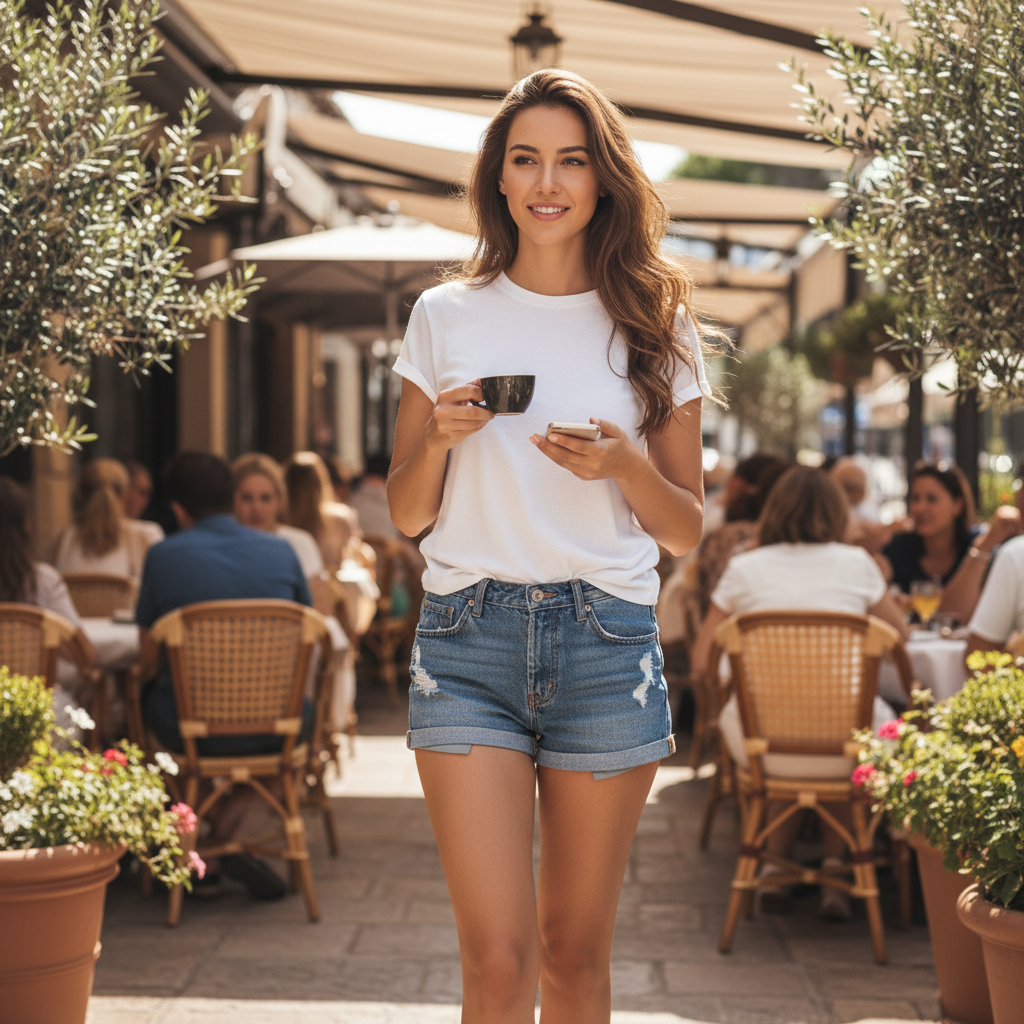
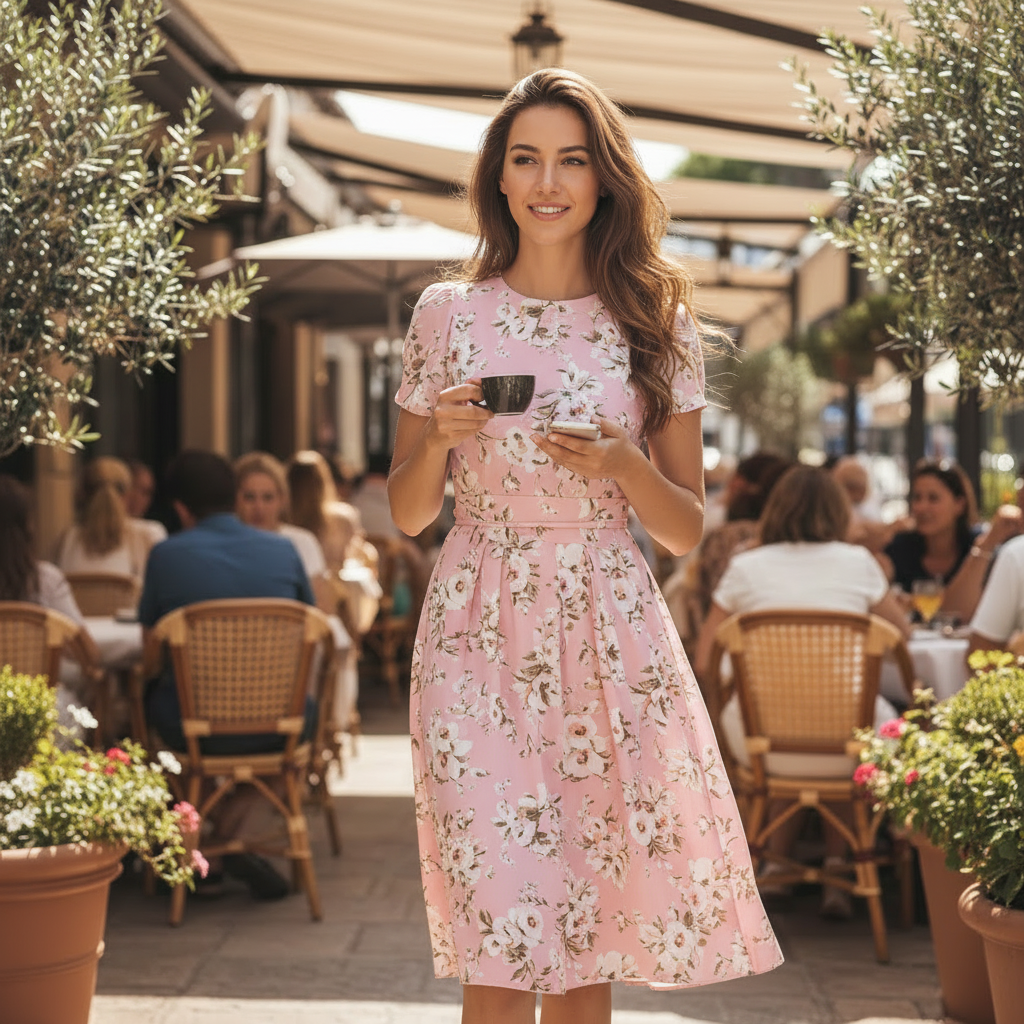
Turn one casual photo into a creative dress-up concept
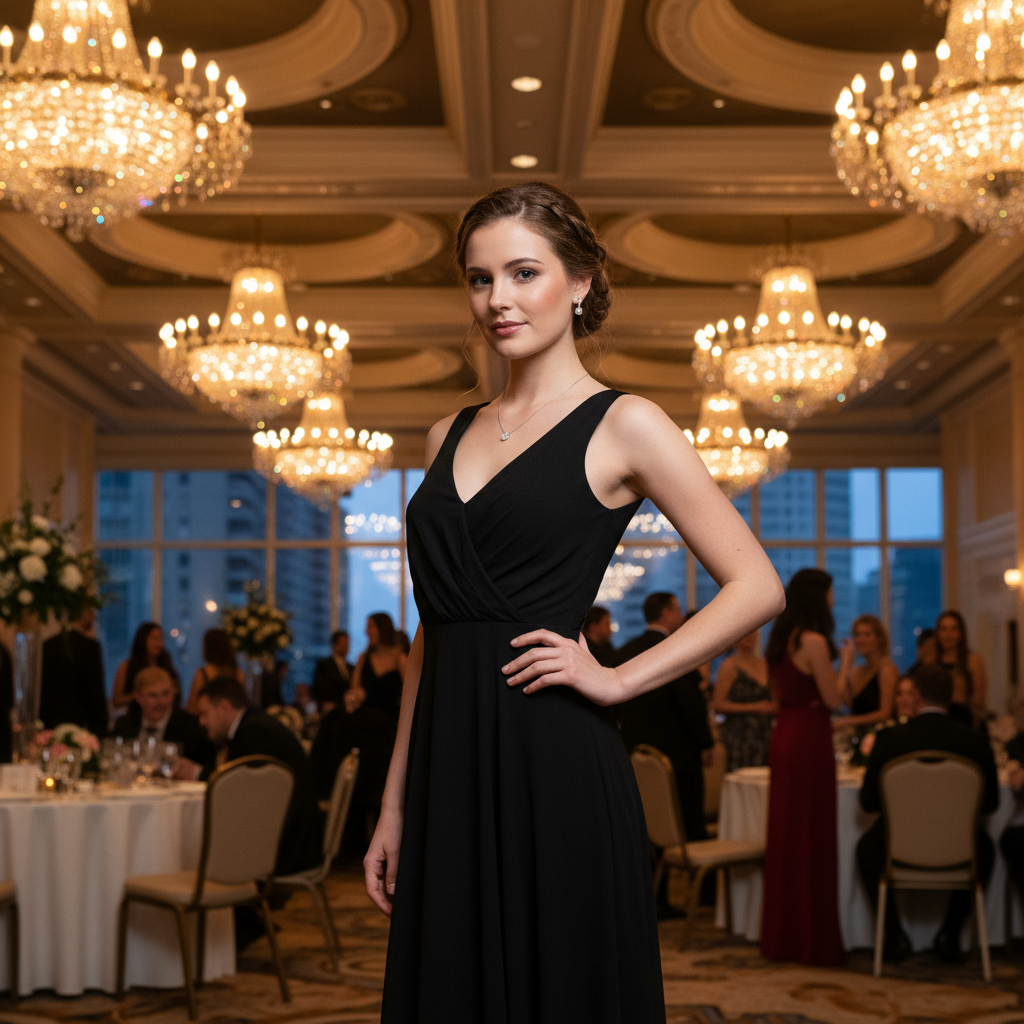
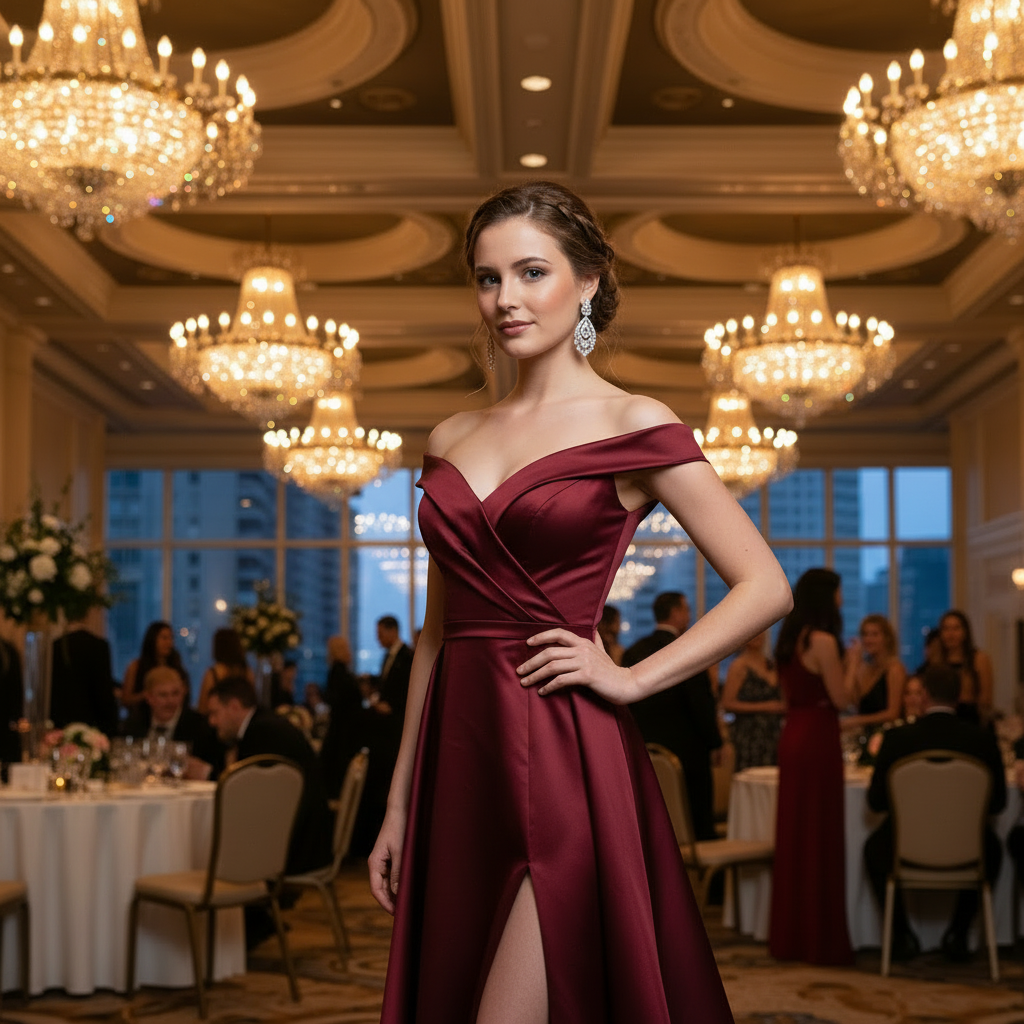
Compare playful and formal costume-inspired looks on the same photo
Try Themed Looks Before You Commit
Preview costumes, creative styling, party outfits, and content concepts on your own photo before buying or shooting.
Try a themed look before buying or renting
Preview costumes, vintage styling, or character-inspired outfits on your own photo first.
- Check whether a theme really suits your face and vibe
- Compare several concepts before spending on costume pieces
- Avoid one-off purchases that do not work in practice
Create content without a new shoot
Generate creative outfits for posts, thumbnails, campaigns, or seasonal content from one base image.
- Build multiple themed looks without wardrobe changes
- Useful for creators, streamers, and small brands
- Keep your identity while changing only the styling
Plan party or event looks
Use the page for Halloween, themed parties, school events, or performances.
- See if a look feels playful, dramatic, or too much
- Test several directions before the event
- Share previews before committing to the final costume
Explore style ideas safely
Try creative or unusual looks you would not normally wear in real life.
- Experiment without buying anything first
- Use previews to discover a style you may actually like
- Turn curiosity into a quick visual decision
Create Fun Dress-Up Looks
Upload a Clear Photo
Good lighting helps the AI render costumes and themes accurately.
Describe the Theme
Try vintage, fantasy, historical, or costume styles.
Have Fun Experimenting
Generate creative looks for entertainment, content, or inspiration.
Frequently Asked Questions
What is an AI dress up tool?
Can I try different styles on the same photo?
Will the tool keep my face and body shape?
How detailed should my prompt be?
Can I dress up only part of the outfit?
Is it free?
Still have questions?
Contact our support team →What this page is for
Quickly generate multiple styles on the same photo for inspiration or content variation.
Prompt examples
- "Black leather jacket, white tee, slim jeans"
- "Soft pastel dress, light fabric, spring"
- "Monochrome streetwear, oversized fit"
Best use cases
- Style exploration
- Social content variations
- Quick concept previews
Common issues and fixes
- Outfit changes too much: add items to keep
- Texture looks flat: specify fabric
Start Your Transformation
Try costumes, themes, and creative looks. Have fun experimenting with AI.
Related Resources
Explore more tools and guides in our complete guide