How Virtual Try On Works
Understand the AI behind virtual try-on, what affects realism, and how to improve your results with better photos and prompts.
Tested by OutfitSwap Studio testing team · Updated 2026-06-15
This guide is based on repeated prompt tests across portrait, upper-body, and full-body photos, with examples reviewed for edge quality, lighting consistency, and identity preservation.
Powered by our Virtual Try-On upload your photo and preview any outfit before you buy.
How Virtual Try-On Technology Works

Source photo
See how virtual try-on turns a casual photo into a work-ready outfit preview
AI Maps Your Body
The system detects body shape, pose, and existing clothing boundaries from your photo.
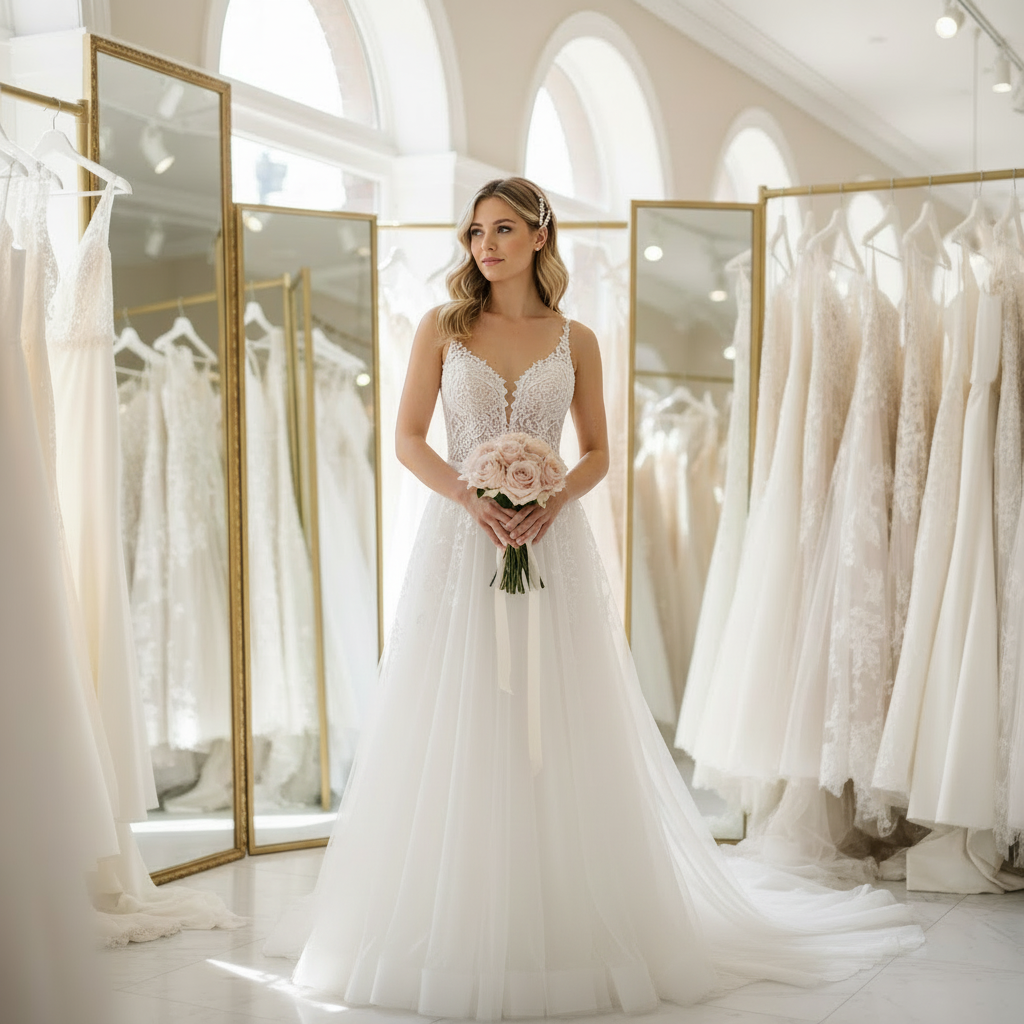
Prompt target
Preview a more formal dress before going to a fitting or boutique
Garment Rendering
AI generates new clothing that matches your proportions and the described style.
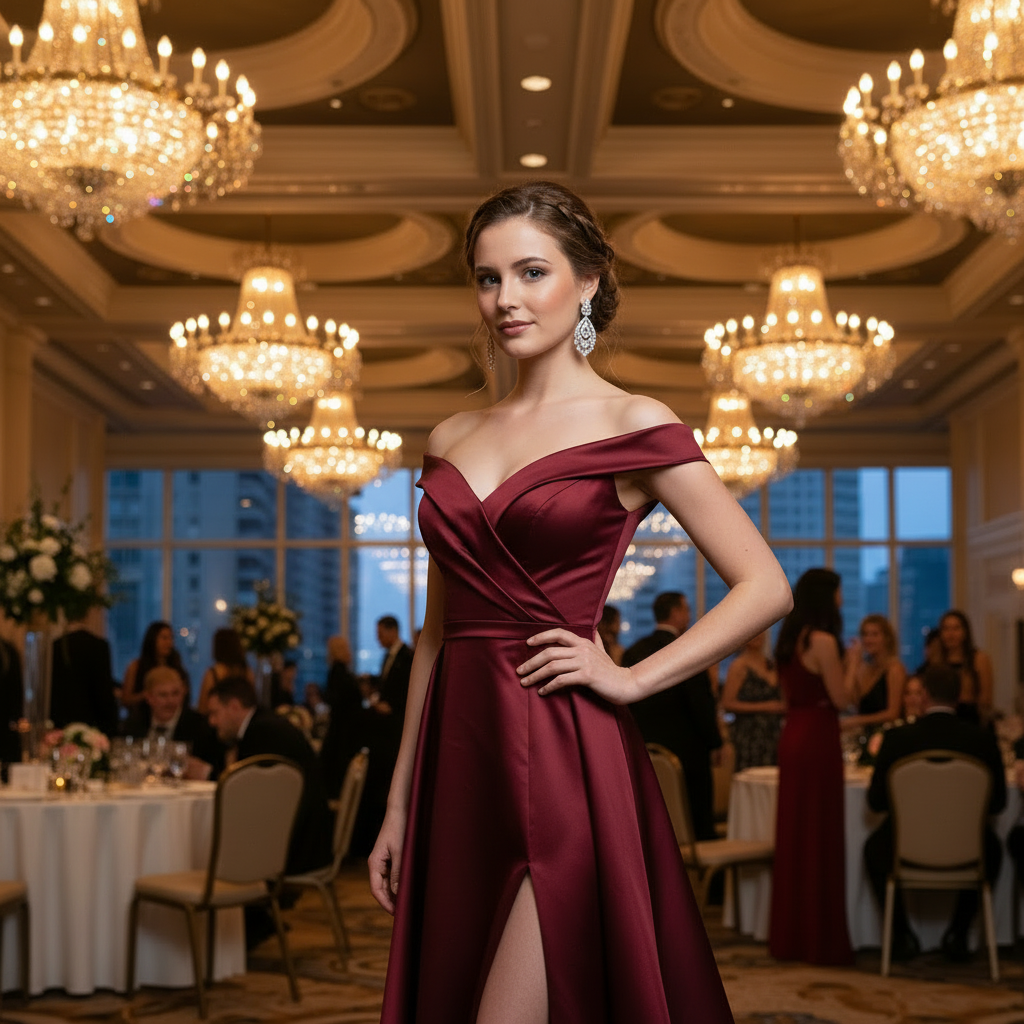
Result check
Compare simple and statement event looks on the same photo
Lighting and Color Match
The result blends with your photo's lighting for a realistic preview.
Optimal Photos for Virtual Try-On
Full body photos give the most accurate previews.
Do This
- Full body visible in frame
- Neutral standing pose
- Even light across clothing
- Plain contrasting background
- Shoes visible if testing bottoms
- Sharp, high-res photo
Avoid This
- Cropped at ankles or knees
- Extreme high/low camera angles
- Busy or patterned backgrounds
- Group photos
- Harsh shadows across body
- Wide angle lens distortion
Camera Tip
Keep the camera at chest height and step back 6-8 feet. This avoids distortion and captures your true proportions.
Troubleshooting Common Issues
Quick fixes for the most common problems
Outfit doesn't look realistic
Solutions:
- Use a higher quality source photo (at least 512px resolution)
- Ensure good lighting in your original photo
- Try a more detailed prompt with specific colors and materials
- Avoid complex poses - neutral standing poses work best
Body proportions look wrong
Solutions:
- Make sure your full body or 3/4 body is visible in the photo
- Stand in a neutral, upright pose
- Avoid extreme camera angles or distortion
- Use photos taken at eye level, 6-8 feet away
Colors don't match my description
Solutions:
- Be very specific about colors (e.g., "navy blue" not just "blue")
- Mention material types that affect color (e.g., "matte black" vs "glossy black")
- Try regenerating - AI has some randomness
- Check that your photo has good color accuracy
Background got changed or distorted
Solutions:
- Use photos with simple, uncluttered backgrounds
- Avoid busy patterns or complex scenes behind you
- Stand away from walls or objects
- Try using a plain background if possible
Generation takes too long or fails
Solutions:
- Check your internet connection
- Try a smaller image file (under 5MB)
- Refresh the page and try again
- Contact support if problem persists
Still experiencing issues?
Our support team is here to help you get the best results
Contact Support →What this guide explains
A simple explanation of how virtual try on works and what affects realism.
How the process works
- The model detects body and garment regions
- It generates a new outfit aligned to pose and lighting
- It blends edges to preserve realism
What improves realism
- Clear lighting and high resolution
- Simple backgrounds
- Short prompts with specific fabrics and colors
Fit vs visual preview
Virtual try on is a visual preview, not a sizing tool. Use it to compare style and color, then verify size separately.
Common issues
- Warped clothing: use a full body photo
- Background changes: add a keep line
Frequently Asked Questions
How does virtual try-on actually work?
Can I use a product photo from an online store as the outfit reference?
Will virtual try-on keep my body, face, and pose the same?
What is the difference between virtual try-on and outfit swap?
Can I use virtual try-on on my phone?
How realistic should I expect the result to look?
Still have questions?
Contact our support team →See the Technology in Action
Now that you understand how it works, try virtual try-on yourself.
Related Resources
Virtual Try On
Ai Clothes Changer
How To Use Ai Clothes Changer
Ai Clothes Changer Prompts
Free Ai Clothes Changer
Explore more tools and guides in our complete guide