1
Upload your photo
Choose a clear photo where the clothing area is easy to see.
Virtual try-on
Upload your photo and a clothing reference image to preview the look on yourself before buying.
Try on a clothing reference


Upload your photo and a clothing reference image to preview the look before you buy.
Before you decide
If you are choosing between clothes online, the hardest part is not finding options. It is guessing how one of them will look on you.
Use a virtual try-on when you want a quick visual answer before buying: compare the color, check the overall silhouette, and see whether the style feels like something you would actually wear.


Reference workflow
Start with your photo and a clothing reference image. Then preview that clothing direction on yourself before you decide what to order.
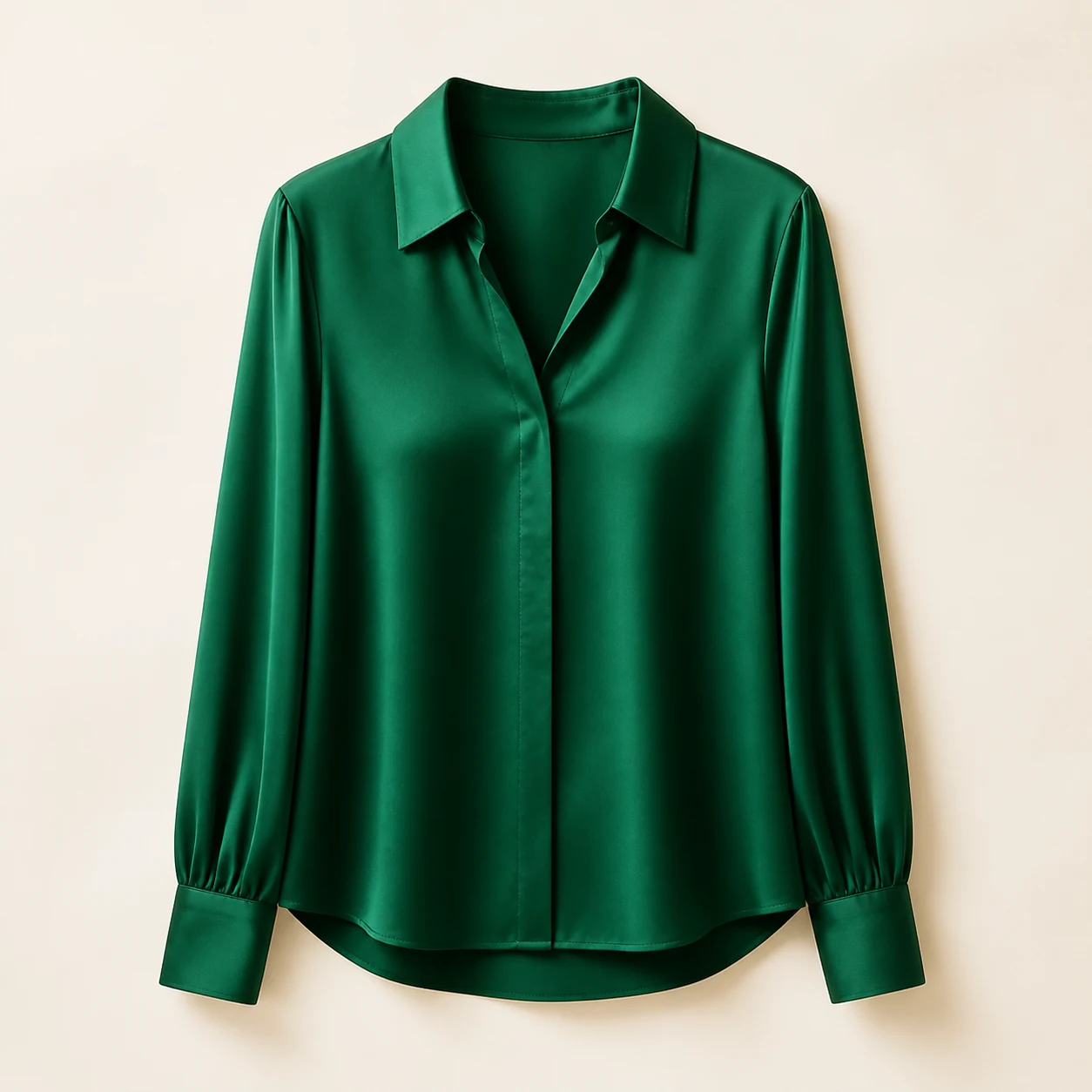
The item you are considering.

The photo you upload.

A preview of that look on you.
How it works
Choose a clear photo where the clothing area is easy to see.
Use the reference workflow when you already have a look in mind.
Compare style, color, and silhouette before you move closer to checkout.
Go back to the reference workflow and preview the clothing direction on your own photo.
Decision guide
Virtual try-on is best for visual decisions. It helps you narrow choices before buying, but it should not replace product measurements.
More comparisons
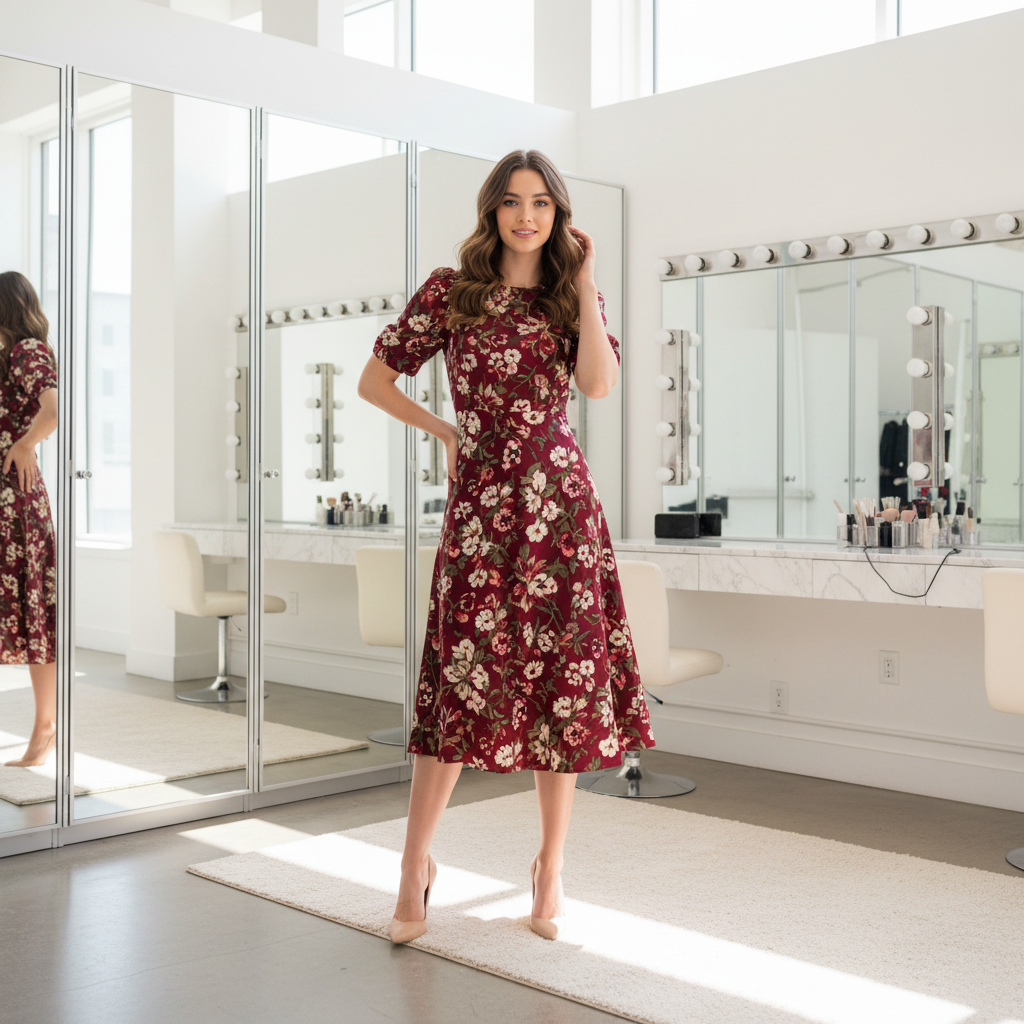
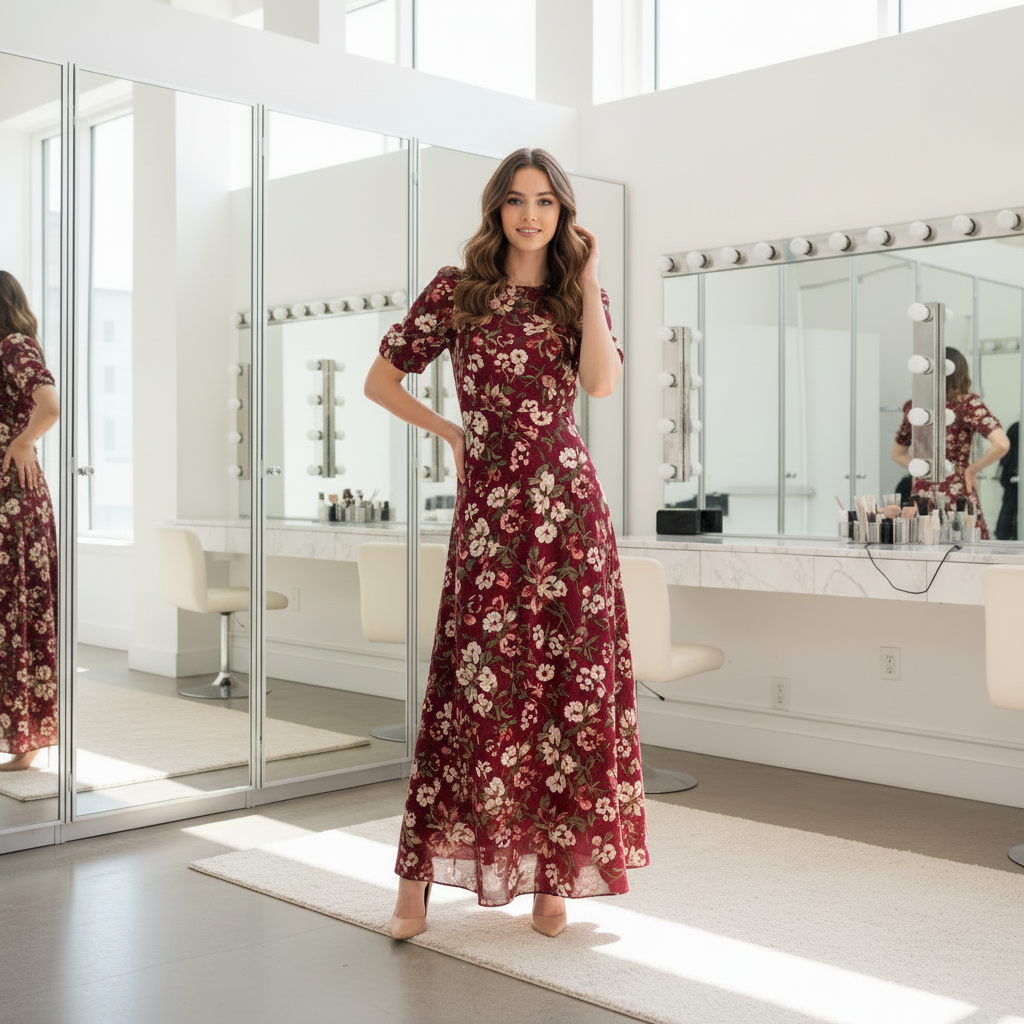
See whether a shorter or longer silhouette feels more like you before you shortlist a dress.
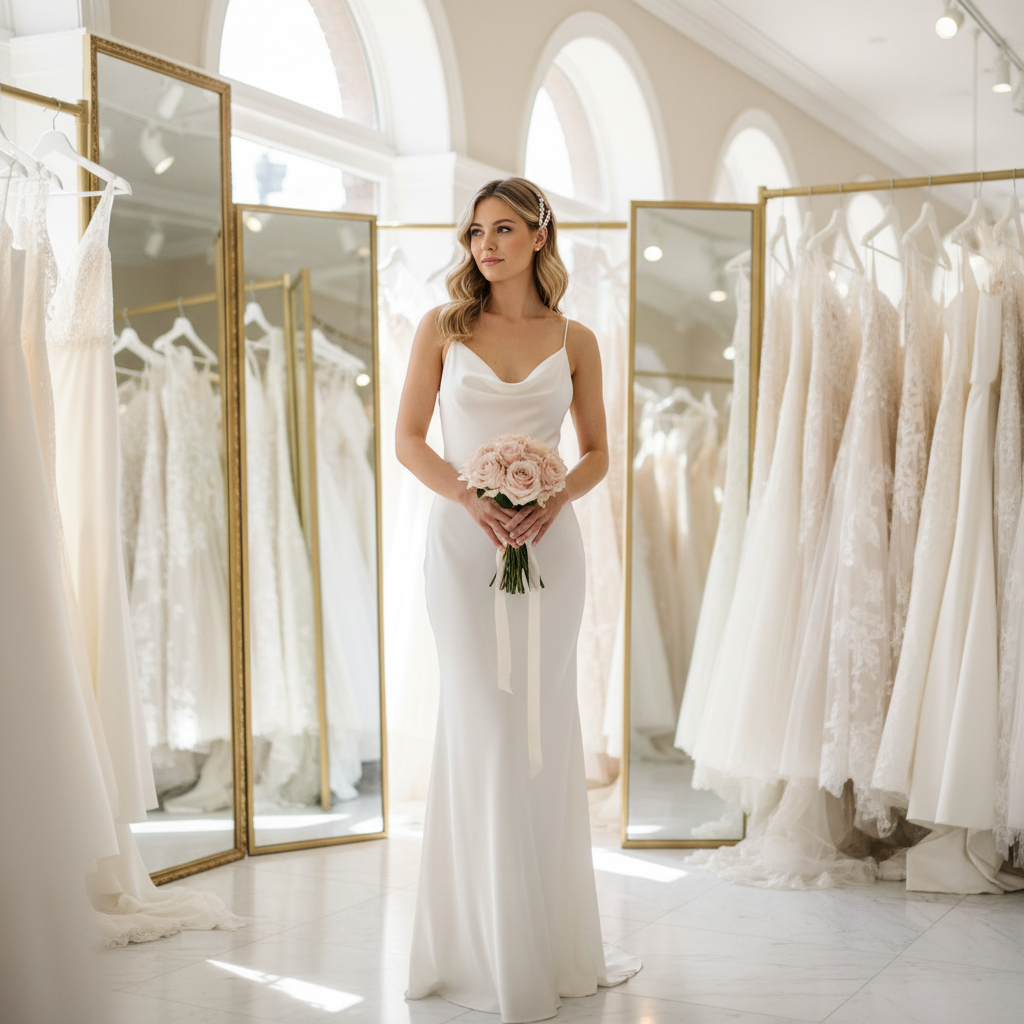
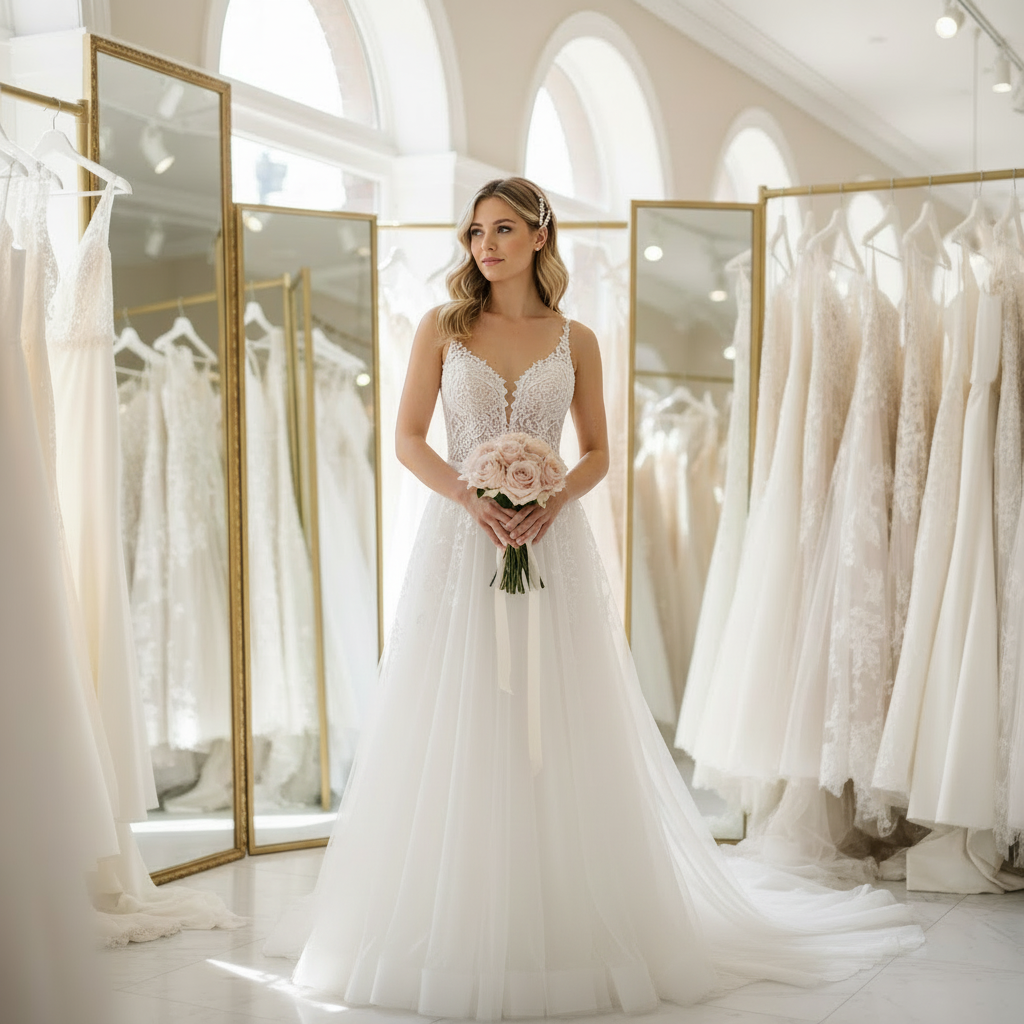
Try a more formal dress direction on the same person before you commit to the style.


Use the same workflow to compare a cleaner professional look, not only dresses.
FAQ
Upload your own photo, then add a clothing reference image in the reference workflow. Use the result to preview how that look reads on your photo before you decide whether to buy.
Yes. New users receive 10 starter credits after sign-up, enough for 2 successful standard results.
No. Virtual try-on helps preview style, not exact garment sizing. Use it to compare color, silhouette, and overall look, then use the store's size chart and measurements for exact fit decisions.
No. The tool runs in the browser, so you do not need to download an app before trying it.
Photos are auto-deleted after 7 days on the free plan. Users can also delete uploaded content from the account dashboard. Uploaded content is not used to train public AI models without explicit consent.
No. The reference workflow helps you preview a clothing direction on your own photo; it is not an exact product replica or a 1:1 sizing tool.
Upload your photo, add a clothing reference image, and use the preview to make a better visual decision before you buy.